Geneplore AI is the top pick among the best AI Discord bots if you want one bot for everyday questions, image generation, and video creation in a dedicated server channel. Choose a more specialized option when your priority is art, support tickets, automated setup, or running your own model connection.
| Pick | Best for | Free option | Paid from |
|---|---|---|---|
| Geneplore AI | General AI chat and image channels | Free to add; paid plans unlock premium models | $3.99/month |
| Midjourney | Art and design communities | Paid subscription required | See its plans page |
| MEE6 AI | Existing MEE6 servers | Try it free on Discord | $1.74/month on the listed yearly promotion |
| PeakBot | Building a server from a description | Free plan, but no AI Builder or AI moderation | $4.00/month billed yearly |
| Mava | Customer support teams | 30 support requests/month, one seat | $33/month per workspace billed yearly |
| chatGPT-discord-bot | Self-hosting and model choice | Open-source software; AI API usage costs apply | Varies by AI provider |
1. Geneplore AI: best all-round AI chat and image bot
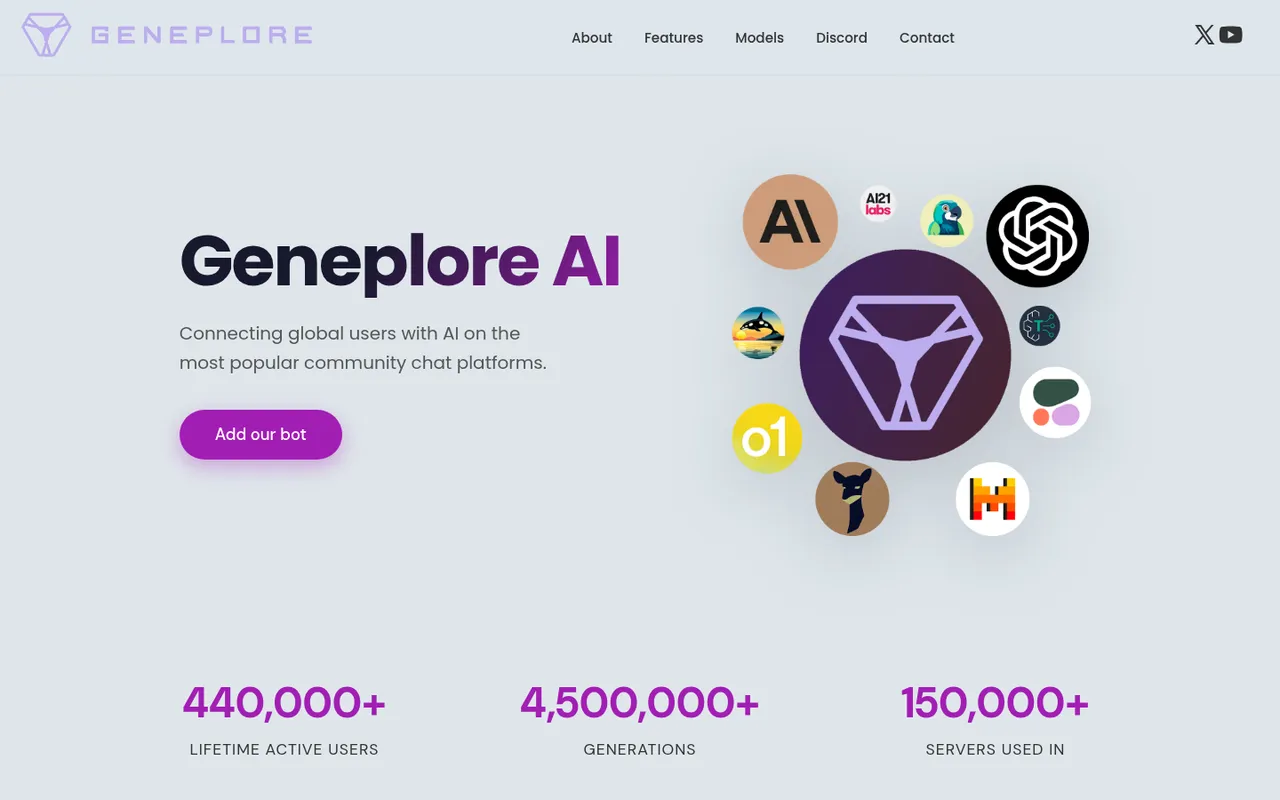
Geneplore AI offers Discord chat, image, and video tools
Geneplore AI puts AI chat, image generation, and video creation in Discord. Its site lists GPT-5, Claude 3.5, and FLUX.1 Pro among its chat models, plus SDXL and FLUX.1 for images. That makes it the broadest fit here for a public #ask-ai channel, a small creative channel, or a server where members want several kinds of AI help without managing a self-hosted bot.
As of October 3, 2026, Geneplore’s homepage says it has 440,000+ lifetime active users, 4,500,000+ generations, and use in 150,000+ servers. Those are the company’s own published counts, not a measure of response or image quality.
For premium models, its listed plans are Basic at $3.99/month with 25,000 credits and private conversations in DMs; Pro at $8.99/month with 100,000 credits; and Ultra at $19.99/month with 200,000 credits and beta access.
What it does badly: Credit-based plans can be harder to predict than a simple unlimited allowance, and the listed premium-model plans mean you should check which model and feature your channel actually needs before subscribing. It is also less suited to teams that need a shared support inbox or admins who want complete control over model hosting.
Choose Geneplore AI if: You want a general-purpose AI presence for questions and creative prompts, rather than a bot built around one operational task.
2. Midjourney: best for AI art communities
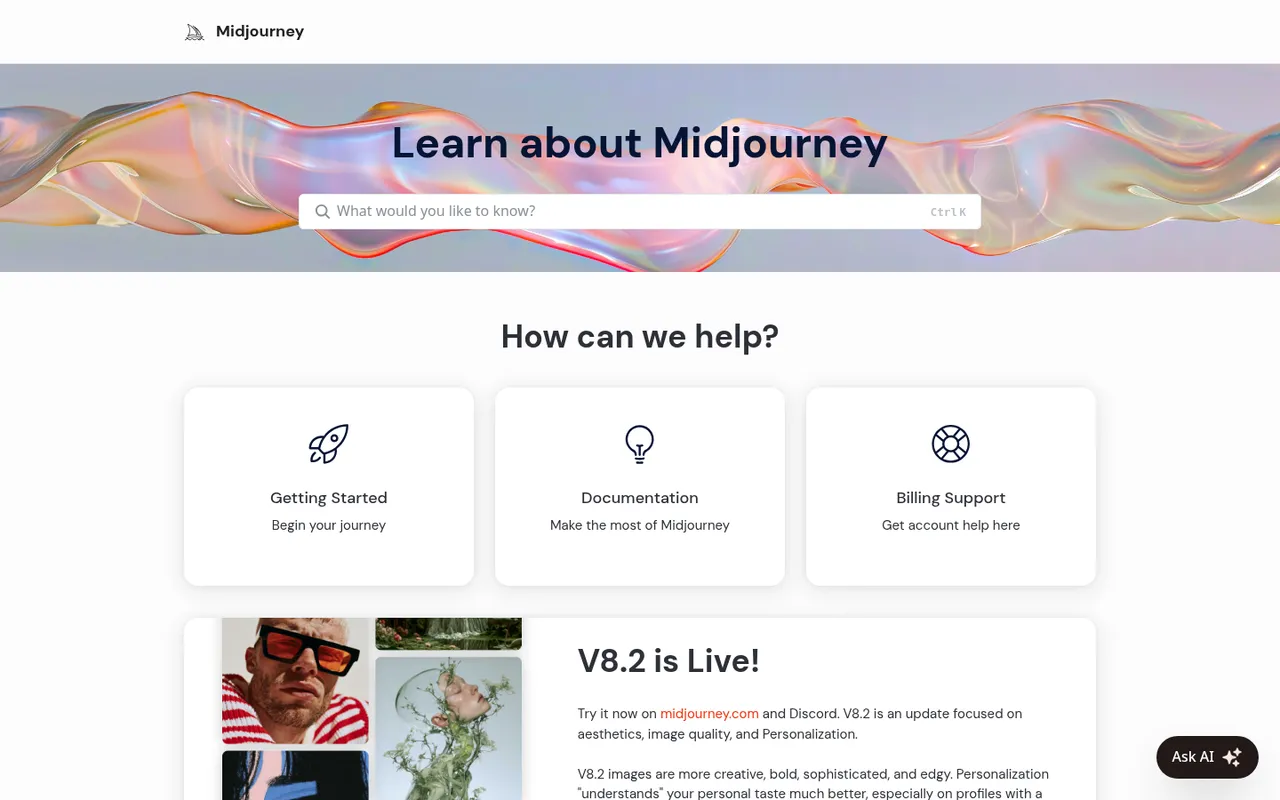
Midjourney documentation for image and video creation on Discord
Midjourney is the focused choice for servers centered on AI art, design prompts, and visual experimentation. Its documentation says the V8.2 model is live on midjourney.com and Discord, and it links members to the official Midjourney Discord server. The service supports AI image and video generation.
Midjourney is a paid service that you subscribe to through its own site. Its docs home does not list prices, so check its current plans rather than trusting older guides or third-party listings.
What it does badly: It is not an all-purpose server assistant. If your members mainly need text answers, a knowledge-trained support agent, moderation, or a bot that creates channels and roles, one of the other picks is a closer match. You also need to plan for image-content rules appropriate for your server’s age rating.
Choose Midjourney if: Your community’s main activity is making and discussing AI images or video, and a paid creative service is acceptable.
3. MEE6 AI: best if you already use MEE6
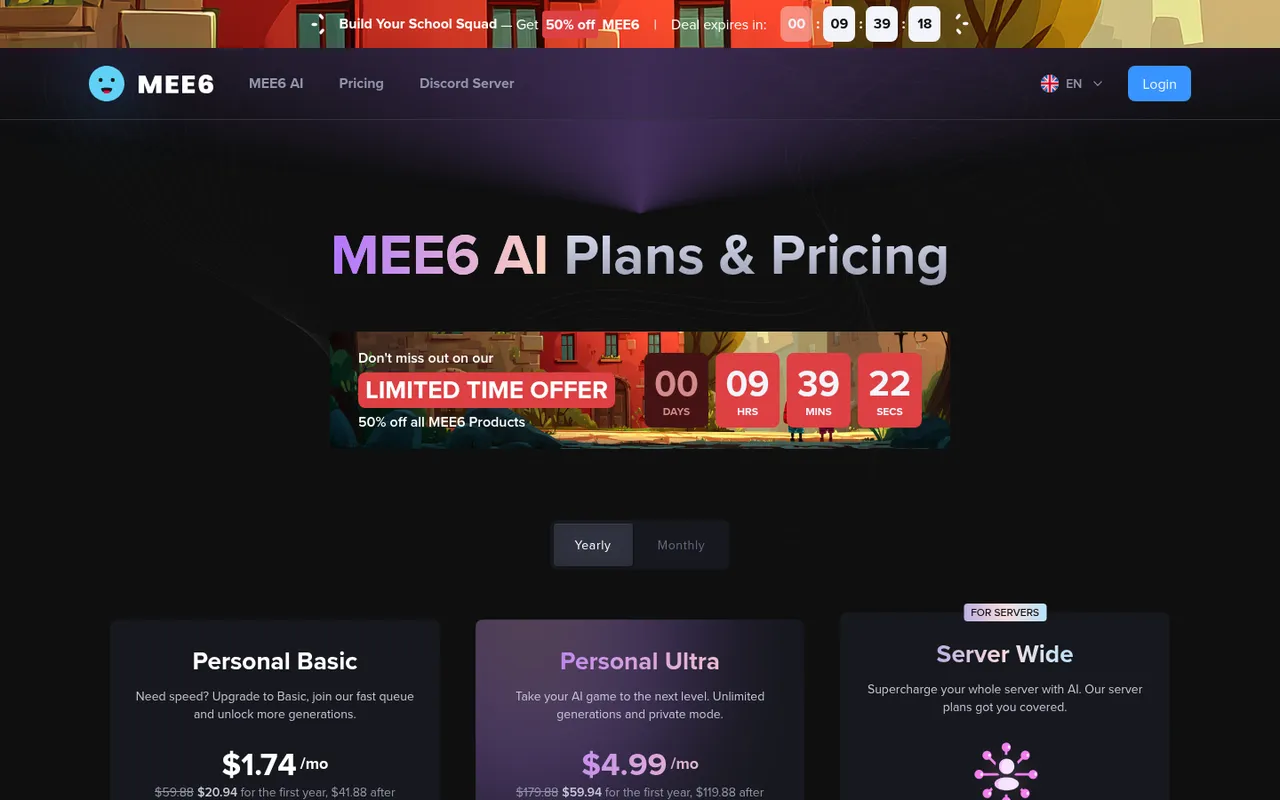
MEE6 AI pricing plans for text, images, and custom AI bots
MEE6 AI adds a ChatGPT- and DALL-E-based assistant to a Discord server for text and images. MEE6 says you can try it for free on Discord. This is the practical option if your server already relies on MEE6 and you would rather add AI through the same bot ecosystem than introduce another bot.
On October 3, 2026, its AI pricing page listed a yearly-billing promotion at 50% off. Personal Basic was $1.74/month, or $20.94 for the first year and then $41.88, with 100 fast AI text generations, 200 fast AI image generations, and 200 messages to AI-custom bots each month. Personal Ultra was $4.99/month, or $59.94 for the first year and then $119.88, with unlimited fast generations. MEE6 also listed server plans from $3.49 a month.
What it does badly: The promotional first-year figures are not the same as the renewal price, so budget using the post-promotion total. Personal Basic also has monthly fast-generation and AI-custom-bot message allowances, which may not suit a busy community channel.
Choose MEE6 AI if: You already administer MEE6 and want text, images, and custom AI-bot messages without changing your existing bot setup.
4. PeakBot: best AI server builder
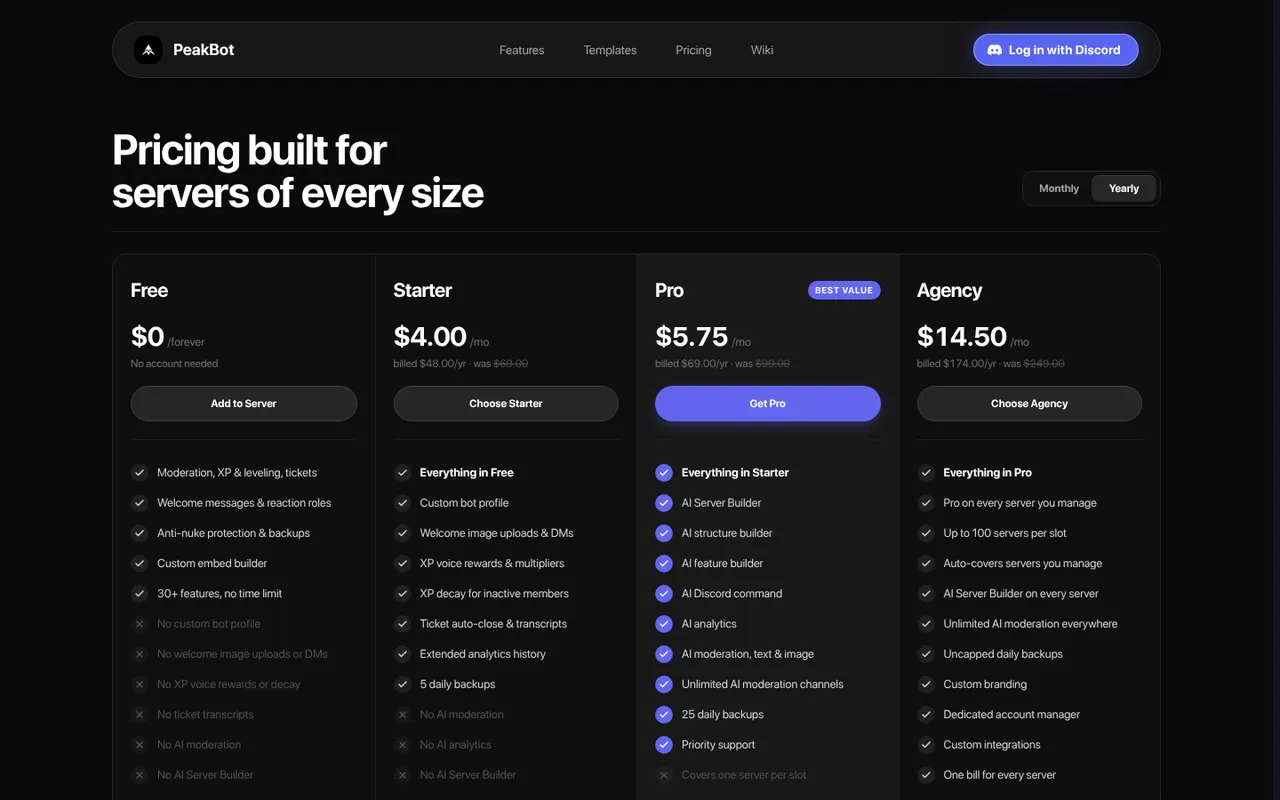
PeakBot plans include a free bot plan and paid AI Server Builder access
PeakBot is an all-in-one Discord bot with an AI Server Builder as its headline feature. You describe your community in plain English, and the bot creates channels, roles, permissions, and automation. Its site says it is trusted by 10,000+ communities.
The free-forever tier includes 30+ features, including moderation, XP and leveling, tickets, welcome messages, reaction roles, anti-nuke tools, and backups. It does not include AI moderation or the AI Server Builder. Starter is listed at $4.00/month billed as $48/year. Pro is $5.75/month billed as $69/year and adds the AI Server Builder, AI analytics, and AI moderation of text and images, for one server per slot. Agency is $14.50/month billed as $174/year for up to 100 servers.
What it does badly: Its key AI setup capability is not on the free plan. More importantly, a bot that can manage channels, roles, and moderation needs more powerful permissions than a chat bot. You should not grant those permissions simply because you might use them later. PeakBot also publishes many “best bot” articles that put its own product first, so treat those rankings as vendor content rather than independent comparisons.
Choose PeakBot if: You are launching or reorganizing a server and want AI assistance with the structure itself, not just answers in a channel.
5. Mava: best AI for customer support
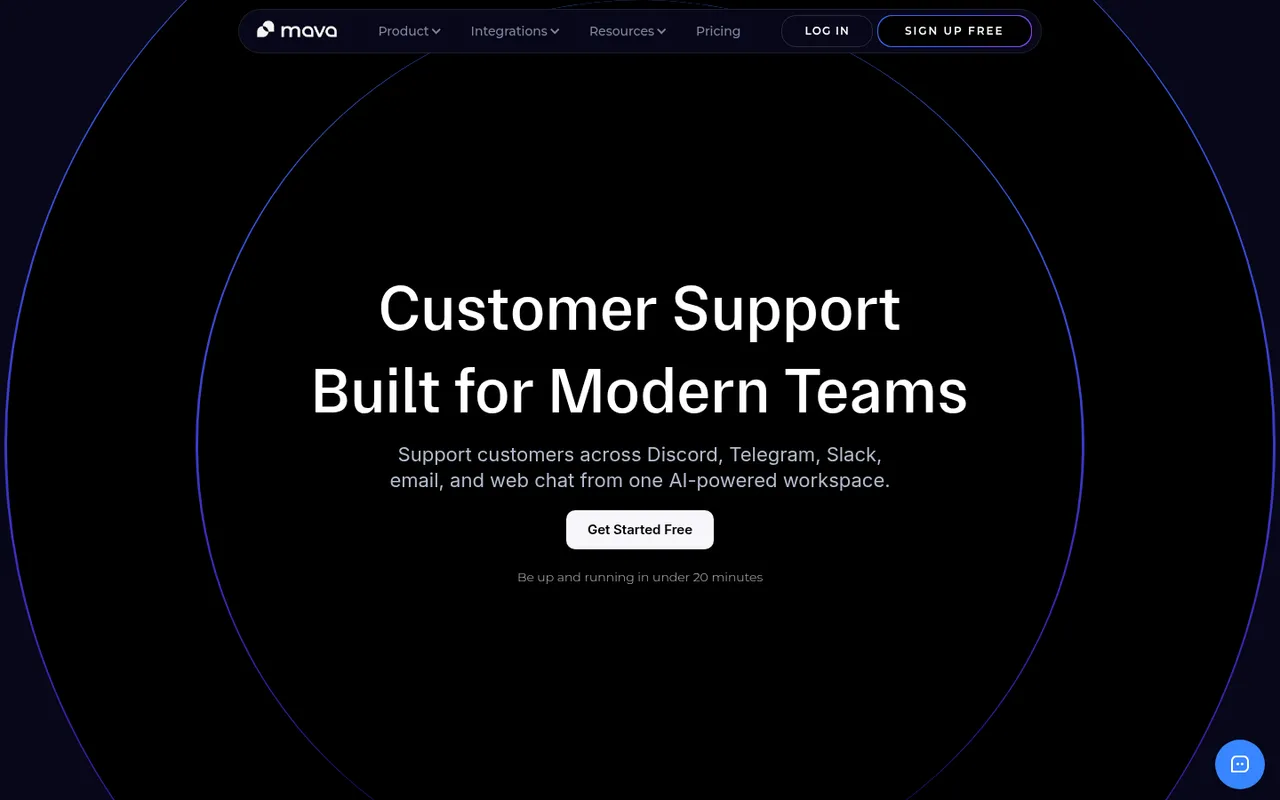
Mava provides AI-powered support across Discord and other channels
Mava is built for teams supporting customers on Discord rather than for casual server conversation. It can also handle Telegram, Slack, email, and web chat. You train its AI on your documentation, work from a shared inbox, and hand conversations to a human when the AI should not answer.
Mava’s free plan includes 30 support requests a month and one seat. Its Founder plan is $33/month per workspace billed yearly, and Mava says AI is included on all plans.
What it does badly: The free allowance is modest for an active support community, and Mava is not the right fit for an art channel or a broad social-server chatbot. Documentation-based answers are only as useful as the docs you supply, so you still need an owner for keeping support material current.
Choose Mava if: Discord is one of your customer-support channels and your team needs a shared queue plus a human handoff path.
6. chatGPT-discord-bot: best self-hosted, bring-your-own-model bot
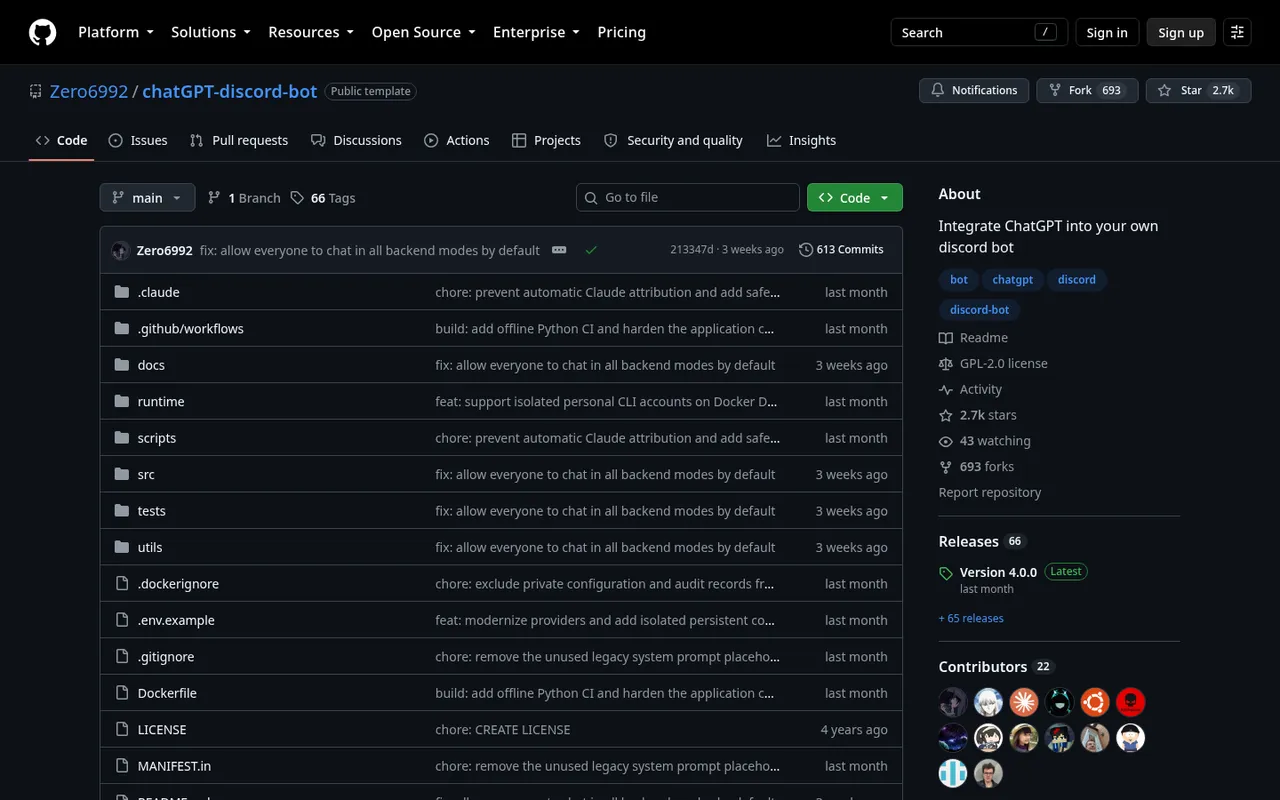
The Zero6992 chatGPT-discord-bot repository and setup documentation
chatGPT-discord-bot by Zero6992 is an open-source, self-hosted project for admins who want control over the model connection. One bot can connect to OpenAI, Claude, Gemini, Grok, DeepSeek, or local models. It supports persistent conversations and lets users switch models and personas. The repository had about 2.7k GitHub stars on October 3, 2026.
The software itself is open source, but you pay the chosen AI provider for API usage unless you run a local model server. Setup requires Python 3.12–3.14, a Discord bot token, and an official API key or local model server. Linux, WSL, and macOS are supported; Windows users use WSL.
The project’s README says the bot needs View Channels, Send Messages, Embed Links, and Attach Files in channels where you use it.
What it does badly: This is not a click-to-install choice. You are responsible for hosting, updates, secrets, API bills, and troubleshooting. It is a poor fit if nobody on your team is comfortable operating a Python application and protecting credentials.
Choose chatGPT-discord-bot if: You want model choice, persistent conversations, or a local-model option and can run your own bot safely.
AI Discord bots compared
| Bot | Main Discord use | Free option or limit | Key trade-off |
|---|---|---|---|
| Geneplore AI | Chat, images, and video | Free to add; premium models need a plan | Premium features use credit-based plans |
| Midjourney | Images and video | Paid subscription required | Not a general server assistant |
| MEE6 AI | Text, images, and AI-custom bots | Try it free on Discord | Listed promotion renews at a higher annual total |
| PeakBot | AI server setup and AI moderation | Free plan excludes AI Builder and AI moderation | Requires powerful permissions for its main AI features |
| Mava | Documentation-trained customer support | 30 requests/month, one seat | Made for support operations, not casual chat |
| chatGPT-discord-bot | Self-hosted multi-model chat | Open-source software | You run hosting and pay API usage |
AI bots that are gone or changed
Do not build a bot plan around outdated recommendations. Discord’s own AI chatbot, Clyde, shut down in December 2023. Shapes, previously known for AI characters on Discord, now markets a phone app for group planning. Character.ai does not offer an official Discord bot.
If you see an invite claiming to be one of these official bots, pause before authorizing it. Look for the current official product site and read the permissions request rather than trusting an old tutorial or an unofficial impersonation.
How we chose these AI bots
Discorder.tools visited each product’s official website, documentation, or repository on October 3, 2026 and recorded the features, prices, limits, and requirements each publisher states. We did not compare answer quality, image quality, speed, reliability, or uptime.
The list includes distinct jobs: general chat, creative images, an existing MEE6 setup, server construction, customer support, and self-hosted model access. Discorder.tools makes none of these bots, was not paid for inclusion or ranking, and is not affiliated with Discord Inc. or any listed product.
How to use AI bots responsibly
AI bots work best when they have a narrow, visible role instead of unrestricted access to every conversation.
- Put an AI chat or image bot in one or two dedicated channels rather than across your whole server.
- Tell members that messages in those channels are sent to an AI provider.
- Keep a human in the loop for moderation decisions. Do not allow an AI to auto-ban members without human review.
- Check that an image tool’s content filters fit your server’s age rating before inviting members to use it.
- Keep API keys out of public repositories, screenshots, Discord messages, and copied configuration files.
- Start with a small staff or test channel before making a bot available to the full community.
Permissions to check before you invite
A normal AI chat bot usually needs View Channel, Send Messages, Read Message History, Embed Links, and Attach Files in the channels where you want it to work. Limit those permissions to the dedicated AI channels whenever possible.
An AI server builder or AI moderator may ask for far broader access, such as Manage Channels, Manage Roles, and moderation permissions. Grant those only when you will use the associated feature, and remove them if you stop using it. Before approving any invite, use the Discord Permissions Calculator to read what the requested permissions allow.
For a self-hosted choice, plan the hosting and update process before inviting the bot. The Discord bot hosting guide can help you compare hosting approaches. Never paste a bot token or AI-provider API key into a public channel.
Frequently asked questions
Can I add ChatGPT to Discord?
Yes. MEE6 AI says its assistant uses ChatGPT and DALL-E in your server. You can also self-host chatGPT-discord-bot and connect it to OpenAI alongside other supported providers and local models. Pick the former for a managed setup or the latter when you want operational and model control.
What is the best free AI Discord bot?
It depends on what “free” needs to cover. PeakBot has a free-forever plan with many non-AI server features, but its AI Server Builder and AI moderation are excluded. Mava’s free tier includes 30 monthly support requests and one seat. MEE6 says you can try its AI for free on Discord. chatGPT-discord-bot is open source, although AI-provider API usage can cost money. Geneplore is free to add, but its paid plans are what unlock premium models.
Does Discord have a built-in AI bot?
No. Discord does not currently offer a built-in AI chatbot; its Clyde chatbot was shut down in December 2023. Use a current third-party bot or self-hosted project only after checking its permissions and privacy implications.
Can an AI bot moderate my server?
Some can. PeakBot’s Pro plan includes AI moderation of text and images. But AI moderation should flag or assist with decisions, not auto-ban members without human review. Give moderation permissions only to a bot you have configured, tested in a limited setting, and assigned a clear staff escalation process.
Is it safe to use an AI Discord bot?
It can be safer when you minimize access and are clear with members about where their messages go. Use dedicated channels, give only necessary permissions, protect tokens and API keys, and choose image filters suitable for your community. For self-hosted bots, your team also takes responsibility for server security, updates, and API-key handling.

With a background in AI and a passion for clear technical communication, I enjoy breaking down complex tools and processes. Exploring new software and sharing insights is a key focus.
Run a gaming, tech, or AI site? Write for us or swap links →
Further Reading
8 Best Discord Moderation Bots in 2026 (Free and Paid)
Compare the best Discord moderation bots in 2026. Discord AutoMod leads this independent list of 8 picks, with free limits, paid plans, and trade-offs.