Voicemod is the best voice changer for Discord for most people who want a broad set of voices, a soundboard, and tools to make their own effects on PC or Mac. If you only need a simple Windows-wide effect, Clownfish is the more focused choice; if you also edit recordings, consider Voxal or AV Voice Changer Software Diamond.
| Pick | Best for | Price | Platforms |
|---|---|---|---|
| Voicemod | Most Discord users who want voices and a soundboard | Free download; its homepage does not list paid prices | PC, Mac, mobile |
| Voice.ai | AI voice styles for streaming and gaming | Free download | Desktop download; OS support not listed on its homepage |
| Clownfish Voice Changer | Lightweight system-wide Windows effects | No price listed | Windows Vista–11 |
| Voxal | Non-commercial home use on Windows or Mac | Free for non-commercial home use; commercial use needs a paid license | Windows 7–11, macOS 10.5+ |
| MorphVOX Pro | A paid tool with a trial first | $19.99 sale price on October 3, 2026; regular $39.99 | Windows; Mac version available |
| AV Voice Changer Software Diamond | Changing live voice and editing recordings | Full license $29.95; a $39.95 option is also listed; free trial | Windows |
1. Voicemod: best overall voice changer for Discord
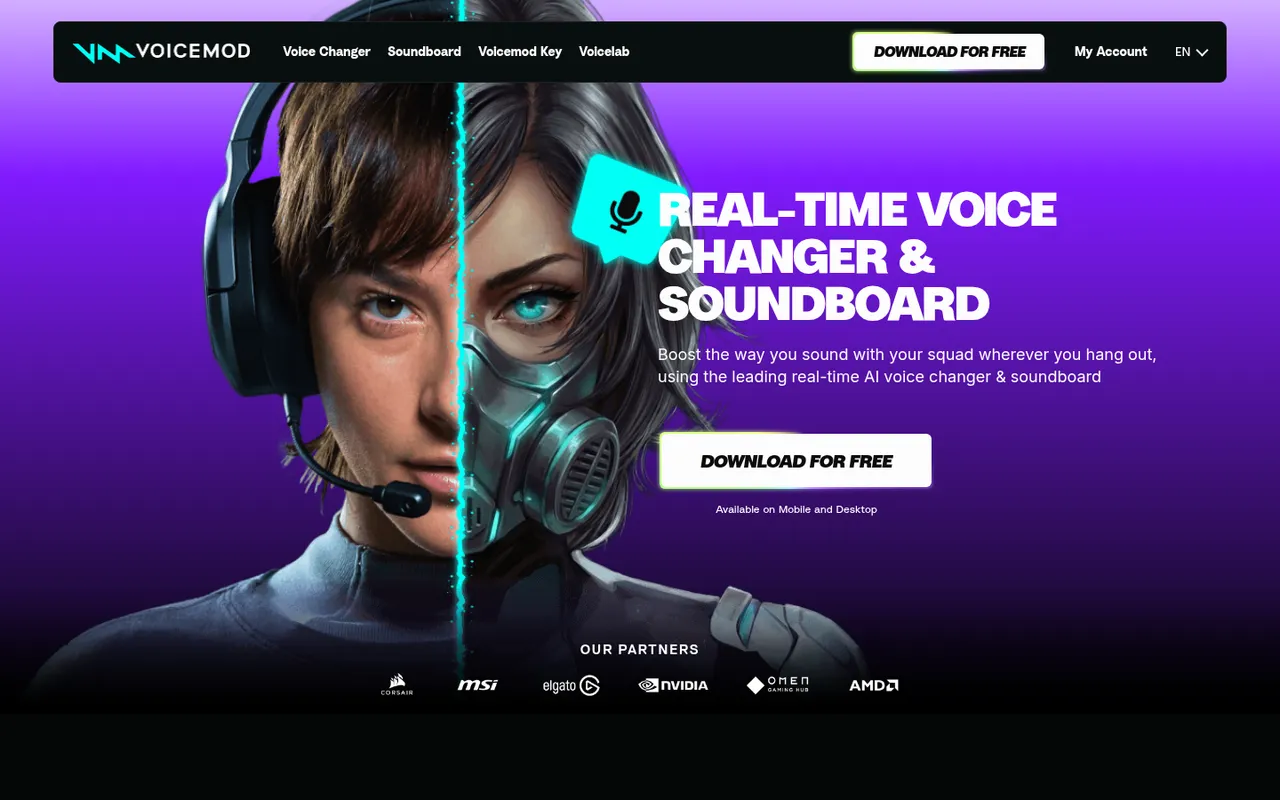
Voicemod's real-time voice changer and soundboard homepage
Voicemod is a real-time voice changer and soundboard built for PC and Mac, with mobile availability as well. It works in Discord and in-game voice chats, making it the broadest starting point here if you move between a server and games.
Its site lists more than 200 voices, community voices and sounds, and a soundboard. Voicelab lets you build a voice from effects such as reverb, delay, and Robotifier. Instant Replay can turn the last 30 seconds of audio into a sound clip. Those features give you both ready-made effects and room to experiment without needing a separate soundboard app.
Voicemod promotes a free download, but its homepage does not list paid prices. That means you should check the app and its official site for current plan details before assuming a particular voice or feature is included.
The trade-off is that a larger voice and sound library can be more than you need for a server where you only want basic pitch changes. Pick Voicemod if you want the most complete Discord-focused feature set from this list, especially if a soundboard matters as much as voice effects.
2. Voice.ai: best free AI voices
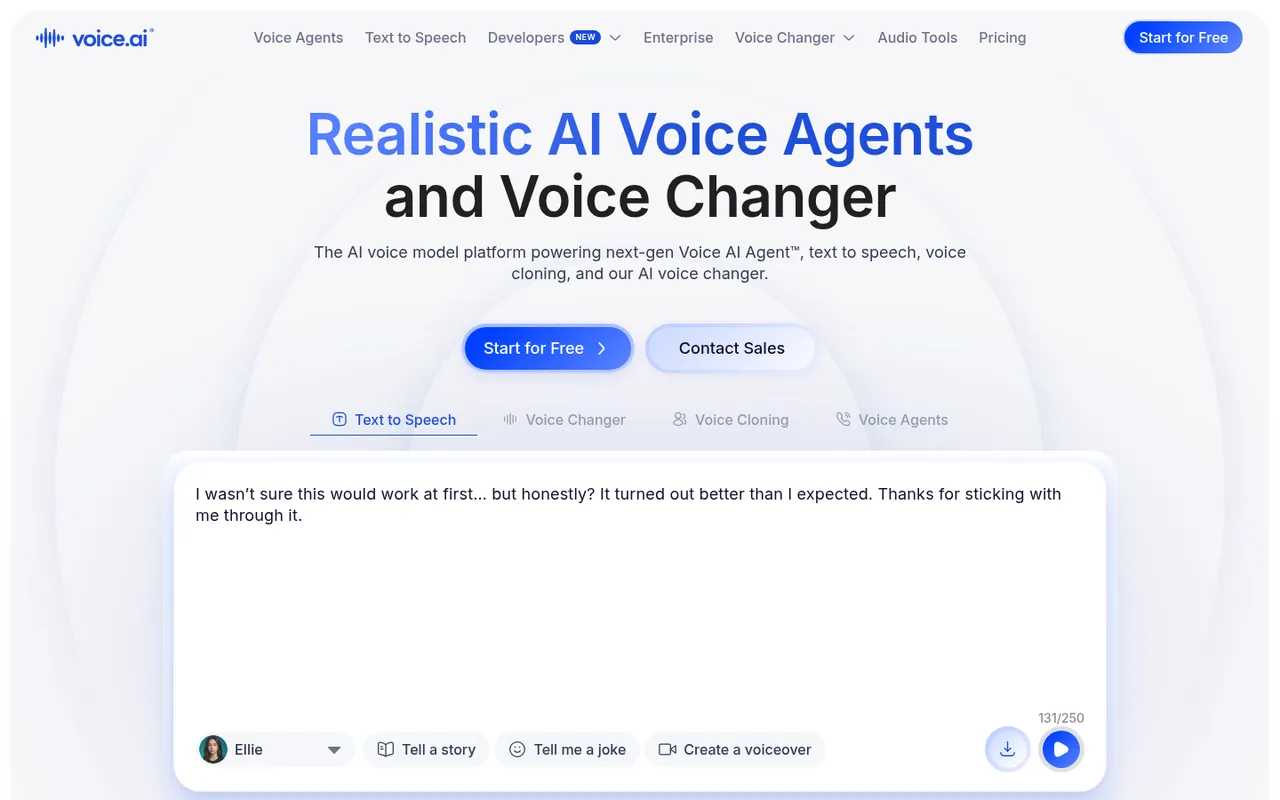
Voice.ai's AI voice changer homepage
Voice.ai offers a free AI voice changer download aimed at streaming and gaming. Its voice changer is positioned for switching genders, styles, or tones, which may suit you if conventional robot and helium-style effects are not what you are after.
The company also sells AI voice agents, voice cloning, and text-to-speech in more than 15 languages. Its pricing page covers those products; the voice changer itself is a free download.
There is a free download, but the site does not list a price for the voice changer or platform support details. It also does not state a soundboard feature. Choose Voice.ai when your priority is AI-style voice transformation for gaming or streaming and you are comfortable checking its current download requirements yourself. If you specifically need a listed soundboard or clear Windows/Mac support information, Voicemod or another pick with stated platform details is easier to evaluate.
3. Clownfish: best lightweight option for Windows
Clownfish Voice Changer homepage
Clownfish Voice Changer is a system-wide Windows voice changer. It supports Windows Vista through Windows 11 and installs at the system level, so it affects any app using your microphone, including Discord, Steam, TeamSpeak, and Mumble. You control it from the Windows tray icon.
Its stated effects include Alien, Atari, Clone, Mutation, Fast and Slow Mutation, male and female pitch, Helium, Baby, Radio, Robot, and Custom pitch. It also supports VST plugins and includes a built-in music player and sound player.
Clownfish offers a direct Windows download, but its site lists no price. It is Windows-only, so it is not the choice for Mac users. System-wide processing can also be a drawback if you want different voice behavior in different apps; the point is that it changes the microphone input across apps rather than only inside Discord.
Choose Clownfish if you use Windows and want a tray-based, system-level changer with recognizable voice effects and VST support. Skip it if you need Mac support or a listed price before downloading.
4. Voxal: best free option for Windows and Mac
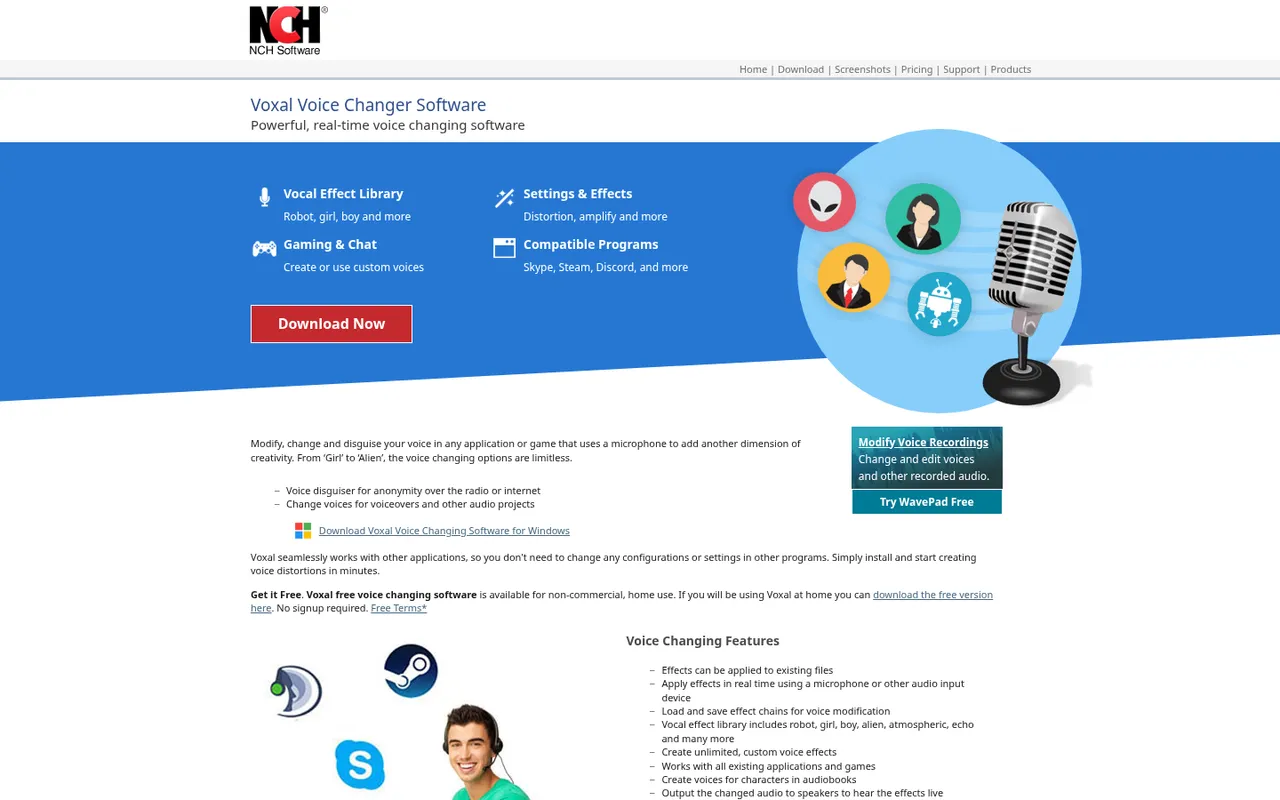
Voxal Voice Changer by NCH Software
Voxal by NCH Software is a real-time voice changer for any app that uses a microphone. It works on Windows 7 through Windows 11 and macOS 10.5 or later, so it is one of the clearest cross-platform choices in this group.
The site lists more than 40 presets, including robot, girl, boy, alien, and echo effects. You can build custom effect chains, and Voxal can change recorded audio files as well as your live microphone. That recording support is useful when you need the same tool for a Discord call and a saved clip.
Voxal is free for non-commercial home use with no signup. Commercial use requires a paid license; its homepage does not show that price. Its listed features do not include a soundboard, so do not pick it primarily for sound clips and hotkeys.
Pick Voxal if you need a free option for personal use and want both Windows and Mac support stated up front. It is less direct than Voicemod for people whose main requirement is a dedicated Discord soundboard.
5. MorphVOX Pro: best one-time purchase
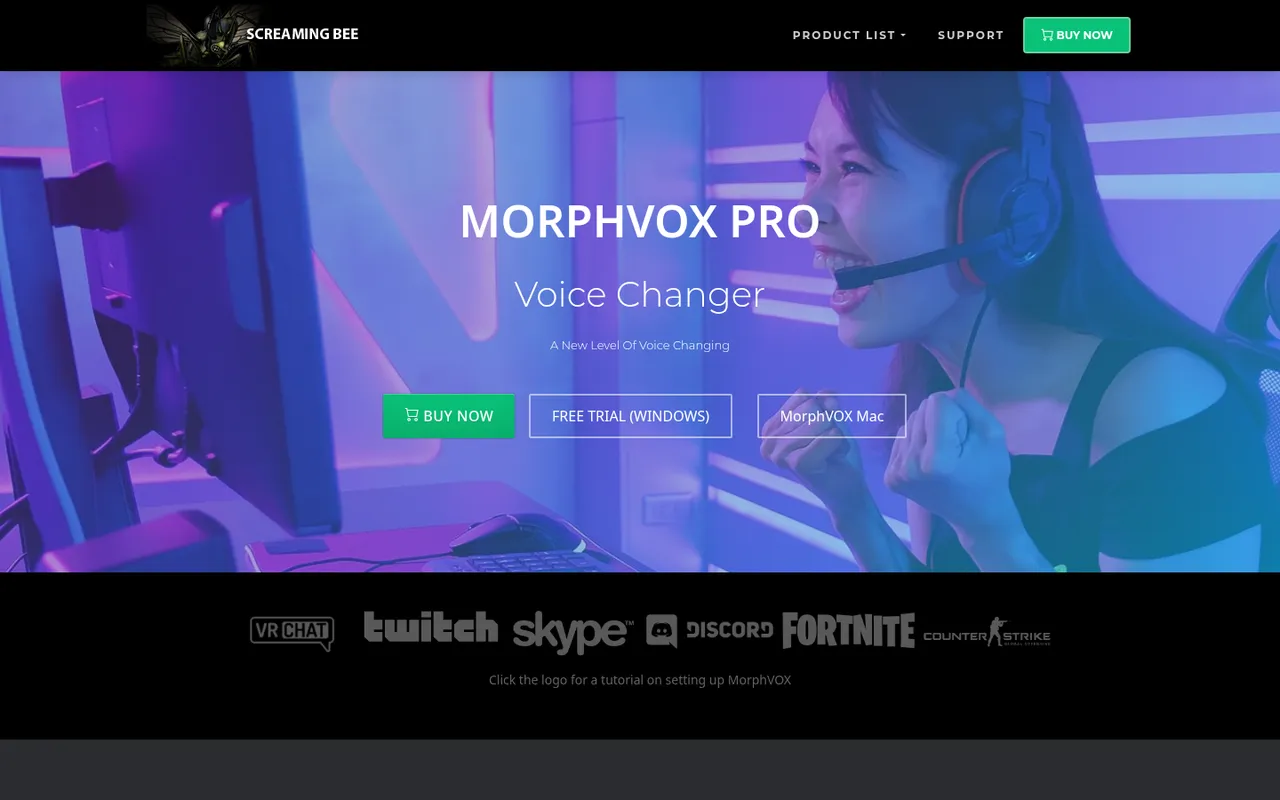
MorphVOX Pro product page and free trial
MorphVOX Pro by Screaming Bee uses voice-learning technology and includes ultra-quiet background cancellation. Its feature set includes free voices and sound packs, soundboard hotkeys, and background sounds such as traffic and a mall.
There is a free Windows trial, and a Mac version exists. On October 3, 2026, its site showed a sale price of $19.99, with a regular price of $39.99. The site recommends trying the trial first because results vary by speaker. That is sound advice: a voice changer’s fit depends on your microphone and natural voice, not just its feature list.
The main limitation is straightforward: this is a paid product after the trial, and the stated trial is for Windows. A Mac version exists, but the free-trial button is for Windows. Choose MorphVOX Pro if you want soundboard hotkeys and background environments and prefer to try the software before paying.
6. AV Voice Changer Software Diamond: best for editing recordings too
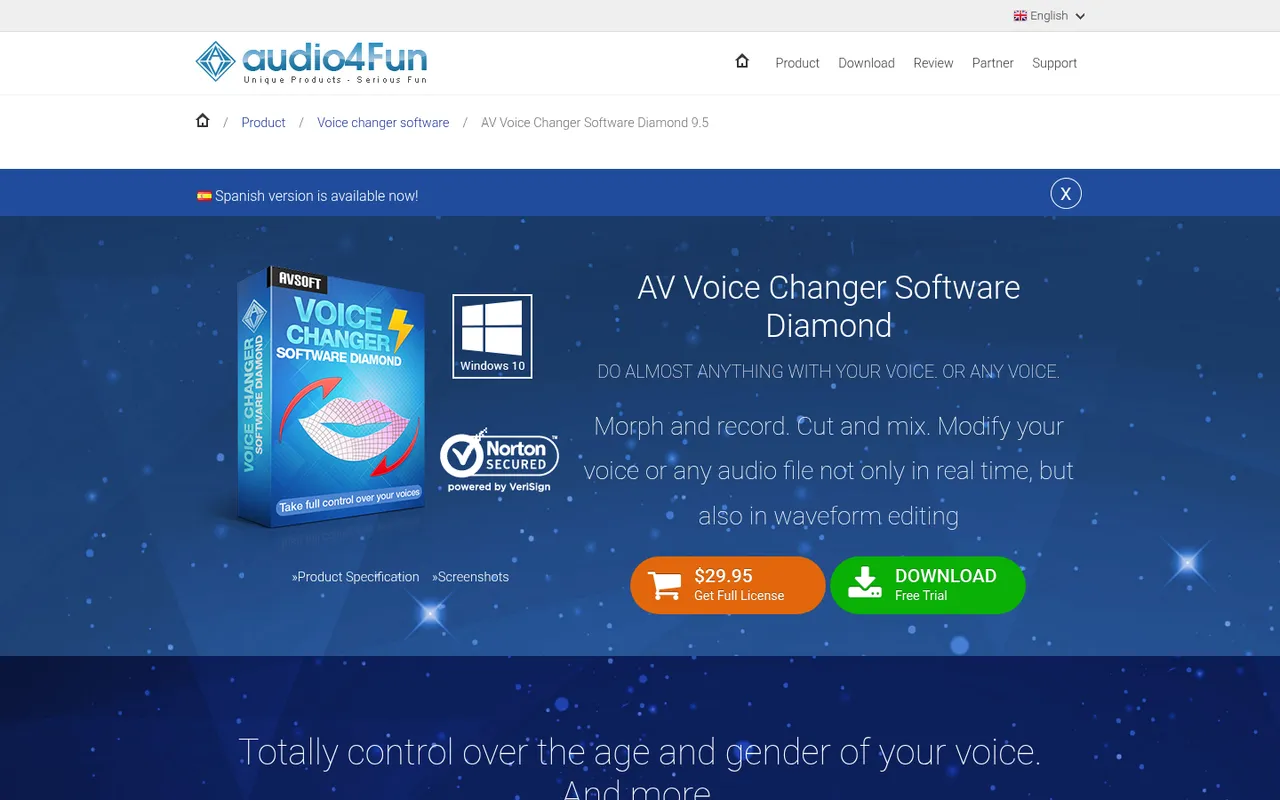
AV Voice Changer Software Diamond product page
AV Voice Changer Software Diamond 9.5 by Audio4fun handles real-time voice changes and recorded-audio work. Its virtual driver connects to VoIP apps and games, while its waveform editor can morph, record, cut, and mix audio files.
You can control pitch and timbre to aim for an older, younger, more feminine, or more masculine sound. This makes it the most editing-oriented option in the list when you need more than live Discord effects. Its site says it is trusted by 1,021,457 users.
A free trial is available. The site lists a full license at $29.95 and also lists a $39.95 option. It is Windows software (its product box shows Windows 10), and it does not advertise a soundboard.
Pick AV Voice Changer Software Diamond if editing recordings in a waveform editor is a real part of your workflow alongside live voice chat. For a simple Discord soundboard, the extra editing focus may be unnecessary.
Voice changers compared
| Voice changer | Free option | Price stated on October 3, 2026 | Windows | Mac | Soundboard |
|---|---|---|---|---|---|
| Voicemod | Free download | No paid price listed on its homepage | Yes (PC) | Yes | Yes |
| Voice.ai | Free download | Free | Not listed | Not listed | Not advertised |
| Clownfish Voice Changer | Direct download available; no price listed | No price listed | Vista–11 | No | Built-in sound player |
| Voxal | Yes, non-commercial home use | Commercial license price not on homepage | 7–11 | macOS 10.5+ | Not advertised |
| MorphVOX Pro | Free Windows trial | $19.99 sale; regular $39.99 | Yes | Mac version exists | Yes, with hotkeys |
| AV Voice Changer Software Diamond | Free trial | $29.95 full license; $39.95 option also listed | Yes | Not listed | Not advertised |
How we chose these voice changers
On October 3, 2026, Discorder.tools visited each product’s official website and recorded what the site states about availability, features, platforms, and prices. We did not make audio comparisons or run audio-quality tests, so this ranking is based on stated capabilities and how clearly each product suits a different use case.
Discorder.tools was not paid by any company in this list, and none of the links are affiliate links. We included tools with a real-time microphone use case for Discord, then separated them by practical needs: an all-round option, AI-style changes, Windows-wide effects, personal-use availability, a trial before purchase, and recorded-audio editing.
How to use a voice changer in Discord
Most desktop voice changers install a virtual microphone. You select that virtual device as Discord’s input instead of selecting your physical microphone directly.
- Install your chosen voice changer from its official site and set up its virtual microphone.
- Open Discord and select User Settings, then Voice & Video.
- Under Input Device, select the voice changer’s virtual microphone.
- Turn on a voice effect in the changer, then use Discord’s mic test in the same settings area to hear whether Discord receives the changed voice.
- If the effect sounds choppy or gets cut off, turn off Discord’s Noise Suppression and Echo Cancellation in Voice & Video, then test again. These filters can treat a changed voice as unwanted audio.
Need a few more server utilities after your audio is set? Explore the free Discorder.tools tools.
Safety and etiquette
Download voice changers only from the official sites linked above. Cracked voice changers are a common way malware spreads, and a bargain download from an unofficial source is not worth putting your Discord account or computer at risk.
Use effects as a joke or creative tool, not to mislead people about who you are. Do not use a voice changer to impersonate someone or harass people. A server can ban you for that behavior, and Discord’s rules still apply to voice chat.
A soundboard can also become disruptive quickly. Many communities ban soundboard spam, so read the server rules and keep clips short, relevant, and occasional. Ask a moderator if the server rules are unclear.
Frequently asked questions
What is the best free voice changer for Discord?
Voicemod is the best starting point if you want a free download with a stated soundboard, more than 200 voices, and PC and Mac availability. For non-commercial home use on Windows or Mac, Voxal is another strong fit because its site specifically states that its home-use software is free with no signup. Clownfish has a direct Windows download, but its site does not list a price, so check before assuming it is free.
Does Discord have a built-in voice changer?
No. Discord does not include a built-in voice changer. It does have a soundboard, but a soundboard plays clips rather than changing your live microphone voice. To alter your voice in a call, install a voice changer that provides a virtual microphone and select it as Discord’s input device.
Why is my voice changer not working in Discord?
First, confirm that Discord is using the voice changer’s virtual microphone in User Settings > Voice & Video > Input Device. Then run Discord’s mic test. If the effect is cutting out or sounding choppy, disable Noise Suppression and Echo Cancellation and test again. Also make sure the changer itself is running and that an effect is enabled before you join the call.
Can I get banned for using a voice changer on Discord?
A voice changer alone is not the issue; how you use it matters. Impersonation, harassment, and repeated soundboard spam can break server rules and may lead to a server ban. Follow Discord’s rules and the rules of each server you join.
Which voice changers have Mac options?
Voicemod states PC and Mac availability. Voxal supports macOS 10.5 or later. MorphVOX Pro has a Mac version. Voice.ai does not list OS support on its homepage, AV Voice Changer Software Diamond is Windows software, and Clownfish is for Windows Vista through Windows 11.

With a background in AI and a passion for clear technical communication, I enjoy breaking down complex tools and processes. Exploring new software and sharing insights is a key focus.
Run a gaming, tech, or AI site? Write for us or swap links →
Further Reading
7 Best Discord Music Bots in 2026 (Free and Paid)
Compare the best Discord music bots in 2026: Jockie Music, Wave, Green-Bot, and more. An independent list with free tiers and trade-offs.