VideoDubber is our #1 pick among the best AI video translators for Discord because it combines cloned-voice dubbing, lip sync, editable translations and subtitle exports. Choose it for tutorials, creator clips and community videos; the other picks fit more specific needs, from collaborative editing to live events.
| Pick | Best for | Free tier | Watch out for |
|---|---|---|---|
| 1. VideoDubber | Best overall for Discord creators | Advertises 5 free minutes | Allowance only in its meta description; trial terms not detailed |
| 2. HeyGen | Lip-synced short clips on a free plan | 3 watermarked videos/month, up to 1 minute each | Free has 30+ languages, not the paid range |
| 3. Kapwing | Mod and creator teams editing together | Watermarked 720p exports; 5 auto-translation minutes | Free dubbing availability not listed |
| 4. Rask AI | Multi-speaker videos with line-by-line editing | 3-minute trial | Entry paid allowance is annual, not monthly |
| 5. ElevenLabs Dubbing | Voice-only dubbing without an on-camera speaker | 0.4 minutes of Dubbing v2 | Commercial license starts at Starter |
| 6. VEED | Subtitle files and hard-coded captions | Free start; limits not listed | Voice preservation covers fewer languages than subtitles |
| 7. Perso AI | Cheapest paid plan here with lip sync | 1 generation; 12 dubbing languages | Free download and lip-sync access not listed |
| 8. Synthesia | Short, polished server announcements | Watermarked Basic plan | 70+ dubbing languages below Enterprise |
| 9. Maestra | Live events and OBS streams | Trial without a credit card | Trial allowance and dubbing prices not listed |
| 10. Descript | Creators already editing in Descript | Caption translation and dubbing marked “Limited” | No quantified free dubbing allowance |
Summary
- VideoDubber is the best overall AI video translator for Discord. It combines 150+ languages, voice cloning, lip sync, glossaries and SRT, VTT and MP4 exports. Starter costs $9/month with 25 translation minutes.
- Match the output type to what appears on screen. Subtitles keep the original voice, voice-only dubbing suits gameplay and screen recordings, and lip-synced dubbing is worth paying for only with an on-camera speaker.
- Free plans often limit usable exports, not just uploads. HeyGen and Kapwing add watermarks and short export caps, while Kapwing, Perso and Descript list 720p free output. Check download access before doing the full job.
- Specialist picks fit narrower needs better than the overall winner. Kapwing suits team editing, Rask AI multi-speaker videos, ElevenLabs voice-only dubbing, Perso cheap lip sync at $6.99/month and Maestra live events with OBS.
- Test a short clip and fix terminology before translating a VOD. Correct names, server slang and game terms first, check commercial and voice-cloning terms, then share versions in per-language channels with SRT files attached.
1. VideoDubber: best overall for Discord creators
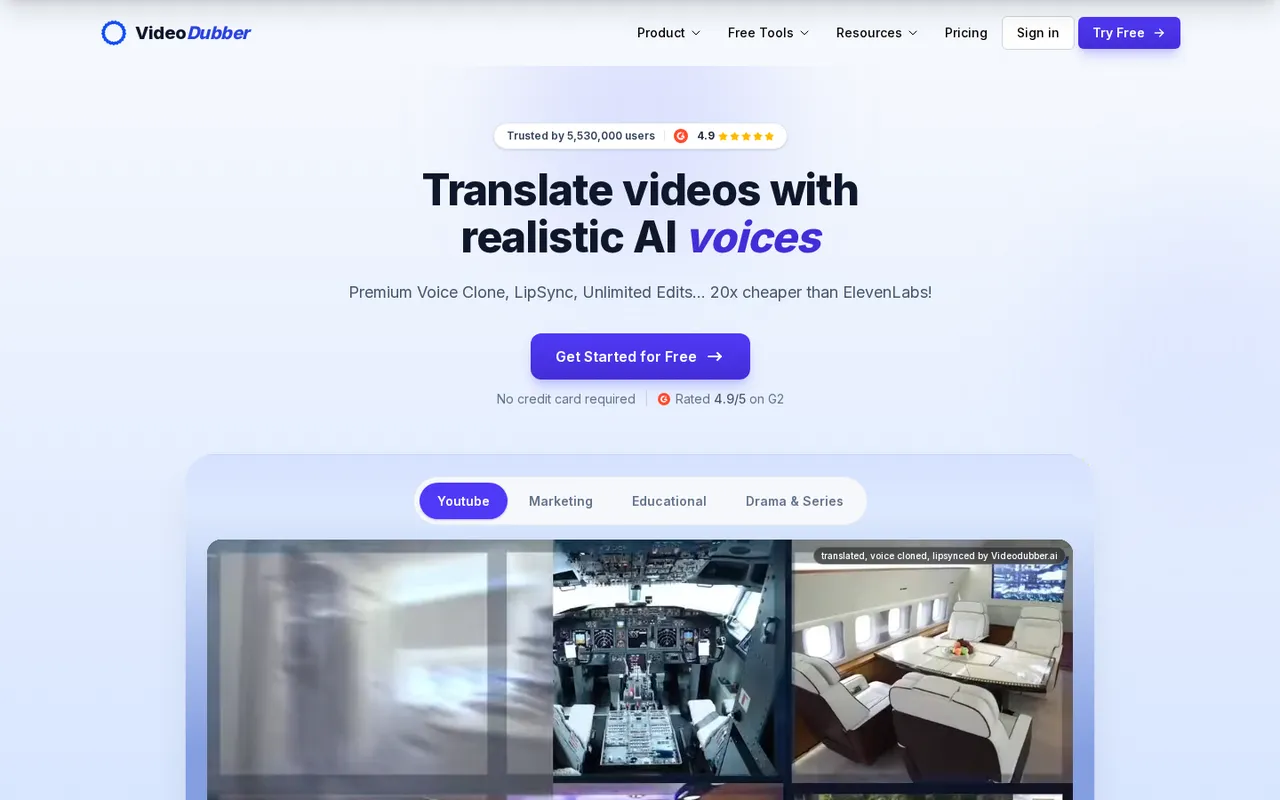
VideoDubber combines video translation, voice cloning, lip sync and subtitles.
VideoDubber offers translation in 150+ languages, voice cloning, lip sync and subtitles, per its website. It is our first choice for creators who need both a dubbed video and readable captions, rather than an audio-only translation.
Its site names its lip-sync tool Frame-accurate Lipsync (SyncPRO™) and advertises Unlimited Human Edits without metered editing fees. You can choose a voice for each speaker, proofread individual lines and retranslate them at no extra cost. Glossaries and custom translation prompts cover terminology, style, formality and audience fit.
Export options include SRT, VTT and MP4, with bilingual captions and burned-in text. Those controls suit a Discord tutorial: correct a game term, preserve a server role’s name and provide captions alongside the translated voice. Multi-Speaker Studio and background-music retention are also listed.
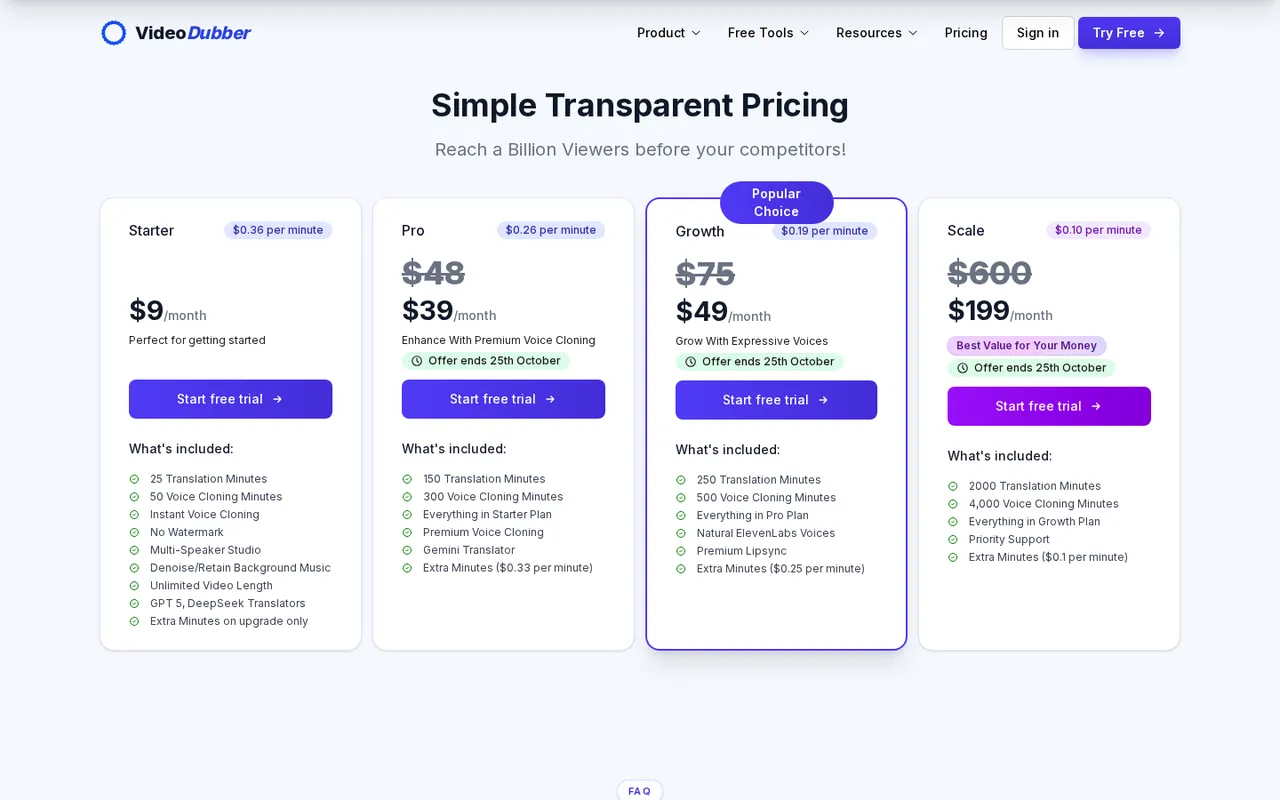
VideoDubber lists separate translation and voice-cloning minute allowances.
Price and free access: Starter costs $9/month with 25 translation minutes, 50 voice-cloning minutes and unlimited video length. Its meta description advertises “5 free minutes, no sign-up,” and the homepage says no credit card is required. The page body does not spell out that free-minute allowance, and the site does not list the trial length or full terms.
Pro is displayed at $39/month, Growth at $49/month and Scale at $199/month. All three are marked as limited offers ending “25th October”; the offer year is not stated. Check the checkout price before budgeting around those discounts.
Trade-offs: Starter requires an upgrade for extra minutes. The site does not state whether unused minutes expire or whether plan minutes or purchased extras are used first. Its headline advertises rates from $0.09/min, but the lowest listed plan rate is $0.10/min; the site does not explain how to reach the headline rate.
Pick it if: you want dubbing, captions and repeatable terminology corrections in one service. Unlimited video length on Starter does not mean unlimited translation minutes, so calculate the cost before sending a full stream VOD.
2. HeyGen: best lip-synced dubbing for short clips on a free plan
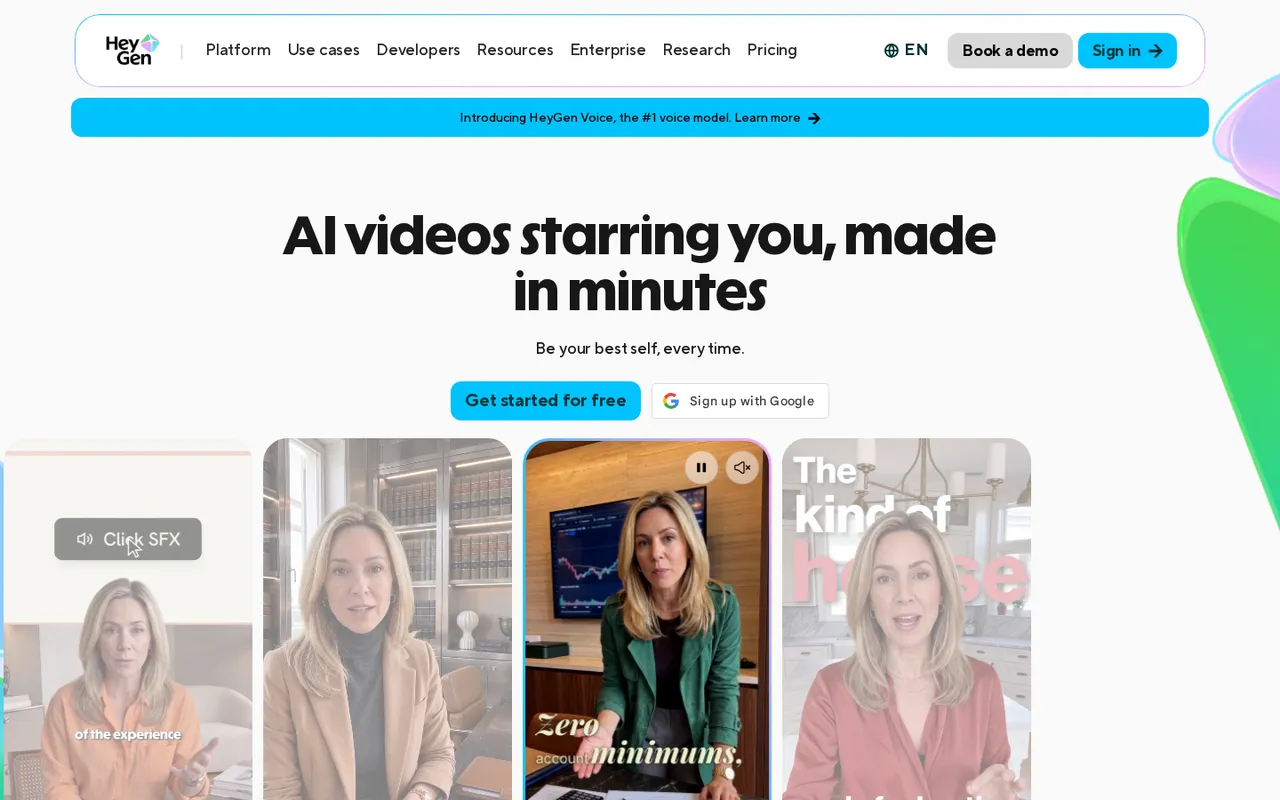
HeyGen combines personal avatars, video creation and translation.
HeyGen combines AI avatars, a text-based video editor and video translation, with lip sync in 175+ languages and dialects on paid plans. Translation includes voice cloning, a brand glossary and a multi-lingual player; its creation tools also include automatic captions.
Choose it over VideoDubber when you want to create presenter-led announcements or avatar videos as well as localize existing footage. Custom avatars require on-camera identity verification from the person depicted.
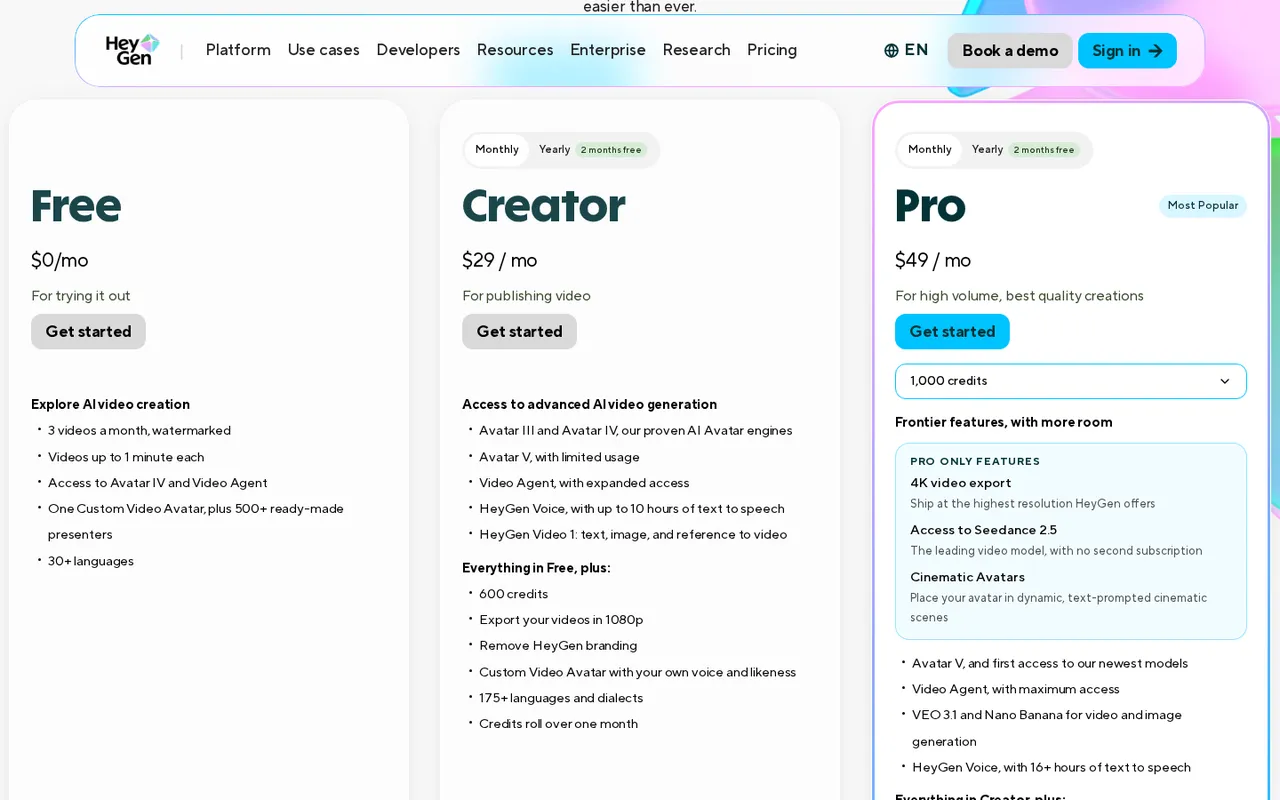
HeyGen offers a restricted free plan and credit-based paid plans.
Price and free access: Free allows three watermarked videos per month, up to one minute each, in 30+ languages. HeyGen describes lip-sync translation as limited trial access on that plan; do not expect the full paid language range. Creator costs $29/month, or $24/month paid annually, and includes 600 credits.
Trade-offs: Creator and Pro have a 30-minute maximum per video and one user seat. Creator exports up to 1080p; 4K requires Pro. Credit use varies by model, duration and generation complexity, but its site does not give a fixed translation cost per minute. Monthly subscribers’ unused credits roll over for only one additional month and do not survive cancellation.
Pick it if: your immediate job is a short, face-on-camera clip and you want to explore lip-synced translation before paying. Choose Perso instead if a low recurring paid price matters more than avatar creation.
3. Kapwing: best for mod and creator teams editing together
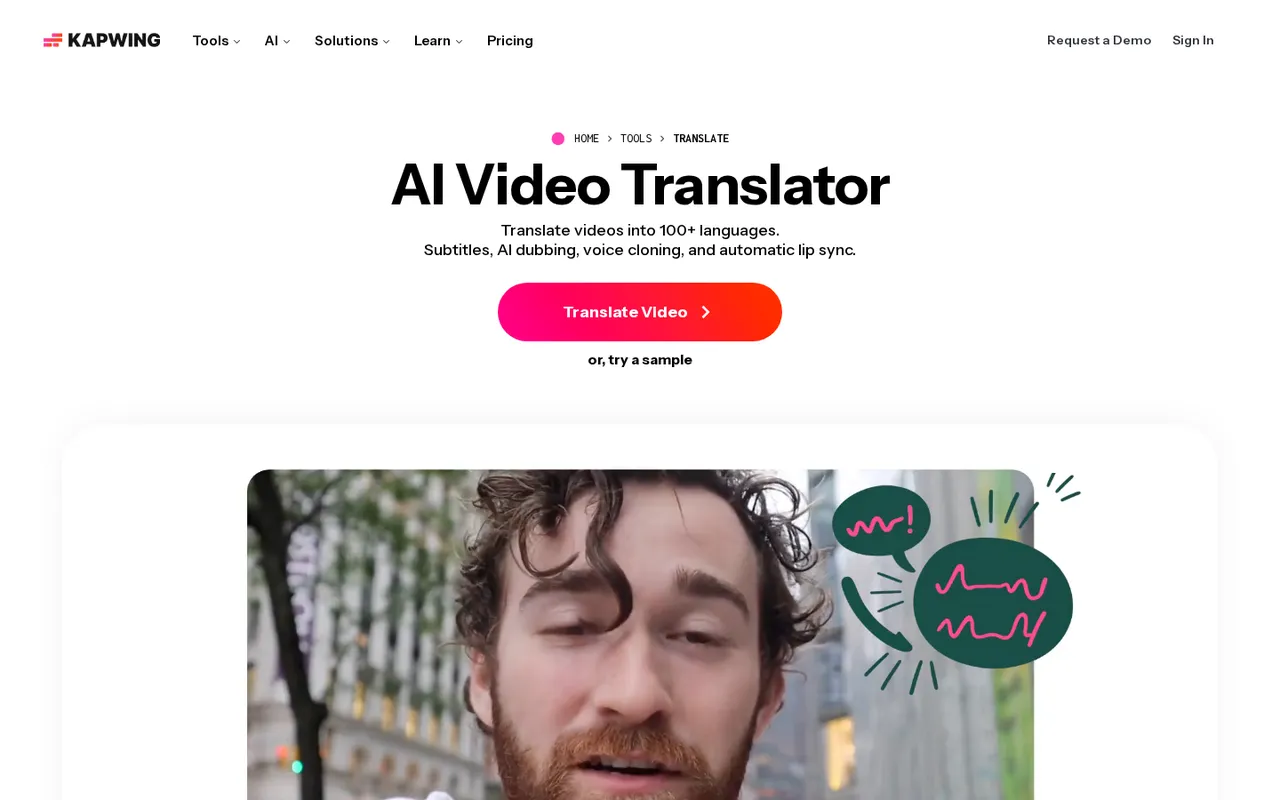
Kapwing puts translation, dubbing and subtitle styling inside a browser editor.
Kapwing is a browser editor whose translator page lists subtitles, AI dubbing, voice cloning and automatic lip sync in 100+ languages. Its dubbing menu separately says 40+ languages; the site does not reconcile those counts.
Its advantage over VideoDubber is the surrounding team-editing workflow: comments, project-link sharing, invitations and real time collaboration. Pro lists a collaborative shared workspace. Translation Rules, pronunciation rules and transcript Search & Replace help you keep creator names and server terminology consistent.
You can review translations before export and regenerate affected voiceover without restarting the translation. Exports include SRT/VTT subtitle files and MP4, MOV or WebM video.
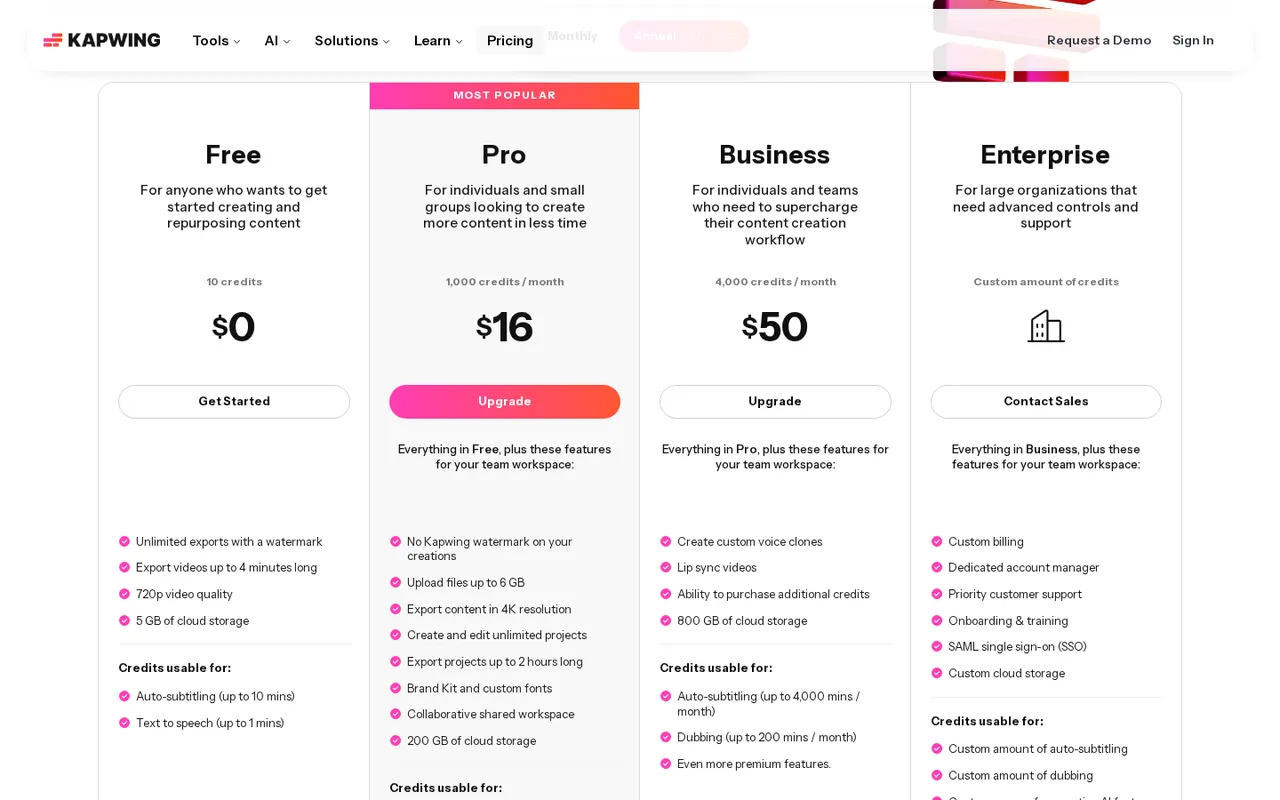
Kapwing lists separate allowances for dubbing, translation and video exports.
Price and free access: Free exports are watermarked, capped at four minutes and 720p, with a 30-minute monthly export allowance. Auto-translation is limited to five minutes. Its site does not state whether Free includes dubbing, and paid plans have no free trial.
Pro is displayed at $16 and Business at $50, but the site does not clearly assign those amounts to monthly or annual billing. Custom voice clones and lip sync are listed on Business. Pro includes up to 50 dubbing minutes/month; Business includes up to 200.
Trade-offs: language counts and billing presentation need clarification before purchase. Its site also does not list seat limits per plan, which matters when several moderators need access.
Pick it if: your team needs to review, comment on and edit the same announcement. Choose VEED instead when downloadable subtitle files and explicitly supported hard-coded captions are your main requirement.
4. Rask AI: best for multi-speaker videos with a line-by-line editor
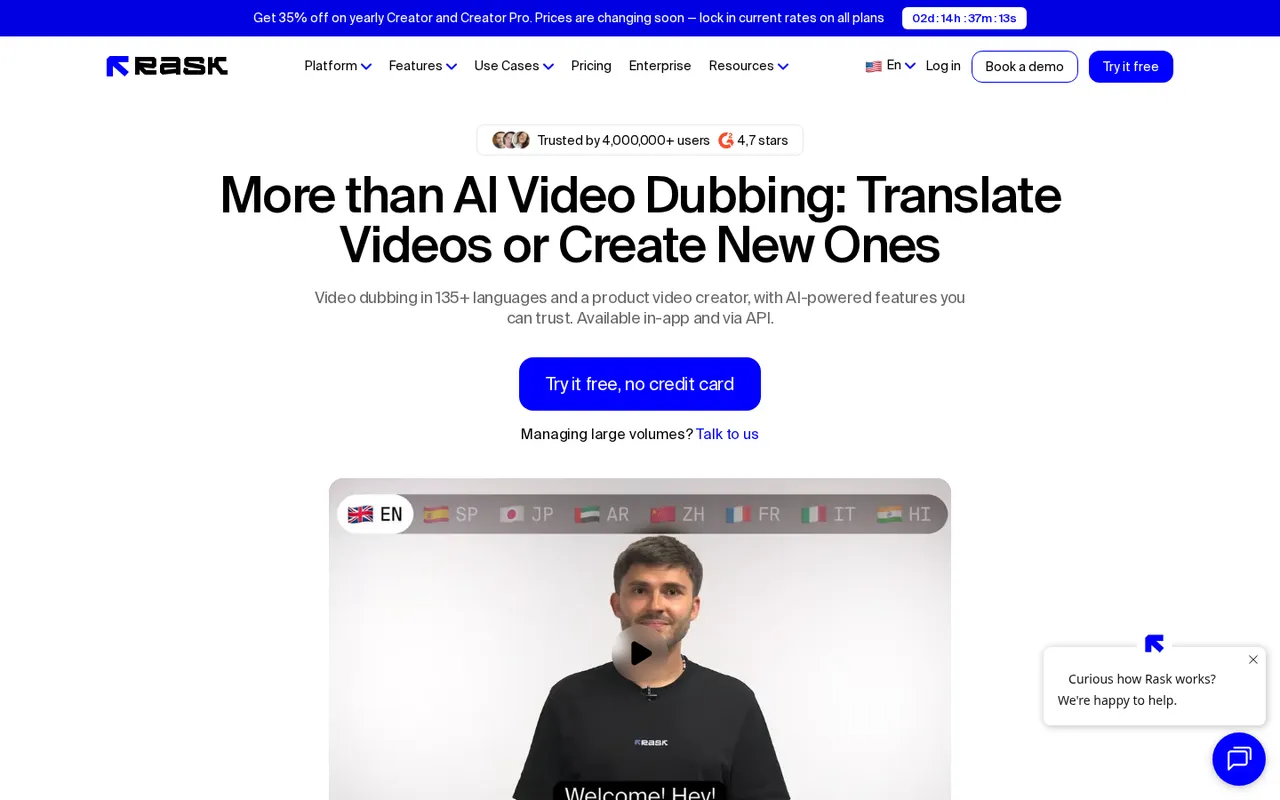
Rask AI combines multi-speaker dubbing with transcript and translation editing.
Rask AI offers video and audio translation in 135+ languages, voice cloning in 32+ languages, lip sync and auto-generated captions. Its Multi-speaker feature detects how many people are speaking in a video, while the line-by-line editor lets you correct transcripts and translations, then redub them.
Choose it over VideoDubber or HeyGen when your priority is managing dialogue in interviews, panel discussions or co-hosted tutorials. Its Translation Dictionary helps with recurring game terms or community names. Unlimited re-editing and redubbing are listed under yearly plans.
Price and free access: The no-card trial includes three minutes, voice cloning and the editor. Creator is shown at $28/month billed yearly, totaling $329, with 300 minutes per year. Creator Pro is shown at $67/month billed yearly, totaling $799, with 1,200 minutes per year.
Trade-offs: Creator cannot buy extra minutes; it requires an upgrade to Creator Pro. Extra minutes cost $3/minute on Creator Pro and Business. Its site does not state whether trial exports carry a watermark, the trial’s time limit or the number of lip-sync languages. Team-size values are listed without a clear plan assignment.
Pick it if: correcting separate speakers line by line matters more than a low entry price. Calculate your annual workload before treating the displayed monthly equivalent as a monthly minute allowance.
5. ElevenLabs Dubbing: best voice-only dubbing without an on-camera speaker
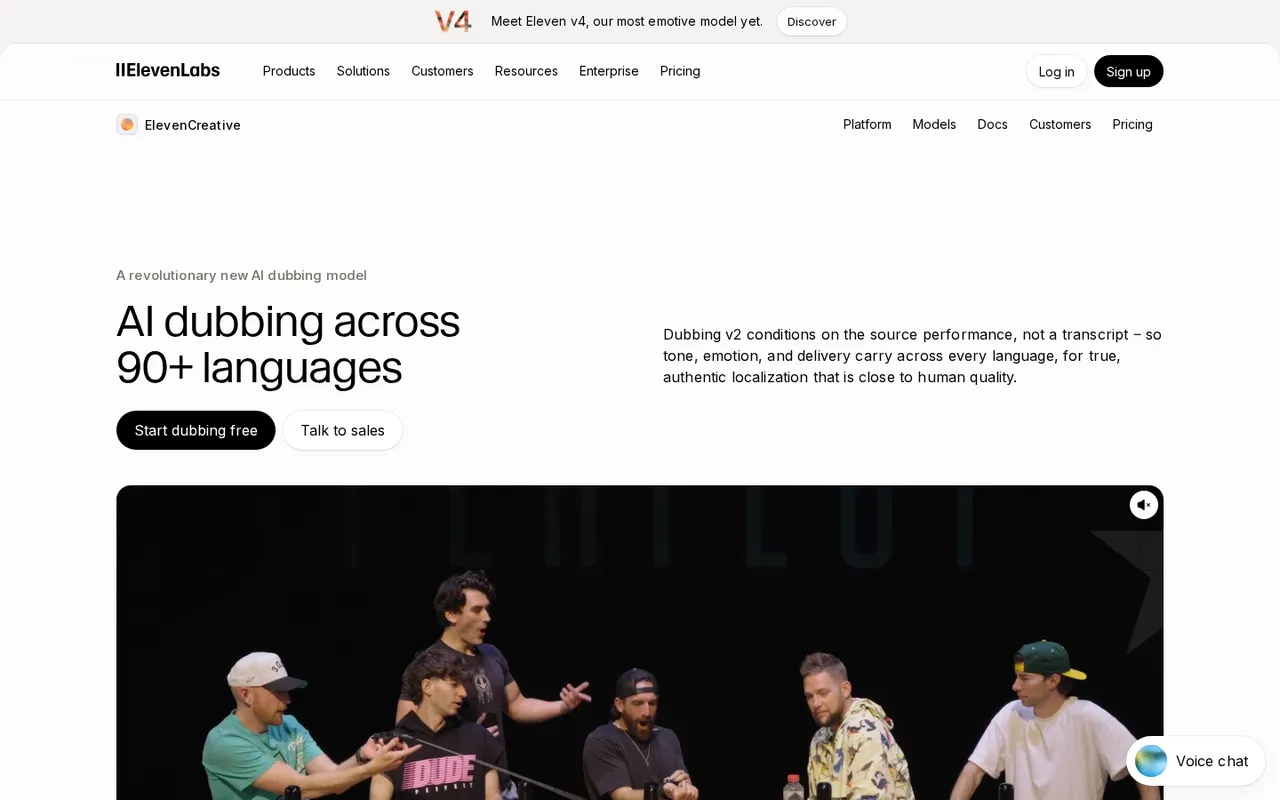
ElevenLabs Dubbing localizes the original speaker’s audio performance.
ElevenLabs Dubbing lists dubbing across 90+ languages, with Dubbing v2 working from the source audio performance rather than a transcript to carry tone, emotion and delivery across languages. Automatic voice cloning delivers each translation in a cloned version of the original speaker’s voice without manual setup.
This is the voice-only choice: its dubbing page does not list lip sync. Use it for gameplay narration, screen recordings or audio-led clips where no mouth needs to match the translated dialogue. Its workflow accepts files or a pasted URL and handles translation, cloning, dubbing and timing alignment automatically. Its dubbing page does not list subtitle-file export.
Price and free access: Free includes 10,000 monthly credits, but only 0.4 minutes of Automatic Dubbing v2. The separate watermarked v1 allowance is five minutes. Starter costs $6/month, includes Dubbing Studio and provides two minutes of v2 dubbing. Prices exclude taxes, levies and duties.
Trade-offs: the free v2 allowance is small, and general account credits should not be confused with dubbing minutes. A commercial license is listed starting at Starter; its site does not state that free-plan dubs may be used commercially. It also does not list a maximum dubbing upload length or size.
Pick it if: the speaker’s voice matters but their face is absent. Avoid paying for lip sync when the footage does not need it.
6. VEED: best for subtitle files and hard-coded captions
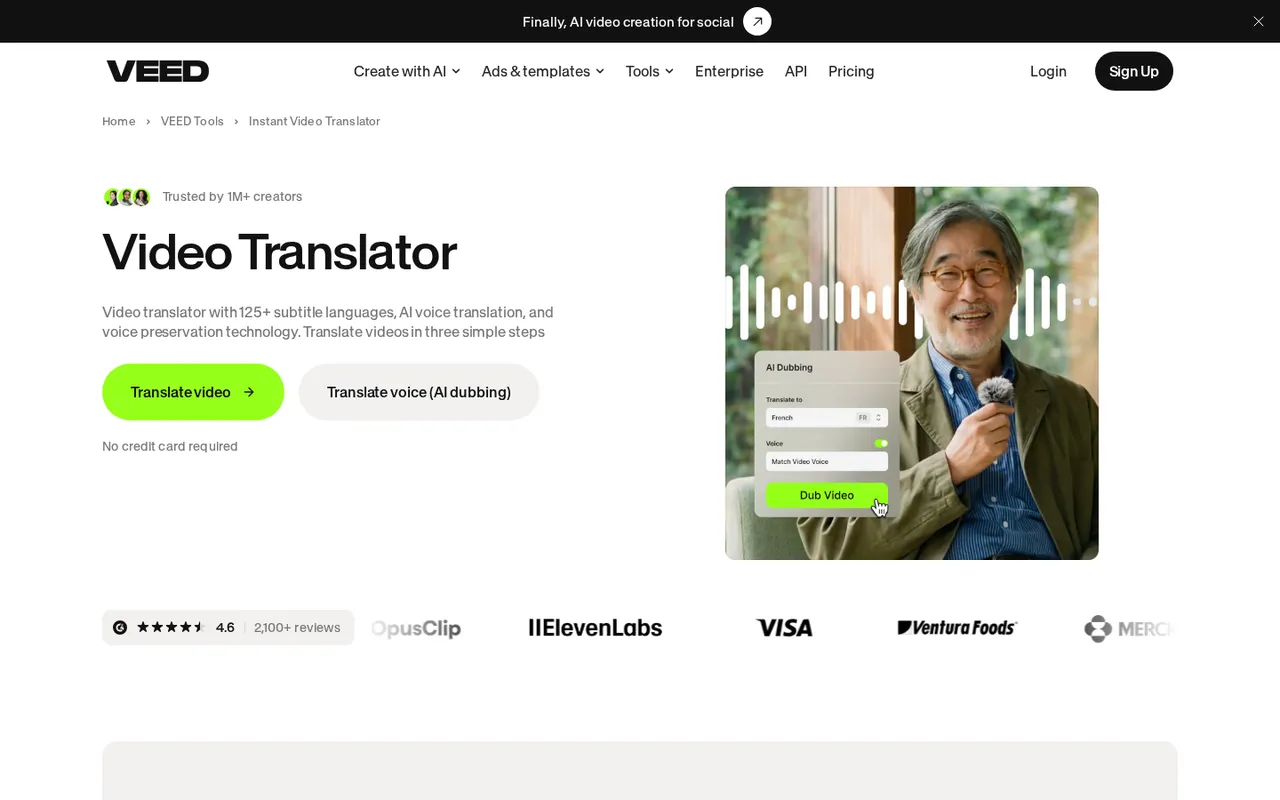
VEED offers translated subtitle files, permanent captions and voice-preserving dubbing.
VEED lists auto-generated subtitles in 125+ languages and AI dubbing that preserves the speaker’s voice across 29 languages. You can enable lip sync and retain background audio during translation.
Choose it over Kapwing when your priority is delivering readable captions in several forms. VEED explicitly supports TXT, VTT and SRT export, plus downloadable transcripts. Hard-code subtitles into the video for a version that does not depend on a separate caption file, or keep them downloadable. Its Dictionary feature accepts custom vocabulary, and low-confidence words are flagged for review.
Price and free access: Creator starts at $12 per user/month, billed annually. Pro is $22 per user/month billed annually. A free start is offered without a credit card, but its site does not list free translation allowances, export-length limits or watermark rules.
Trade-offs: the language counts describe different capabilities. Voice-preserving dubbing covers 29 languages, not the 125+ subtitle range. Pro and Studio separately advertise “Translate to 50+ Languages,” without explaining how that relates to the subtitle count. Its site does not clearly state whether Free or Creator includes translation or dubbing.
Pick it if: you need captions members can read with sound off, plus separate subtitle files for reuse. Confirm plan access before purchasing specifically for dubbed audio.
7. Perso AI: cheapest paid plan here with lip sync
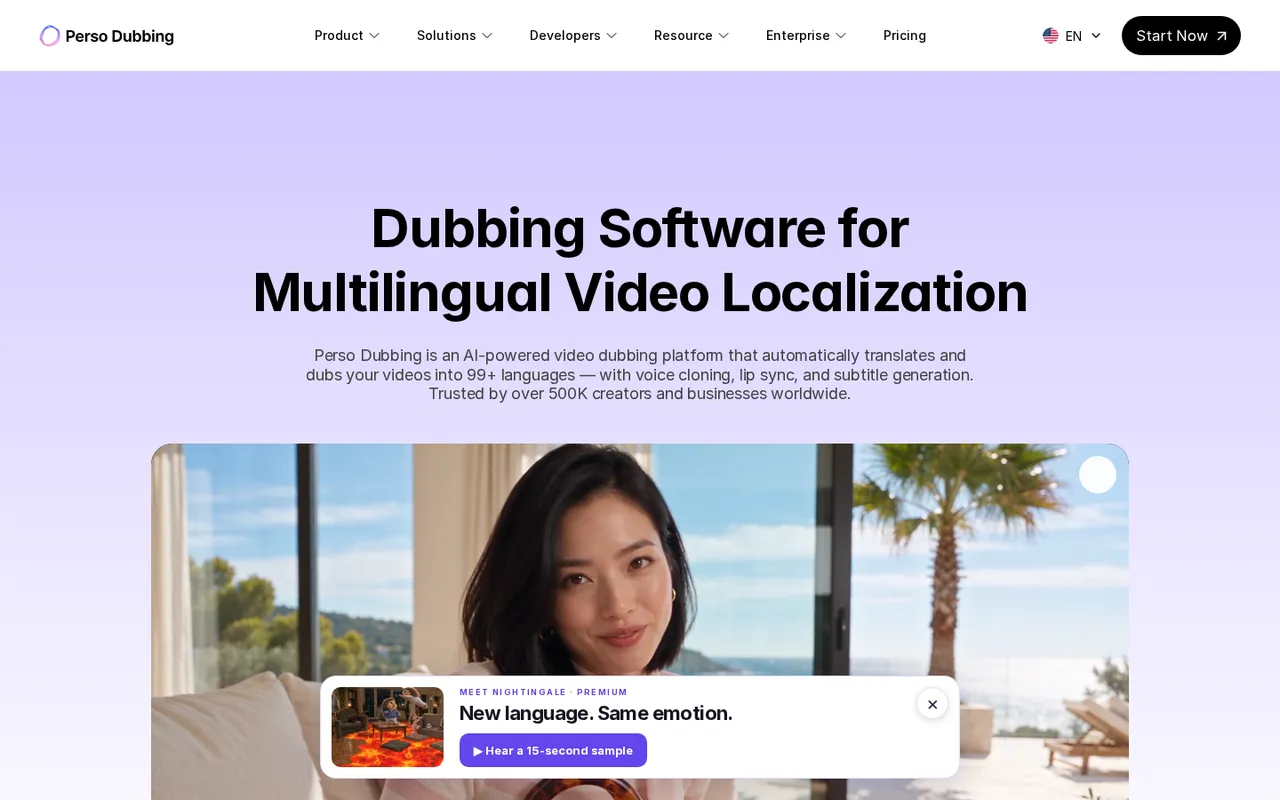
Perso Dubbing combines cloned voices, lip dubbing and subtitle generation.
Perso AI offers dubbing in 99+ languages with voice cloning, lip sync, subtitle generation and editable scripts. Exports include embedded subtitles or separate SRT files. Audio separation is also available, including background-music and per-speaker WAV export.
Choose it over HeyGen if you want an inexpensive paid lip-sync allowance rather than a broader avatar-video platform. Its custom glossary and script regeneration give you ways to correct terminology before publishing.
Price and free access: Free provides one generation on signup, 12 dubbing languages, 720p maximum resolution, one project and 30-day storage. Its site does not state the generation’s minute allowance, whether Free includes downloads or lip dubbing, or whether free exports carry a watermark.
Starter—not Creator—costs $6.99/month. New subscribers are offered $3.49 for the first month. Starter includes seven dubbing minutes, two lip-dubbing minutes per month, watermark-free downloads and exports up to 1080p.
Trade-offs: Starter limits each video to three minutes. Creator costs $29/month and raises that maximum to 15 minutes, with 13 lip-dubbing minutes/month. The advertised $0.11/minute rate applies only to Finch on PRO, not Starter. Its dubbing page does not state usage-rights terms.
Pick it if: you regularly translate short face-on-camera clips and can stay within a small lip-sync allowance. Check licensing before monetizing the result.
8. Synthesia: best for short, polished server announcements
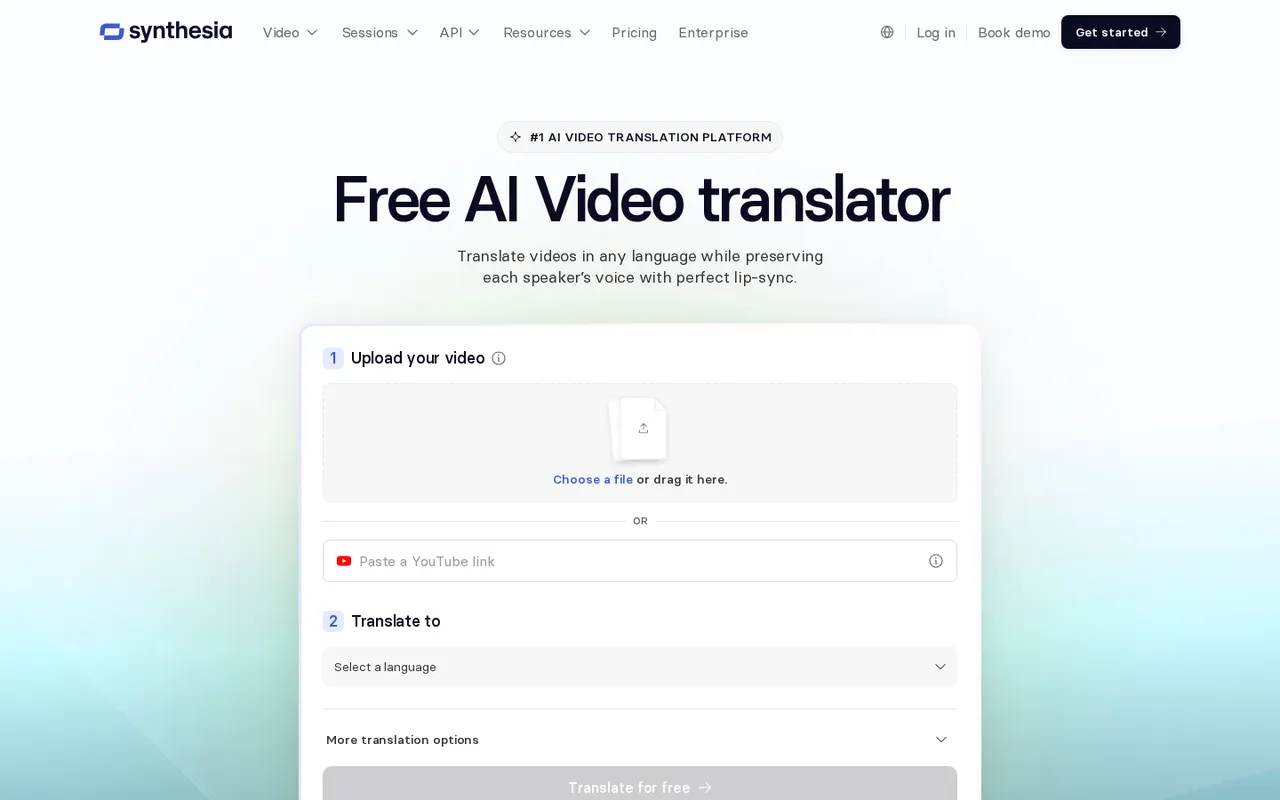
Synthesia translates uploaded videos and supports multilingual presentation workflows.
Synthesia offers cloned-voice dubbing, lip sync and subtitles, with 70+ dubbing languages on Basic, Starter and Pro; 140+ are reserved for Enterprise. It can generate language versions simultaneously and provide one smart link that serves viewers the appropriate language version.
Choose it over HeyGen for a repeatable announcement workflow with several translated versions. Its translator lists a Multi-voice option, detects multiple speakers automatically and lets you replace a speaker’s voice with a stock voice or custom clone. You can edit translations before publishing and keep the original video length or let it adjust to translated speech.
Price and free access: Basic is free with a Synthesia watermark and lists 120 dubbing minutes/year. The translator page advertises free translation including voice cloning and lip sync. Starter costs $14/month billed yearly and lists up to 197 dubbing minutes/year.
Trade-offs: its plan comparison lists video length up to three minutes on every plan, including Enterprise. Its site does not separately state the maximum upload duration for dubbing, so do not assume a full VOD is supported. Unused plan credits and allowances do not roll over. Some feature rows, including lip sync, are not clearly assigned to plans.
Pick it if: your community needs short welcome messages or recurring announcements. Have a human review rules and policy translations before publishing.
9. Maestra: best for live events and OBS streams
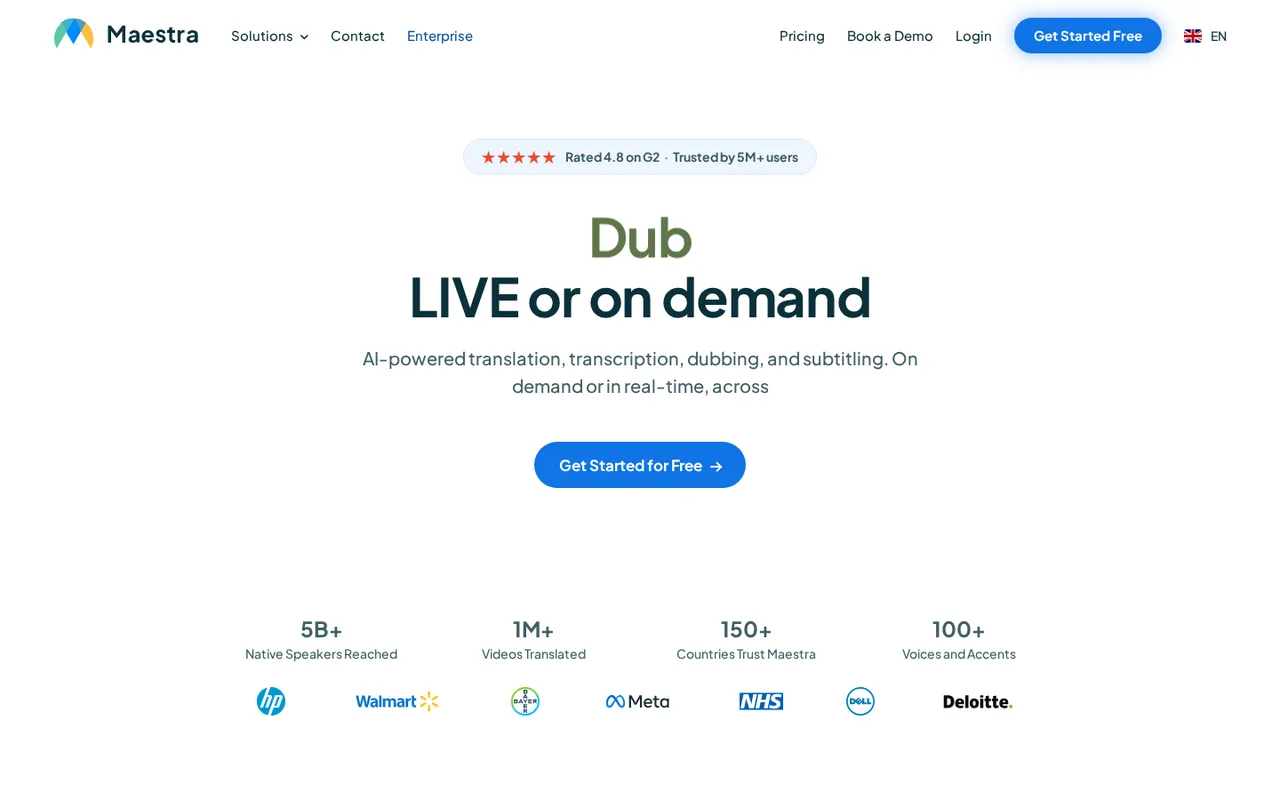
Maestra combines on-demand localization with live translation and captioning.
Maestra lists media localization across 125+ languages, including subtitles and AI dubbing with voice cloning and lip sync. It also offers live voice translation, two-way translation and OBS integration.
Examine it instead of Kapwing or VEED when your job is a live community event rather than an already-recorded clip. Other listed live integrations include Zoom, Microsoft Teams and vMix. For recorded material, exports include SRT, VTT and MP4 with embedded subtitles or voiceover.
Price and free access: The no-card trial covers transcription, subtitling, AI dubbing and voice cloning across supported languages. Its site does not list the trial’s length or minute allowance. Transcription pay-as-you-go costs $12 for 60 credits/60 minutes; transcription subscriptions start at $23/month billed annually.
Trade-offs: those transcription prices are not a dubbing or live-translation quote. Its site does not list subtitle, voiceover or real-time plan prices, or specify which plans include lip sync and voice cloning. Premium transcription includes only one additional team member.
Pick it if: live translation and OBS compatibility are essential. Request the relevant workflow’s pricing and plan access before committing; a transcription allowance does not establish your live-event budget.
10. Descript: best for creators already editing in Descript
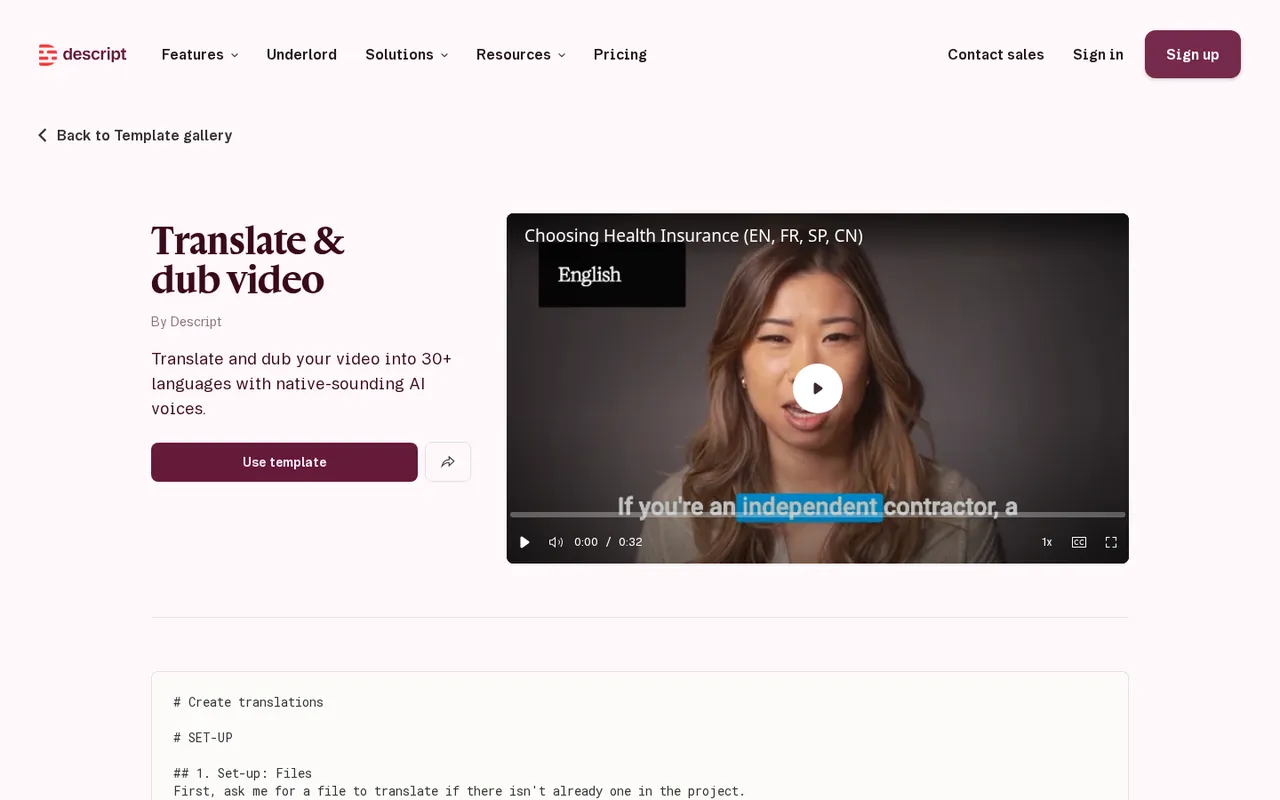
Descript translates speech and captions within its document-style editing workflow.
Descript combines text-based editing with a template that translates and dubs video into 30+ languages through its Underlord AI co-editor. The workflow transcribes a file, adds captions and produces separate translated compositions with matching captions.
Choose it over Kapwing if you already edit tutorials or podcast clips as text in Descript. It selects target-language AI voices, matching the original speaker’s gender and tone when possible, and lets you swap voices afterward. The template describes selected AI voices, not automatic cloned-voice preservation; custom voice clones are listed separately among Descript’s tools.
Price and free access: Free includes 60 media minutes/month, 100 one-time AI credits and 720p export. Caption translation and audio dubbing are both marked “Limited,” without a quantified allowance. Paid plans start at $16 per person/month. Hobbyist also displays $24, without clearly assigning the two figures to monthly versus annual billing.
Trade-offs: its site does not list dubbing’s AI-credit cost per minute. Other AI tools consume the same credit pool, while media minutes count uploaded and recorded material whether transcribed or not. Lip sync and SRT/VTT export are not listed on its translation page. Translation with proofread is explicitly listed on Business.
Pick it if: staying inside your existing editor saves more work than adding a dedicated dubbing service.
How we chose these tools
Discorder.tools visited each official site and pricing page on October 24, 2026 and recorded what each site states. We did not run hands-on tests or benchmarks. Language counts, ratings and usage figures are each product’s own figures, per its website—not our measurements.
We ranked for Discord publishing needs: editable terminology, useful exports, short-clip restrictions, longer-recording allowances, team review and entry costs. VideoDubber leads for its combination of dubbing, captions and editing controls, not a measured translation-quality advantage.
Discorder.tools does not make any listed product, was not paid for inclusion or ranking, and is not affiliated with these products or Discord Inc.
Compare languages, output and entry costs
| Pick | Languages per its site | Cloned-voice dubbing | Subtitles / SRT export | Lip sync | Free access | Starting paid price — October 24, 2026 |
|---|---|---|---|---|---|---|
| VideoDubber | 150+ | Yes | Both | Yes | Advertised 5 minutes | $9/month |
| HeyGen | 30+ Free; 175+ paid languages/dialects | Yes | Auto captions; SRT not listed | Limited free trial access | 3 one-minute watermarked videos/month | $29/month; $24/month annually |
| Kapwing | 100+ translator; 40+ dubbing menu | Business lists custom clones | Both | Business lists it | 5 auto-translation minutes; free dubbing not listed | $16 displayed; billing cadence unclear |
| Rask AI | 135+; cloning in 32+ | Yes, in 32+ | Captions; SRT not listed | Yes | 3-minute trial | $28/month billed yearly |
| ElevenLabs Dubbing | 90+ | Yes | Not listed on dubbing page | Not listed | 0.4 v2 minutes | $6/month, excluding taxes |
| VEED | 125+ subtitles; 29 voice-preserving dubbing | Yes | Both | Optional | Limits not listed | $12/user/month billed annually |
| Perso AI | 99+ overall; 12 Free | Yes | Both | Starter includes allowance | 1 generation | $6.99/month; first-month discount |
| Synthesia | 70+ Basic/Starter/Pro; 140+ Enterprise | Yes | Subtitles; SRT not listed | Offered; plan mapping unclear | Watermarked Basic | $14/month billed yearly |
| Maestra | 125+ | Yes | Both | Offered; plan access not listed | Trial; allowance not listed | Dubbing price not listed; transcription $12/60 minutes |
| Descript | 30+ dubbing | AI voice selection; clones listed separately | Captions; SRT not listed | Not listed | Translation marked “Limited” | From $16/person/month; billing cadence unclear |
Choose the output before the subscription
Subtitles translate the words while retaining the original voice. They suit tutorials members can pause, and let you publish a translated version without replacing the speaker’s performance.
Voice-only dubbing replaces speech without changing visible mouth movements. Use it for gameplay, slides and screen recordings without an on-camera speaker instead of paying for lip sync.
Lip-synced dubbing also changes mouth movements to match translated speech. Reserve it for presenter-led footage where that mismatch would distract viewers.
Live call translation is a separate use case from translating recorded videos. Do not buy a recorded-video allowance expecting it to translate a Discord voice channel. Maestra lists live-event tools, but those still need their own workflow and pricing check.
Read free plans as export limits
A free upload is not necessarily a usable free deliverable. HeyGen and Kapwing add watermarks; Kapwing, Perso and Descript list 720p free output. HeyGen and Kapwing impose short export caps. Perso lists downloads and watermark-free output from Starter, while its site does not state Free’s download rules. Check download access before doing the full job.
For a budget fallback, transcribe the recording, correct the transcript, translate it and create subtitles while retaining the original audio. If the tool offers subtitle export, keep a separate file as well as your finished video. Do not mistake transcription minutes for dubbing minutes or a platform’s headline language count for free-plan coverage.
Also checked
Sonix
Sonix suits a subtitle-only workflow: it translates transcripts into 54+ languages, exports SRT/VTT or burned-in captions and offers a 30-minute free trial. Its site does not state AI dubbing, so Kapwing and VEED cover more of this list’s combined subtitle-and-voice workflow.
AI Studios (DeepBrain)
AI Studios offers dubbing with lip sync and voice cloning. Its free AI Dubbing allowance is one minute/month, and its pricing table lists 73 dubbing languages; HeyGen and Perso fit our short-clip and low-cost lip-sync recommendations better.
We also checked Happy Scribe — limited subtitling trial.
Prepare and share translated videos in Discord
Start with a short, low-risk clip before paying or processing a full VOD. Include a speaker change, an emotional line and difficult game terminology. Check lip sync at speaker changes and in languages with rhythms unlike English, not only at the opening.
- Correct names, acronyms, server slang and game terms in the source transcript before generating translations. Add glossary entries where supported to avoid spending credits on repeated fixes.
- Choose subtitles, voice-only dubbing or lip sync according to what is on screen. Allow room for longer translations, such as German, and use adaptive length where offered.
- Check commercial-use and voice-cloning terms before monetizing or cloning a co-host’s voice. Get the speaker’s permission, and have a human review important announcements or rules videos.
- Export subtitles alongside the dub where supported. Members should have readable text if a generated voice sounds off or they prefer watching silently.
- Create one channel per language, or use a dedicated thread for each translated version when separate channels would be excessive. Use language roles so members can see the relevant channels, and put a clear language tag in each post.
- Pin the original alongside translated versions and attach SRT files where useful. Keep version labels consistent so members can tell which translation matches the current announcement.
- For a scheduled premiere or community discussion, use the Discord timestamp generator to put one shared event time in every language post.
Final verdict: choose VideoDubber for an all-in-one recorded-video workflow, HeyGen for a short free lip-sync trial, Kapwing for collaborative editing or VEED for caption delivery. Pick ElevenLabs when no face needs syncing, Perso for inexpensive paid lip sync, Rask for dialogue editing, Synthesia for short announcements, Maestra for live-event needs and Descript when it is already your editor.

With a background in AI and a passion for clear technical communication, I enjoy breaking down complex tools and processes. Exploring new software and sharing insights is a key focus.
Run a gaming, tech, or AI site? Write for us or swap links →
Further Reading
6 Best AI Discord Bots in 2026
Compare the 6 best AI Discord bots for chat, images, support, and setup. Geneplore leads this independent 2026 list, including prices and limits.