Stoat is the top pick among Discord alternatives if you want the most familiar server-and-channel layout without ads or data mining. Pick Guilded instead for gaming communities that need calendars and forums, TeamSpeak or Mumble when voice is the priority, and Circle when your community is something members pay to join.
| Pick | Best for | Free option | Watch out for |
|---|---|---|---|
| Stoat | A Discord-like community server | Free and open source | Fewer stated extras than an all-in-one gaming platform |
| Guilded | Gaming communities | 100% free | Sign-up is with Roblox |
| TeamSpeak | Gaming and community voice | Free client; self-host your own server | Hosted servers are rented; screen sharing is beta |
| Mumble | Self-hosted voice chat | Free and open source | No Discord-style text community features |
| Element | Private, encrypted communities | Free personal app | Matrix is a different model from a typical Discord server |
| Telegram | Large mobile groups and broadcasts | Free app | Mobile-first rather than a server-first community layout |
| Slack | Workplace communication | $0 plan with limits | Paid per member can be costly for large public groups |
| Zulip | Async project and study discussion | Free or highly discounted for most non-business uses | Topic-based conversations require a different habit |
| Circle | Paid creator communities | Free trial | Built for a business community, not a free gaming server |
1. Stoat: closest open-source Discord alternative
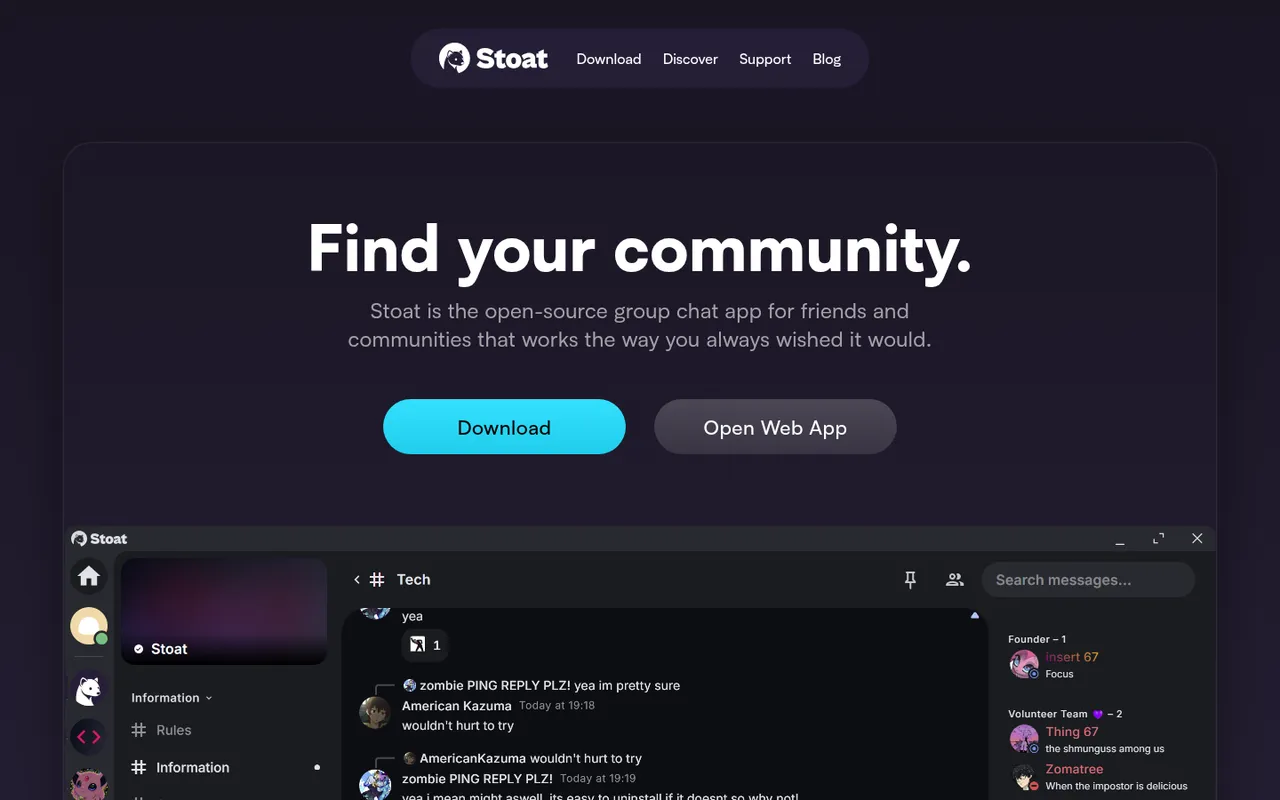
Stoat homepage: find your community
Stoat is an open-source group chat app for friends and communities, and it is the closest layout match to Discord in this list. It replaces the core Discord server experience with servers, channels, voice chat, file sharing, Markdown, role-based permissions, and moderation tools.
Its appeal is straightforward: Stoat says it has no ads and no data mining, and is “free and open source, now and forever.” You can use its web app or downloads, and self-hosting is available if you want to run it yourself. Stoat was formerly called Revolt; the old revolt.chat address now redirects to Stoat.
The trade-off is that its site emphasizes the fundamentals rather than integrated community extras such as event calendars, courses, or workplace administration. Choose Stoat if your members mainly want a familiar Discord-style home and you value open-source software, privacy claims, and the option to self-host.
2. Guilded: best for gaming communities

Guilded homepage: better chat, happier communities
Guilded is built around “Chat for Gaming Communities.” It replaces a gaming Discord server’s group-chat setup while putting event calendars and forums into the same product. Guilded describes those features, and more, as 100% free.
That makes it the clearest fit when your server spends a lot of time scheduling raids, matches, practices, or community events and you do not want to bolt a forum onto chat. Calendars and forums are the important distinction here, not just another chat window.
The downside is sign-in: Guilded’s site presents “Sign up with Roblox,” and Guilded is owned by Roblox. That will not suit every community’s account preferences. Pick it if you run a gaming group and built-in event planning and forum-style discussion matter more than using an open-source platform.
3. TeamSpeak: best for low-latency gaming voice
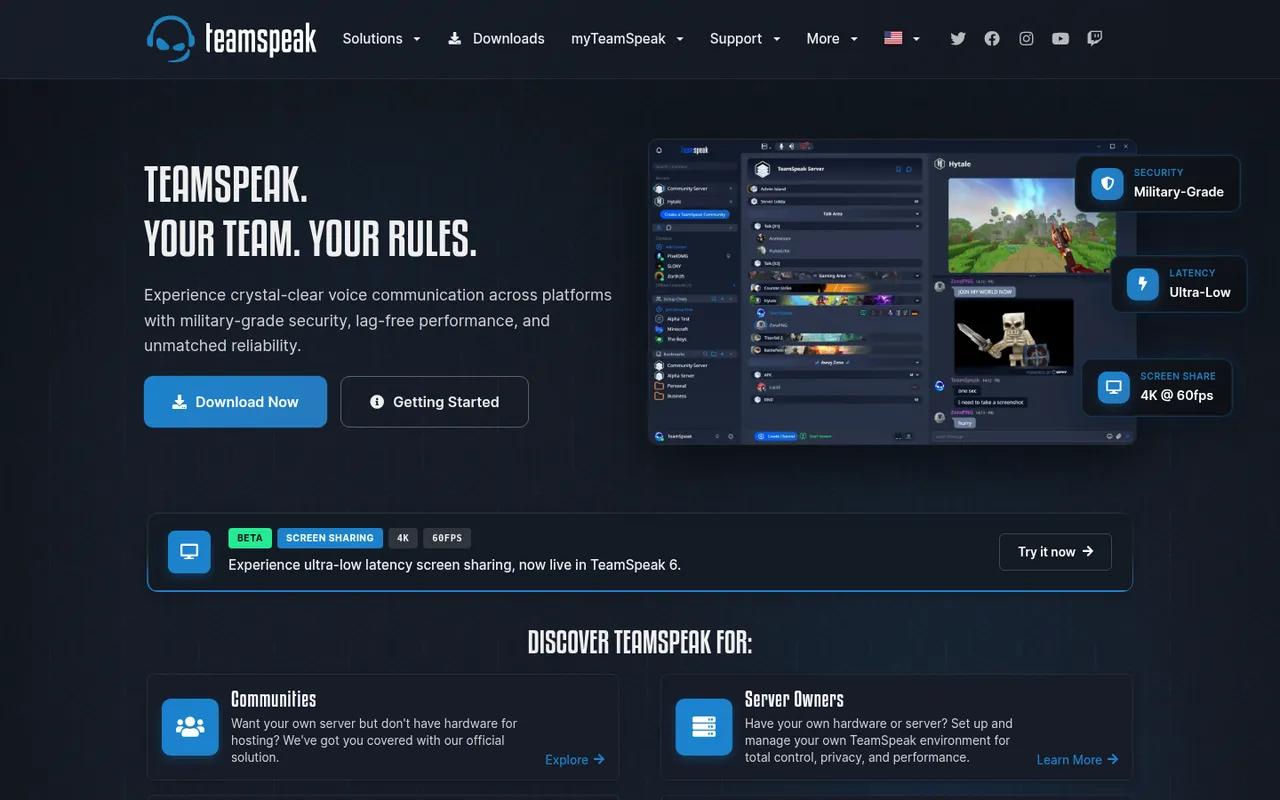
TeamSpeak homepage: your team, your rules
TeamSpeak is a voice communication platform for gaming, business, and communities. It replaces Discord primarily for voice: TeamSpeak highlights low-latency voice, a security focus, automatic microphone volume, background-noise reduction, and echo cancellation.
You can rent an official hosted community server or self-host TeamSpeak on your own hardware. TeamSpeak 6 also adds screen sharing up to 4K at 60fps, though the site labels that feature beta.
TeamSpeak is less of a replacement if your community depends on a rich text-server experience, forums, or paid memberships. Its homepage does not list prices for hosted servers. Choose it when dependable voice communication and control over hosting are more important than reproducing every part of a Discord community.
4. Mumble: best free self-hosted voice chat
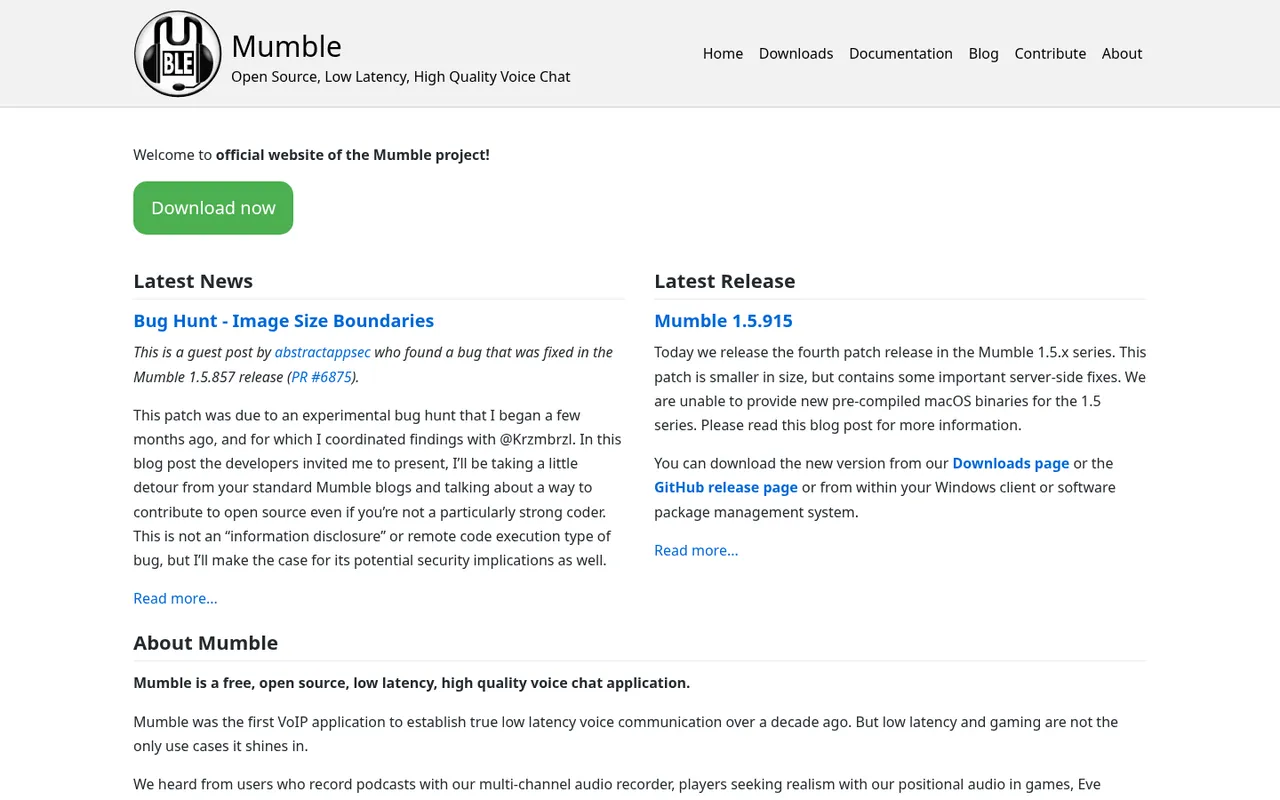
Mumble project homepage
Mumble is a free, open-source, low-latency, high-quality voice chat application. It replaces Discord voice channels, not the full Discord server package. You can self-host its server, use its extensive permission system, and use positional audio in supported games.
Mumble also has a multi-channel audio recorder intended for podcasts. Its site says communities with more than 100 simultaneous voice participants use it, which is useful context for groups planning sizeable live conversations.
The limitation is explicit: Mumble is voice-focused and does not offer Discord-style text community features. That means you may need another place for announcements, long-running text discussion, files, and event organization. Pick Mumble if you want free, self-hosted gaming or group voice and are comfortable separating voice from the rest of your community tools.
5. Element: best for privacy and encryption
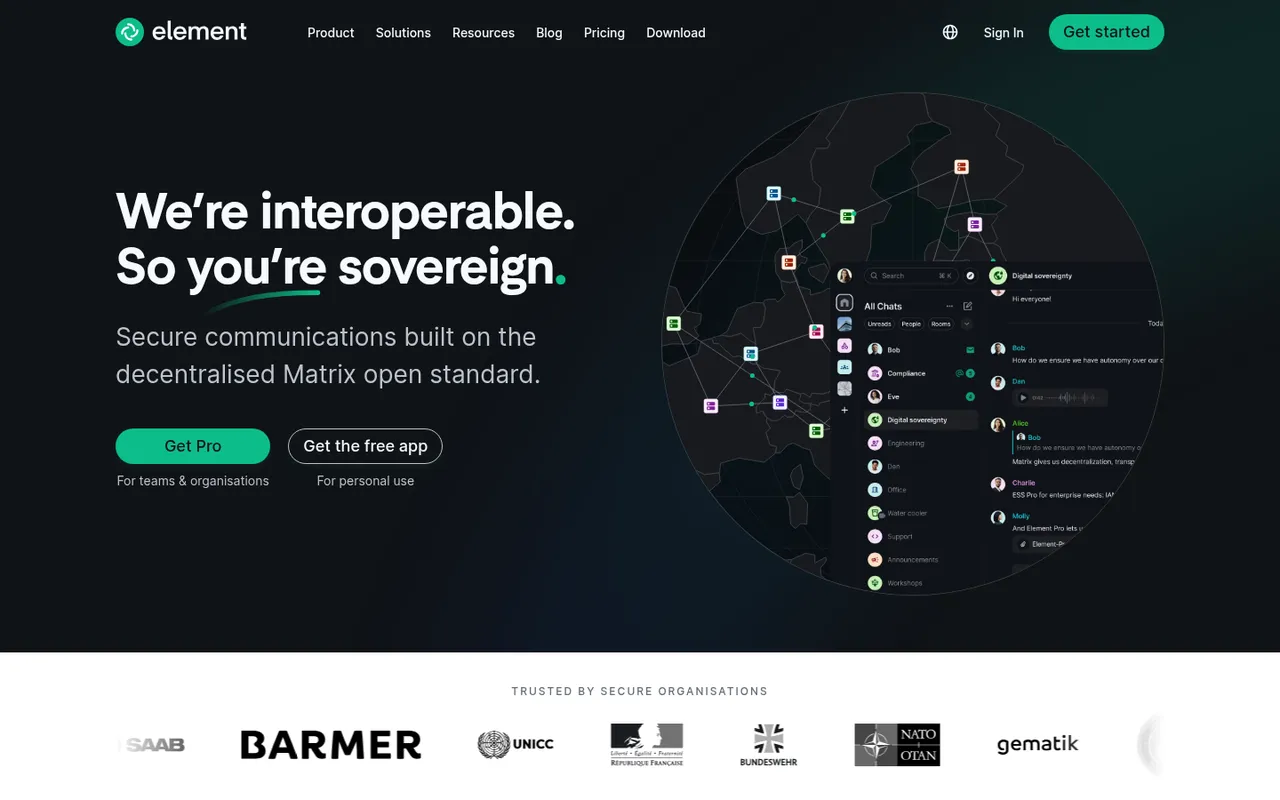
Element homepage: secure communications built on Matrix
Element is an end-to-end encrypted messenger and collaboration app built on the decentralized Matrix open standard. It replaces Discord text and private community communication for groups where encryption, federation, and hosting control are the deciding requirements.
There is a free app for personal use and Element Pro for teams. You can self-host Element or have Element host it, and Matrix interoperability means it can work with other Matrix servers.
Element's apps and the Matrix protocol are open source. It is not the closest visual or workflow copy of a Discord gaming server. Its decentralized Matrix approach brings choices around servers and hosting that some casual communities will not want to manage. Pick it for privacy-conscious groups, organizations that need encrypted communication, or communities that specifically want Matrix interoperability.
6. Telegram: best for large mobile groups
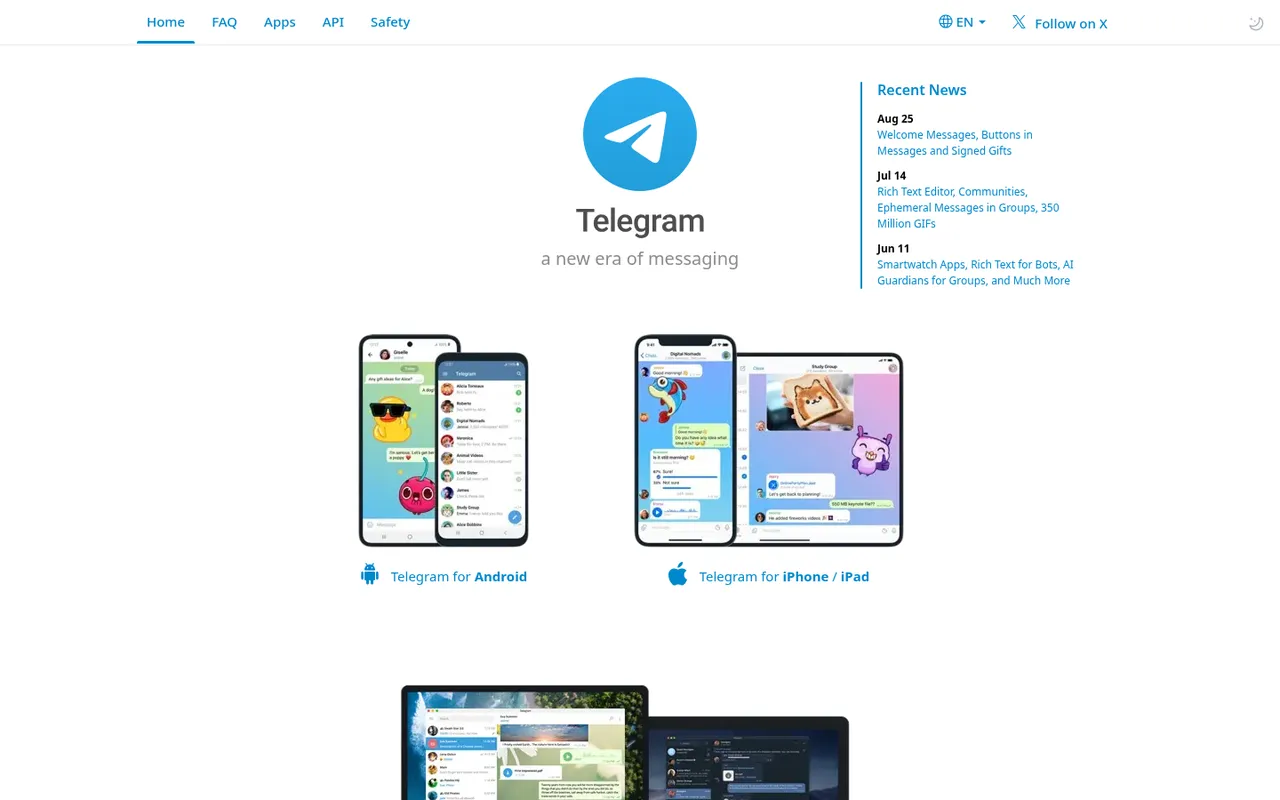
Telegram homepage with app downloads
Telegram is a mobile-first messenger designed around large groups and broadcast channels. It replaces Discord announcements and casual text community chat particularly well for audiences that primarily participate from phones, while still offering apps for Android, iPhone and iPad, PC/Linux, and macOS.
Telegram has an open API and open-source clients. Its 2026 updates include Welcome Messages for new group members, Communities, rich text, and AI Guardians for groups. Bots are also common on Telegram.
What it does less well is recreate Discord’s server-first organization. If your community needs a dense set of permissions, text and voice spaces, and a familiar gaming-server structure, Stoat or Guilded is likely the more direct fit. Choose Telegram for a large, mobile-oriented group, announcements through channels, and broad device support.
7. Slack: best for work teams
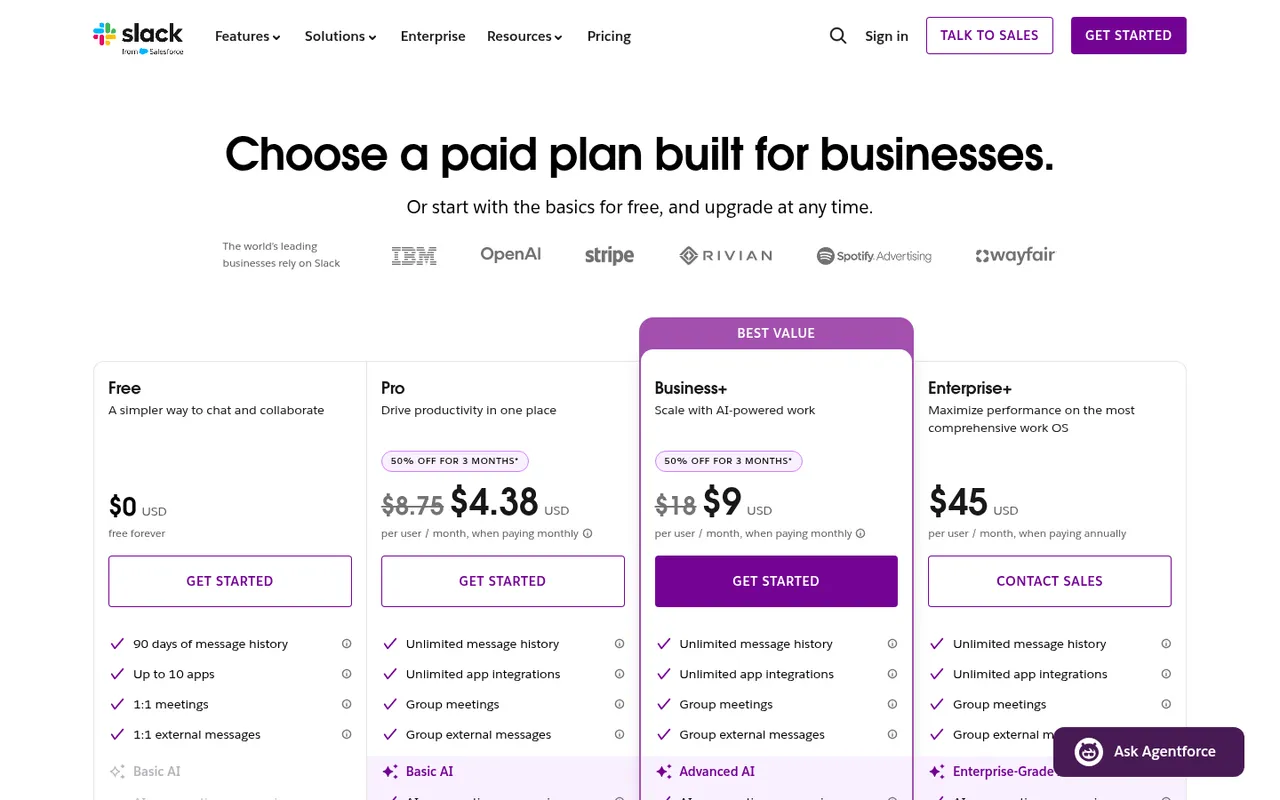
Slack pricing: Free, Pro, Business+, Enterprise+
Slack is built for workplaces, so it replaces Discord when a team has outgrown informal work chat and needs a product sold around business communication. Its free plan is $0 forever, with 90 days of message history, up to 10 apps, 1:1 meetings, and 1:1 external messages.
Slack Pro is listed at $8.75 per user per month when paid monthly. On October 3, 2026, its pricing page also showed a 50% discount for three months at $4.38; higher tiers were listed at $18 and $45 per user per month.
The main drawback for public communities is the per-member pricing model. Costs can rise quickly when the membership is large, and the free plan’s 90-day message history is a meaningful constraint for teams that need a durable record. Choose Slack for a workplace team that can budget per member and needs a defined business communication tool.
8. Zulip: best for async, threaded discussion
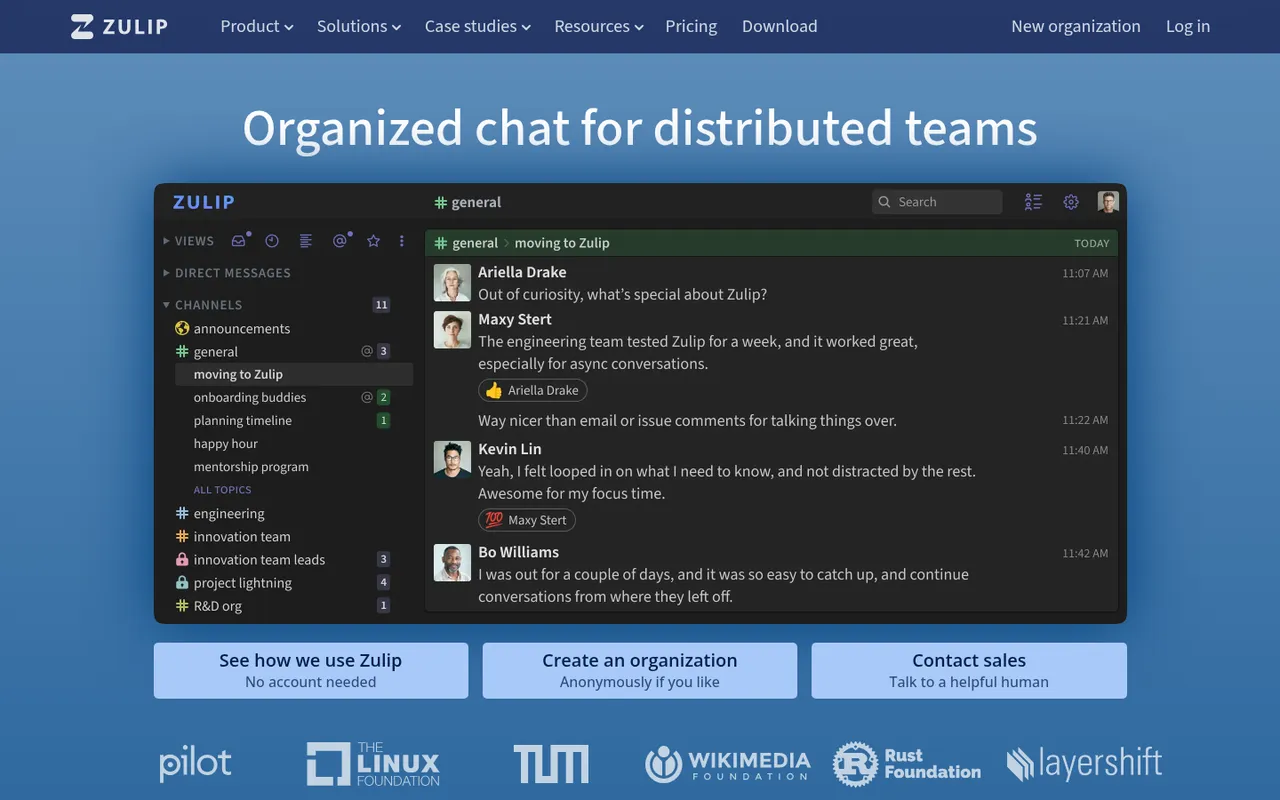
Zulip homepage: organized chat for distributed teams
Zulip is organized team chat built around topic-based threads. It replaces Discord’s fast-moving channels for people who need to follow several discussions without treating every new message as one shared, scrolling conversation.
Zulip is designed for asynchronous work: you can focus on one conversation at a time. Its site says free or highly discounted plans are available for most non-business uses, and Zulip itself is open source, so you can also self-host it. That makes it particularly relevant to open-source projects and study groups.
The downside is also its strength. Members who expect rapid, free-form Discord chat will need to learn the habit of channels and topics. It is not the natural choice for a voice-led gaming server. Choose Zulip when your current Discord channels move too fast to preserve useful technical, academic, or project discussion.
9. Circle: best for paid creator communities
Circle homepage: a new era for digital businesses
Circle is a paid community platform for creators and digital businesses. It goes beyond replacing Discord chat by combining community features with chat, events, live streams, courses, payments, email marketing, a website builder, AI agents, and branded apps.
Circle starts with a free trial. Its product direction is clear: it is designed for a community that is part of a business, especially where you sell access, education, memberships, or digital products.
That breadth is not necessary for most free social servers, and Circle offers a free trial rather than a permanent free plan. Pick Circle if you need community software tied to payments and creator operations; do not pick it merely to duplicate a small friends’ Discord.
Discord alternatives compared
| Pick | Voice chat | Text channels or chat | Self-hosting | Open source | Free plan or option |
|---|---|---|---|---|---|
| Stoat | Yes | Servers and channels | Yes | Yes | Free |
| Guilded | Yes | Group chat, forums, calendars | No | No | 100% free |
| TeamSpeak | Yes (its focus) | Basic | Yes | No | Free client; rented or self-hosted server |
| Mumble | Yes (its focus) | Minimal | Yes | Yes | Free |
| Element | Voice and video calls | Rooms on Matrix | Yes | Yes | Free personal app |
| Telegram | Group voice chats | Groups and broadcast channels | No | Clients only | Free |
| Slack | Huddles | Workplace channels | No | No | $0 plan: 90-day history, 10 apps |
| Zulip | Through call integrations | Topic-based threads | Yes | Yes | Free or discounted for most non-business uses |
| Circle | Live streams | Community spaces and chat | No | No | Free trial only |
How we chose these alternatives
Discorder.tools visited each product’s official site and, where applicable, pricing page on October 3, 2026. The list is independent: Discorder.tools was not paid by any company listed here.
The ranking is by use case rather than an attempt to name one app that suits everyone. We looked for options covering community chat, gaming voice, privacy, work, async teams, and paid creator communities. We did not run voice-quality or latency tests, so this list does not make comparative performance claims.
Why Rocket.Chat and Mattermost are not on the list
Rocket.Chat and Mattermost are not included because they now market themselves toward defense, government, and critical-infrastructure organizations. That makes them more relevant to regulated companies than to the Discord-style communities this list is intended to help.
How to move a community off Discord
Discord server messages cannot be exported into another app, so save or export what you need before making a change. Treat a migration as a member communication project, not just a software switch.
- Pick one replacement based on the job your Discord currently does best: chat, voice, events, private communication, work, or paid membership.
- Set up the new space and explain where members should post, talk, find events, and get help.
- Tell members early, using clear dates and repeated announcements.
- Keep the Discord server open for a while so people can find the new home and retrieve information they need.
- If you decide to close it, follow our guide to deleting a Discord server. Deletion is permanent.
If you are staying on Discord, use the Discorder.tools Discord server finder to find active communities instead.
Frequently asked questions
What is the closest app to Discord?
Stoat is the closest option here if you want Discord’s familiar combination of servers, channels, voice chat, files, Markdown, roles, and moderation tools. It is also open source and offers optional self-hosting.
What is the best free Discord alternative?
For a full community-chat replacement, Stoat is the strongest free choice based on its stated free-and-open-source model. Guilded is also 100% free for gaming communities, while Mumble is free and open source for voice-only use.
What is best for gaming voice?
Choose TeamSpeak when you want a voice communication platform with low-latency voice features and hosted or self-hosted server options. Choose Mumble if you specifically want free, open-source, self-hosted voice with positional audio.
What is the most private Discord alternative?
Element is the privacy-focused choice on this list because it is an end-to-end encrypted messenger built on Matrix, with options to self-host or use Element hosting. Stoat also states that it has no ads and no data mining.
Can I move my Discord server to another app?
You can move your members, rules, links, and important files, but you cannot export a Discord server’s messages into another app. Announce the new location early and leave the old server open for a transition period before deleting it.

With a background in AI and a passion for clear technical communication, I enjoy breaking down complex tools and processes. Exploring new software and sharing insights is a key focus.
Run a gaming, tech, or AI site? Write for us or swap links →
Further Reading
8 Best Discord Moderation Bots in 2026 (Free and Paid)
Compare the best Discord moderation bots in 2026. Discord AutoMod leads this independent list of 8 picks, with free limits, paid plans, and trade-offs.