Streamcord is our top pick among the best Discord bots for streamers: choose it for Twitch, YouTube and Kick go-live alerts, plus Twitch Live Roles. Choose NotifyMe instead for TikTok and clearly stated free YouTube/Kick allowances, or Sapphire for free moderation alongside alerts. Discorder.tools is not affiliated with any of these products and was not paid for placement.
| Pick | Best for | Free tier | Watch out for |
|---|---|---|---|
| 1. Streamcord | Dedicated go-live alerts | 5 Twitch streamers; 1 Live Role configuration | Free YouTube/Kick limits aren't plainly stated |
| 2. NotifyMe | Multi-platform content alerts | 40 free accounts across five platforms | Some features require regular voting |
| 3. Sapphire | Free moderation plus alerts | Described as completely free | Specific limits aren't listed |
| 4. Streamlinx | Routing multiple streamers | 5 each on Twitch, YouTube and Kick | Filters and notification cooldowns require Premium |
| 5. Carl-bot | Reaction roles and automod | 2 Twitch and 5 YouTube alerts | Low alert limits; Premium price isn't listed |
| 6. MEE6 | Leveling and engagement | Free plan exists | Free alert limits aren't listed |
| 7. Dyno | Existing Dyno Premium servers | Moderation tools, not stream integrations | Alerts require Premium |
| 8. Astero | Rumble and custom branding | Shared bot on 3 servers | Rumble isn't listed for Free |
| 9. Wick | Anti-raid security | Free inclusions aren't listed | No go-live alerts listed; paid pricing isn't listed |
| 10. Patreon Bot | Patron roles and access | Patreon is free to start | No go-live alerts; earnings incur fees |
Summary
- Streamcord is the best overall go-live alert bot. It covers Twitch, YouTube and Kick alerts plus Twitch Live Roles. Free includes 5 Twitch streamers and one Live Role configuration; Pro costs $2.99/month for 250 Twitch streamers.
- NotifyMe offers the clearest free multi-platform allowance, including TikTok. Its 40 free accounts split into 10 YouTube, 5 TikTok, 5 Twitter, 10 Twitch and 10 Kick. Some features require voting on Top.gg every 12 hours.
- Sapphire and Streamlinx suit free moderation or multi-streamer routing. Sapphire calls itself completely free but lists no specific limits. Streamlinx routes streamers to separate channels; cooldowns and filters need Premium at $2.99 per server/month.
- All-in-one bots carry low or paywalled alert limits. Carl-bot allows 2 Twitch and 5 YouTube alerts free, MEE6 doesn't list free alert limits, and Dyno puts stream integrations under Premium at $59.99/year per server.
- Keep a small stack with opt-in alert roles. Pair one alert bot with one core moderation bot, adding Wick for raids or Patreon Bot for patron roles. Use an opt-in alert role instead of mentioning @everyone.
1. Streamcord: best overall go-live alert bot
Streamcord combines stream notifications with Twitch Live Roles.
Streamcord is a dedicated Discord bot for Twitch, YouTube and Kick notifications. It's the first pick if your main problem is telling members when a stream starts—not adding another economy, leveling system or moderation dashboard.
You can customize notification messages, embed colors and thumbnails. Its features also include game and stream-title keyword filters, notification cooldowns, and automatic crossposting to an announcement channel. YouTube notifications can be filtered by Shorts, videos and livestreams.
Stream Cleanup handles the other end of a broadcast: it can edit or delete the original notification, send another message, and include a stream summary with a VOD link. That's worth considering if your announcement channel otherwise fills with links to streams that have ended.
The distinction between audience roles and Live Roles matters. An opt-in alert role identifies people who want notifications; Streamcord's Live Role identifies members currently streaming on Twitch, then removes that role when they go offline. Its Linked Roles can also recognize Twitch affiliates and partners.
Streamcord Pro expands streamer limits and adds Twitch schedule syncing.
The free plan covers five Twitch streamers and one Live Role configuration, with whitelist-only Live Role filtering. Pro raises those limits to 250 Twitch streamers and five configurations, adds blacklist support, and allows up to five filter rules per notification. The free plan doesn't list a filter-rule allowance. Pro Schedules syncs your Twitch schedule to Discord events.
The downside: its site does not plainly state free YouTube or Kick channel limits, or clearly assign most feature rows to the free plan in words. It also does not state whether Pro billing covers a server or a user. Don't assume every advertised feature is free.
Choose Streamcord for focused alerts and Twitch community roles. Choose NotifyMe instead when TikTok or explicitly stated free account allowances matter more.
2. NotifyMe: best free tier for multi-platform alerts
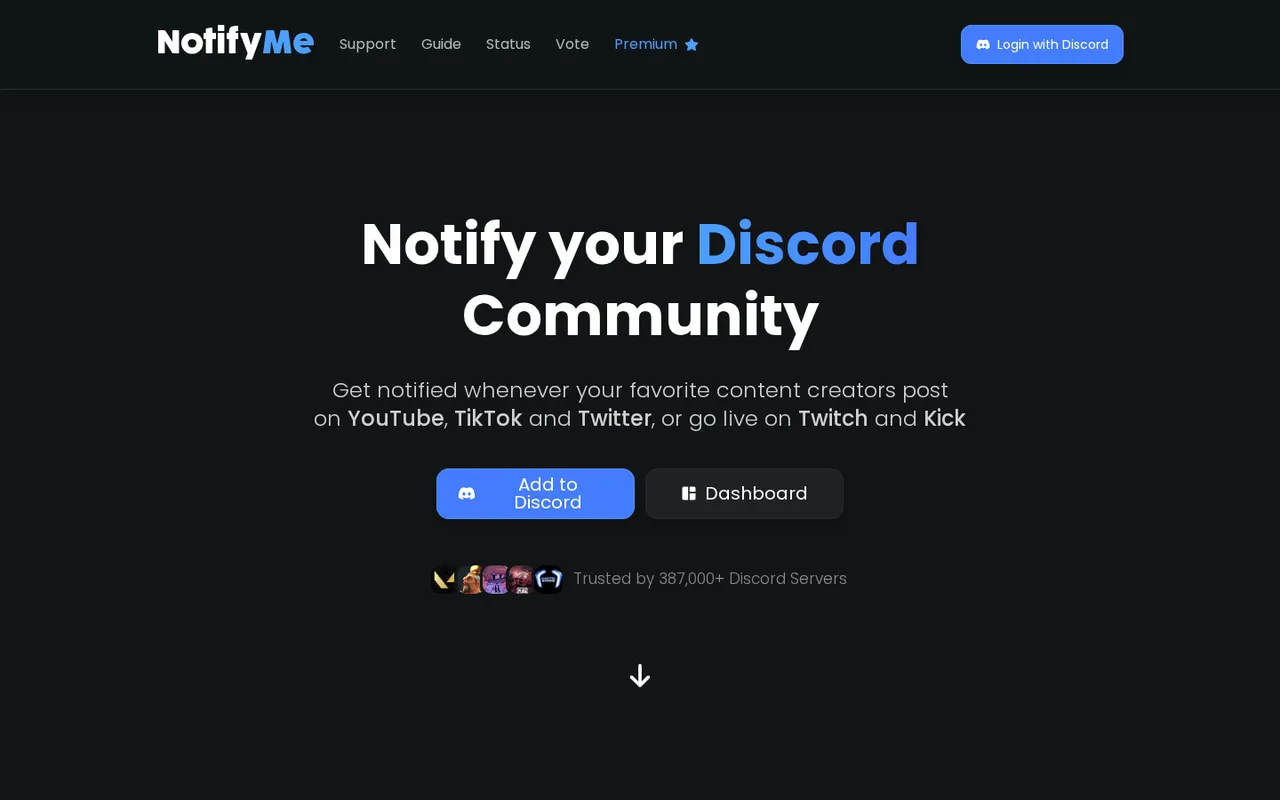
NotifyMe sends creator updates from five platforms to Discord.
NotifyMe sends Discord notifications for YouTube, TikTok and Twitter posts, plus Twitch and Kick streams. Its browser dashboard lets you configure notifications visually rather than relying on slash commands.
Choose it over Streamcord when your content schedule extends beyond livestreams, particularly to TikTok. Its 40 free accounts break down into 10 YouTube, five TikTok, five Twitter, 10 Twitch and 10 Kick accounts. That platform-by-platform split matters if most creators you follow use just one service.
NotifyMe publishes average notification speeds of about one minute for YouTube and Twitch, 30 seconds for Twitter, and 20 seconds for Kick. TikTok averages about two minutes on Free, Basic and Plus; Advanced lists about 30 seconds. These are NotifyMe's figures, not delivery guarantees or measurements by Discorder.tools.
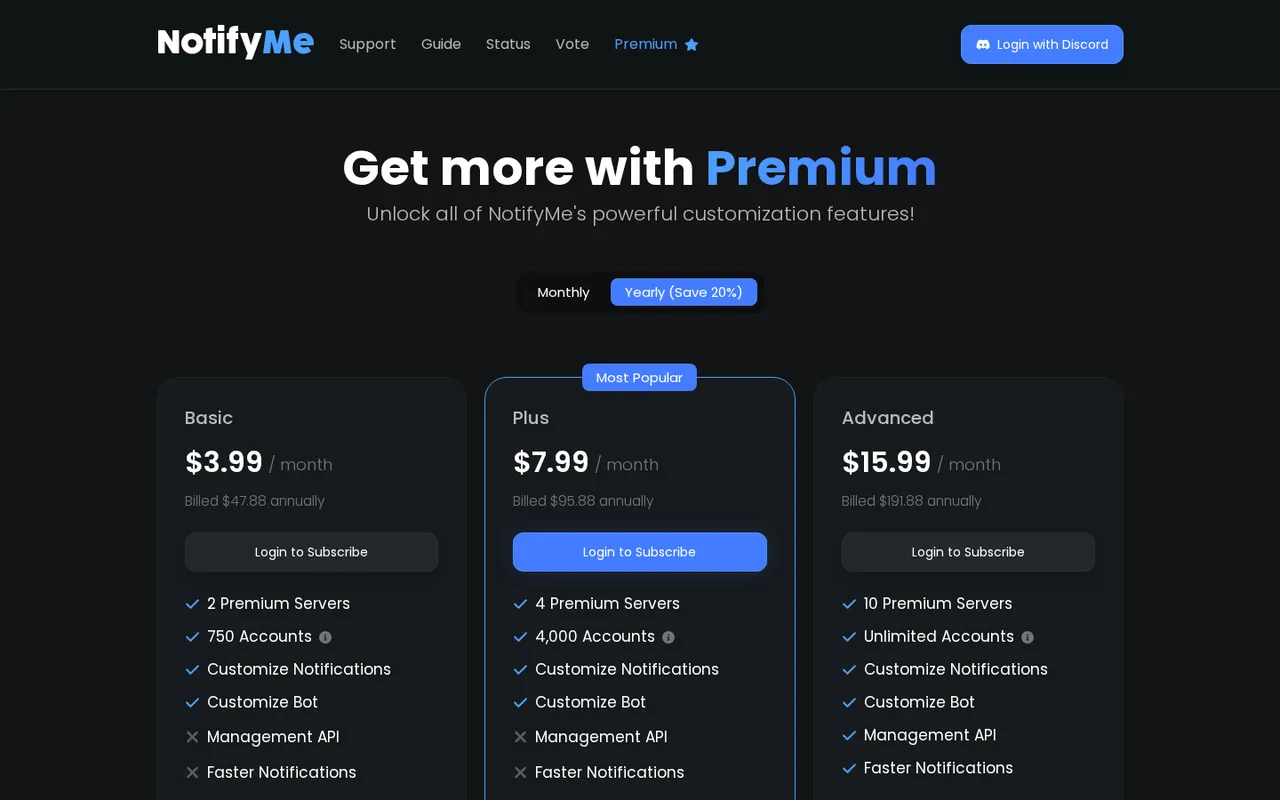
NotifyMe offers Basic, Plus and Advanced subscriptions with larger account allowances.
Premium features include notification-embed customization, a custom bot name and avatar for notifications, removal of the branding button, dashboard permissions and a management API. A three-day Premium trial is offered, but its site does not identify which Premium plan the trial covers.
The downside: some features require voting for the bot on Top.gg every 12 hours unless your plan includes the “No Voting on Top.gg” perk. Its site does not list which features require voting or plainly assign all perks to Free. It also does not list Free's server allowance.
The displayed paid prices are annual-billing equivalents, not monthly-billing prices. Check the comparison below before budgeting for a subscription.
3. Sapphire: best free all-in-one with alerts and moderation
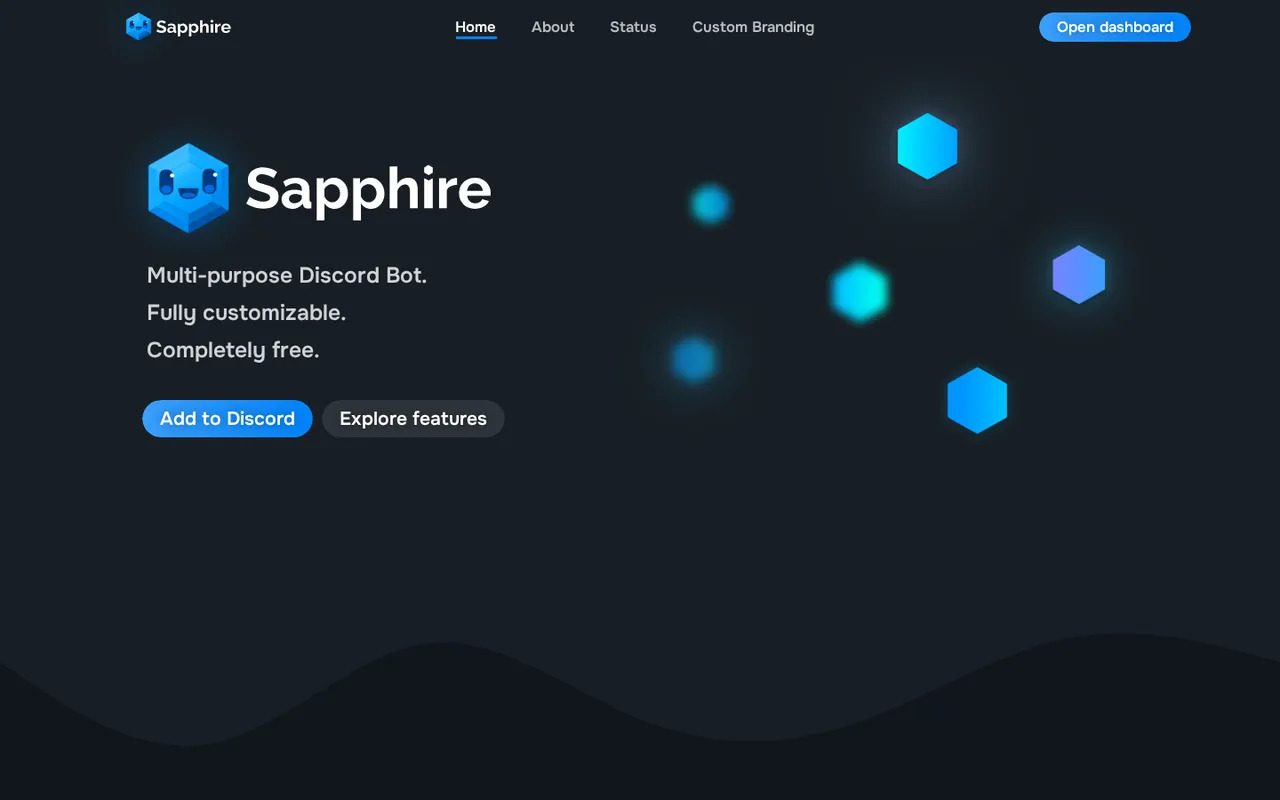
Sapphire brings social notifications, moderation and message customization into one bot.
Sapphire describes itself as fully customizable and completely free. It combines Twitch, YouTube and TikTok notifications with moderation, automoderation, logging and custom interactions.
Its social notifications support customizable messages and live-updating stream messages. Beyond alerts, you get custom slash commands, buttons and select menus, self-assigned roles, keyword-triggered messages and scheduled messages. Its built-in message editor can edit every Sapphire message.
For moderation, Sapphire lists case management, reason aliases and configurable DM notifications. It also lists 10+ automoderation modules and 80+ log types, with options to ignore selected users, roles or channels in logging. That combination makes it relevant when you want more than a notification feed without immediately buying an all-in-one subscription.
The downside: its site does not list specific free limits for notifications or custom commands. It also does not explain what Patreon membership unlocks, or provide prices and details for Custom Branding and Limit Increase. “Completely free” is the site's description, not a published promise of unlimited configurations.
Choose Sapphire for alerts and community management together. Choose Carl-bot instead when clearly stated reaction-role allowances and detailed role behavior are your priority.
4. Streamlinx: best for routing multiple streamers
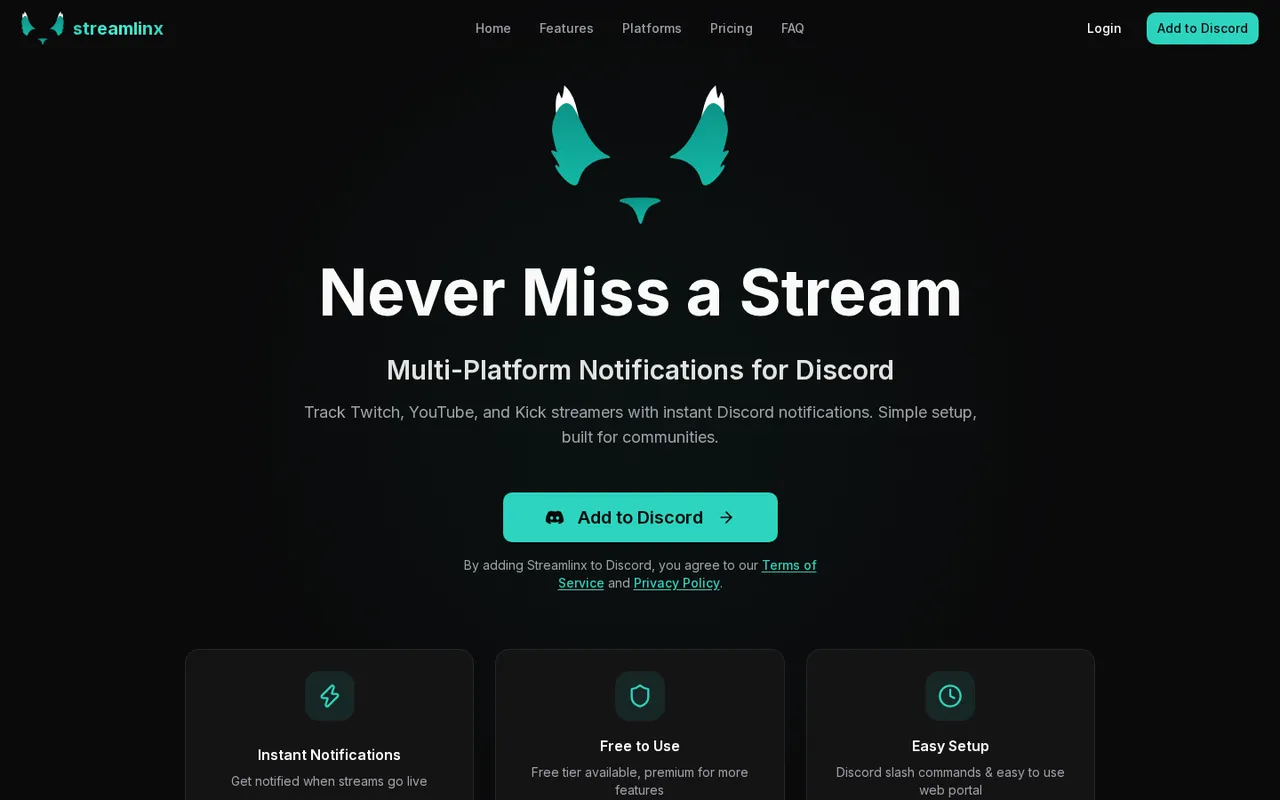
Streamlinx routes Twitch, YouTube and Kick notifications to per-streamer channels.
Streamlinx sends Twitch, YouTube and Kick go-live notifications, with per-streamer destination channels and custom online/offline templates. Choose it over Streamcord or NotifyMe when you're organizing a creator collective and want different streamers routed to different channels.
The free plan includes five streamers on each platform, per-streamer channels, basic embed customization and message templates using variables such as streamer, game, title and URL. YouTube upload and Twitch clip notifications are free on all tiers, with dedicated channels and custom templates.
Streamlinx also lists live viewer-count updates across its three streaming platforms. Its Twitch Live Roles identify members currently streaming; Free includes one whitelist-only configuration, while Premium includes five with blacklist support.
Notification cooldowns from one minute to 24 hours require Premium. So do title/game filters, custom webhook identity, advanced analytics, and quiet hours with catch-up summaries. Premium supports up to five filter rules per streamer. These controls are the reason to pay when a busy multi-streamer feed needs tighter management.
The downside: those notification controls aren't free, and Premium's YouTube allowance is 10 streamers. Free support is community support; priority support requires Premium. Its maker says notifications arrive “within seconds,” but does not provide an exact latency figure.
Choose Streamlinx for routing and notification controls, not an independently established speed advantage.
5. Carl-bot: best for reaction roles and automod, with light alerts
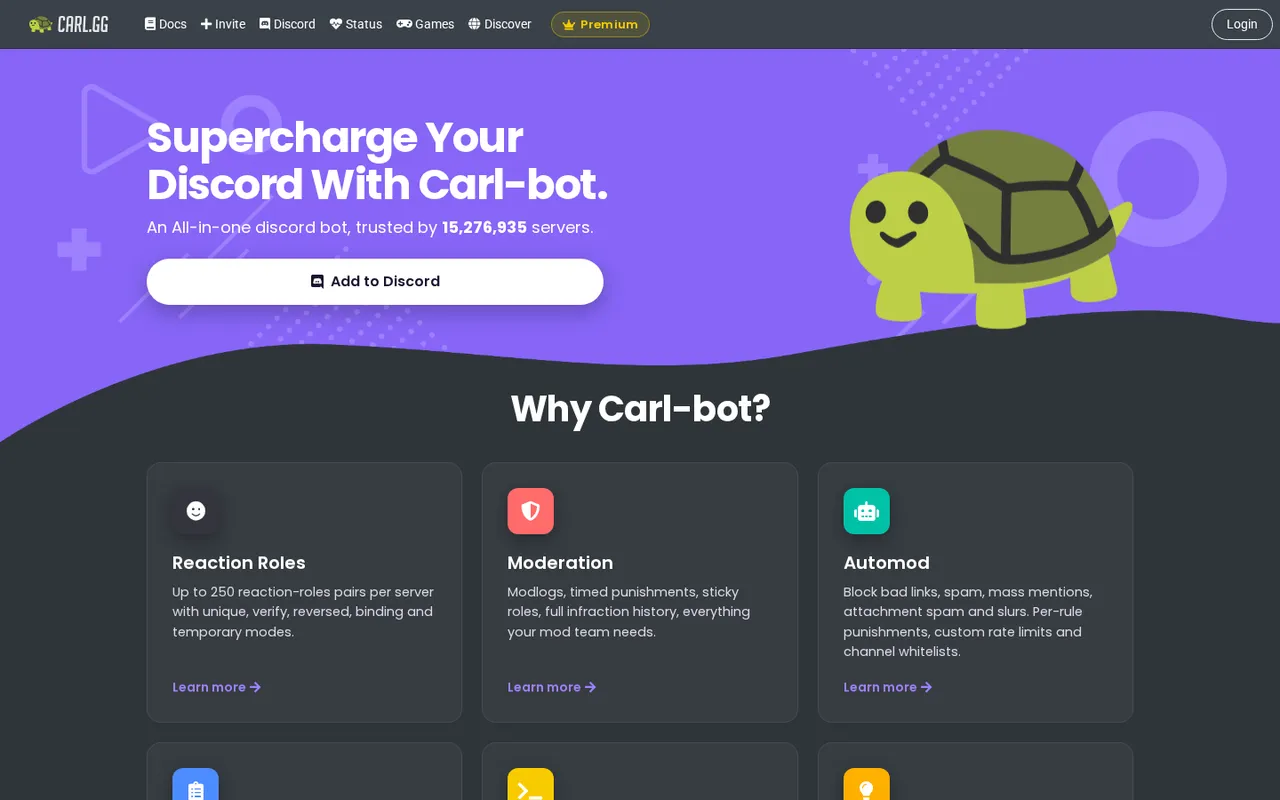
Carl-bot combines reaction roles, automod and limited Twitch and YouTube alerts.
Carl-bot is a modular community-management bot with reaction roles, automod, logging, custom commands, and Twitch and YouTube alerts. Choose it over Sapphire when role assignment and moderation rules matter more than alert volume.
Its free tier supports 250 reaction-role pairs per server. Its reaction-role system lists modes including unique, verify, reversed and binding. Automod covers spam, bad links, mass mentions, attachment spam and slurs, with per-rule punishments and channel whitelists. Logging can be split across channels.
The alert allowance is modest: two Twitch streams and five YouTube channels free, or five Twitch and 20 YouTube with Premium. That's a fit for your own channel and a few collaborators, not a large streamer directory.
Premium explicitly adds immediate auto-feeds and a role-mention toggle in feeds. Those are paid features; Carl-bot's site does not list a free-alert delay figure.
The downside: Premium prices aren't listed on its site. Levels and XP, sticky messages, voice-role links and timed reaction roles require Premium. Discord subscriptions cover a single server, and Premium-only features stop working when Premium expires.
Pick Carl-bot for community management, with alerts as an extra—not as your first choice for following many creators.
6. MEE6: best for leveling and engagement
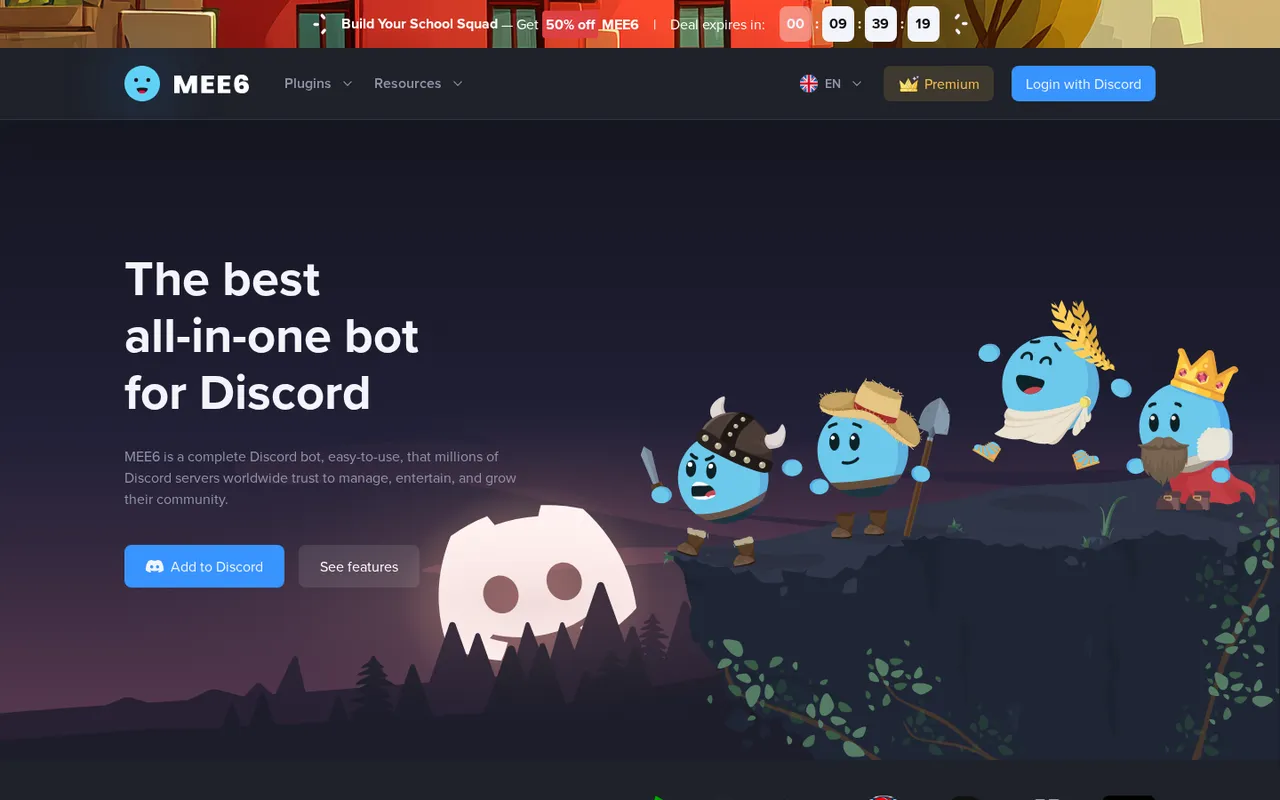
MEE6 combines leveling, community engagement and social alerts.
MEE6 combines moderation, text-based XP, leveling rewards, giveaways, birthdays, economy features and social alerts. Choose it over Sapphire or Carl-bot when you specifically want engagement systems alongside server management.
Its social-alert section lists Twitch, YouTube, X, RSS, Reddit and Instagram. Its comparison table also lists TikTok, Bluesky, Kick and Podcasts. Treat that as a list of supported social platforms and content types, not a promise that every integration provides the same kind of live notification.
Other tools include tickets with private channels or threads, transcripts, polls, automations, temporary channels and statistics. That breadth is useful if you plan to use those systems; it's unnecessary overhead if all you need is a stream-start message.
The downside: its site does not plainly state free social-alert limits or map every feature and numeric limit to a plan. You cannot reliably budget your free setup from the feature list alone.
The advertised prices are a limited-time 50% fall deal, not regular prices. The monthly discount covers the first month; the yearly offer covers the first year and then increases. Its site does not plainly state the monthly renewal price. All three advertised plans list a seven-day refund window and transferability to another server. The full offer is in the comparison table below.
7. Dyno: best if you already use Dyno Premium
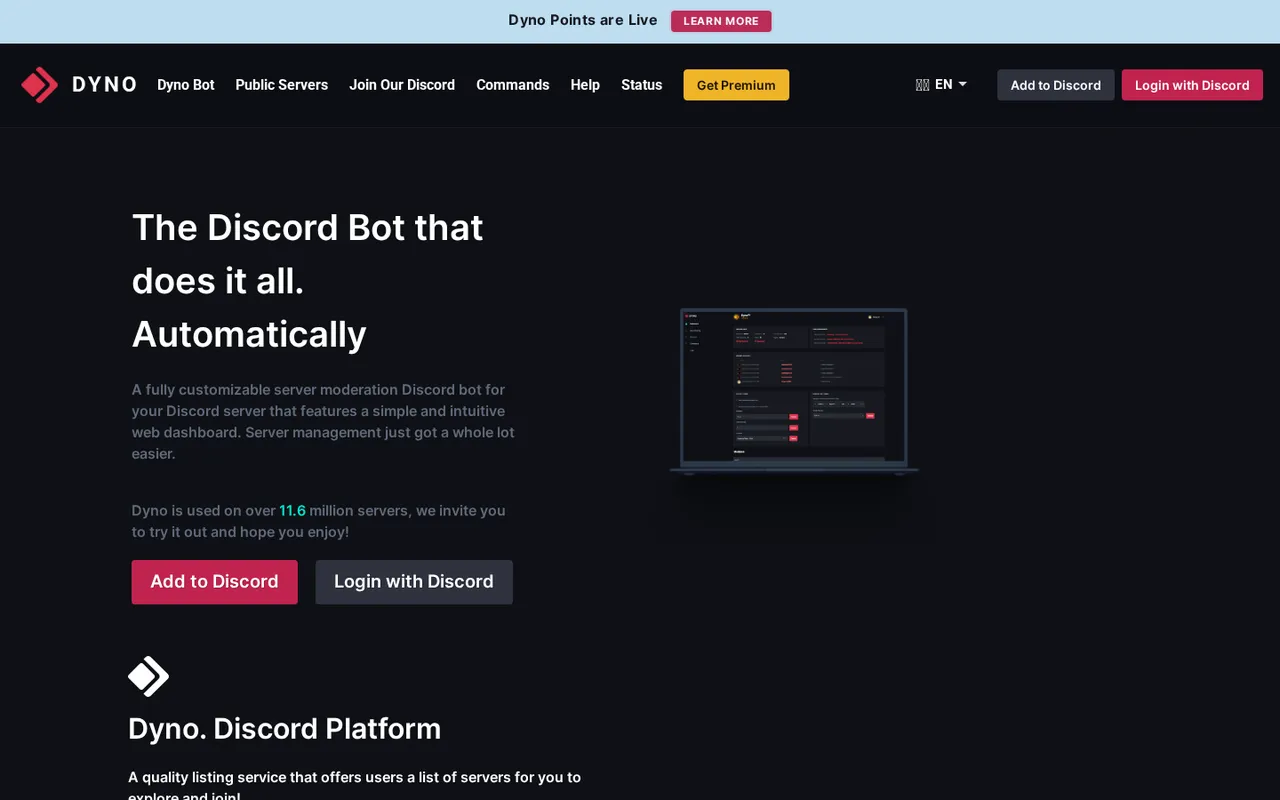
Dyno centers on dashboard moderation, with stream integrations in Premium.
Dyno is a configurable moderation bot with a web dashboard, anti-spam, autoroles and custom commands. Its free plan includes Automod, Tickets and Starboard, along with capped utilities.
Those free caps include 25 custom commands, 10 autoresponders, three reaction-role menus, three autoroles and one automessage. Standard expands the moderation toolset with Advanced Automod, Autopurge, Slowmode and Voice-Text Linking.
Twitch, YouTube, TikTok, Reddit and Kick integrations are listed under Premium, not Free or Standard. Choose Dyno over Carl-bot or MEE6 when Dyno is already your moderation hub and you're paying for Premium. Buying it solely to announce streams is harder to justify against dedicated free alert bots.
The downside: Standard and Premium each cover one server. The site shows annual-billing prices but does not list monthly-billing prices. A custom username, avatar and status require the separate Custom tier. Its site does not provide numerical meaning for that tier's “Increased Performance and Uptime” claim.
8. Astero: best for Rumble and a branded bot
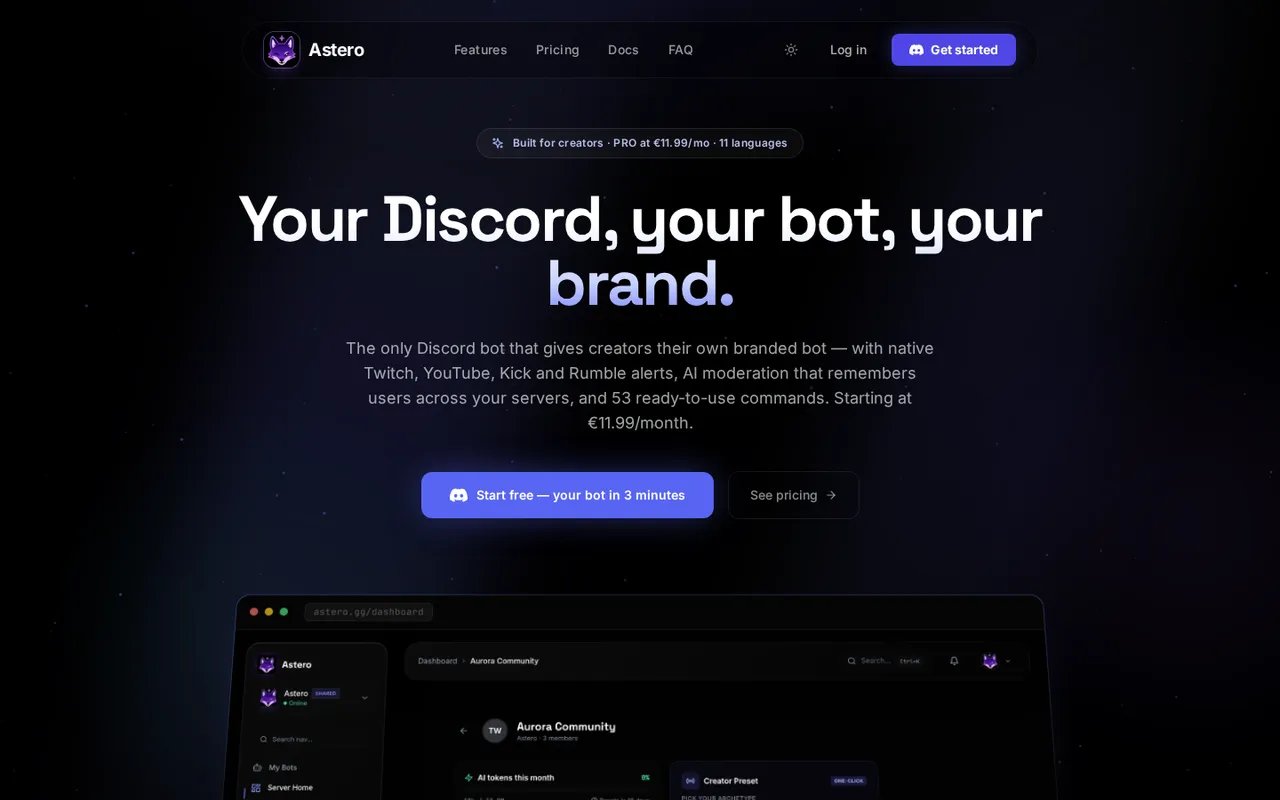
Astero combines creator alerts, community tools and paid bot branding.
Astero offers Twitch, YouTube, Kick and Rumble alerts alongside moderation, leveling, tickets, giveaways and economy tools. Choose it instead of Streamcord for Rumble support, or instead of MEE6 when a bot under your own branding is the deciding feature.
Free uses the shared Astero bot on up to three Discord servers and includes moderation, leveling, welcome messages and 10,000 AI tokens monthly. The Free plan lists Twitch, YouTube and Kick notifications; Rumble is not listed for Free.
Stream Hub adds per-server branding through a nickname, avatar and banner. Creator Edition adds a dedicated branded bot and lists Twitch subscriber auto-roles. These are different offerings: a branded presence is not the same as a dedicated bot.
Astero claims alerts in “under 30s” and says it publishes p95 latency publicly. Those are the maker's claims, not our measurements.
The downside: its site does not list how many streamers or channels each plan can track per server, or state whether Rumble alerts are free. Its AI moderation includes cross-server memory. If you use it, have AI flag issues while people remain responsible for decisions about bans and kicks.
9. Wick: best anti-raid add-on for public servers
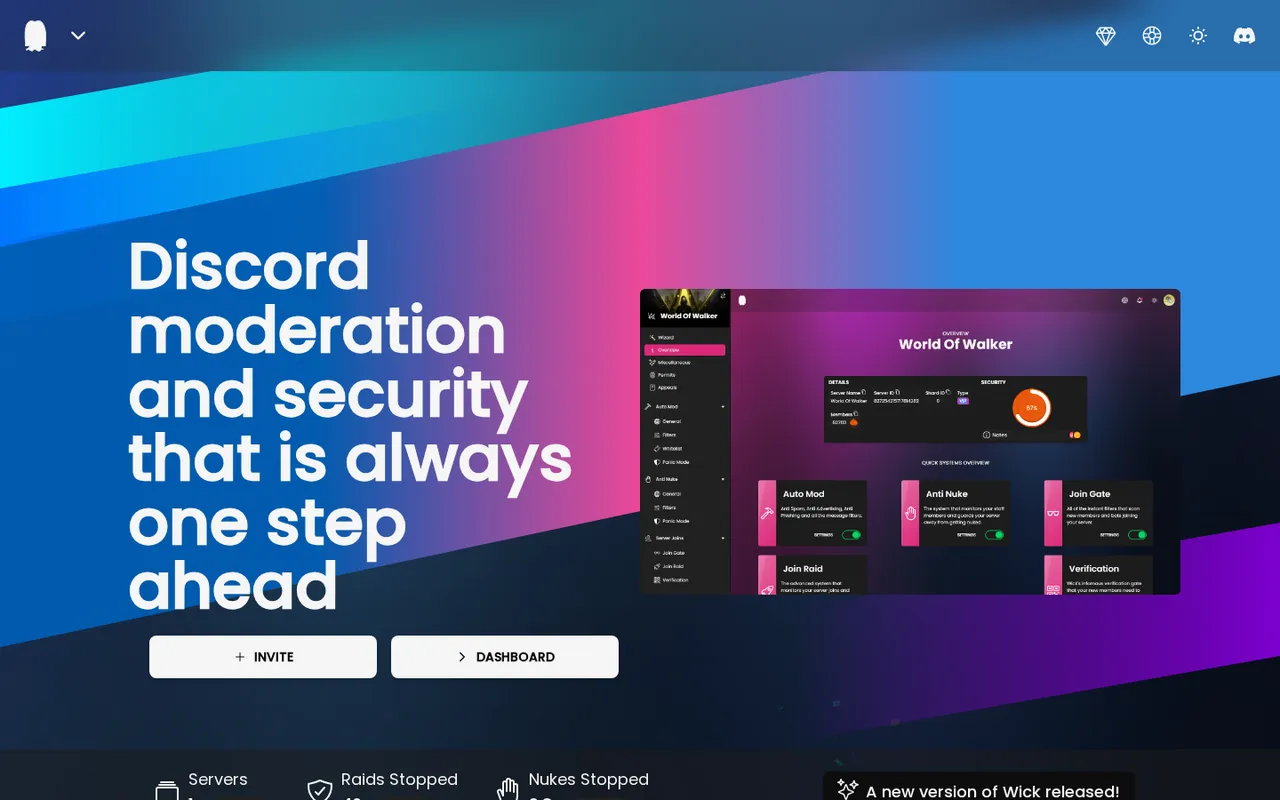
Wick focuses on moderation and protection against raids and nukes.
Wick is a moderation and security bot whose site describes stopping raids and nukes. It belongs beside your alert setup, not in place of it: its site lists no go-live alerts.
For a public creator server, the reason to consider it is security specialization. Its site offers a dashboard and a Premium/VIP upgrade described as adding security and advanced moderation utilities.
The downside: its site does not list Premium/VIP prices, explain the difference between those names, or clearly divide free and paid features. It also does not list the specific advanced moderation utilities, required permissions or setup steps. Don't buy an upgrade based only on homepage counters.
Choose Wick as an optional anti-raid layer for a server exposed to public traffic. Start with Discord's native controls and one core moderation bot rather than installing several overlapping all-in-ones.
10. Patreon Bot: best for patron roles and perks
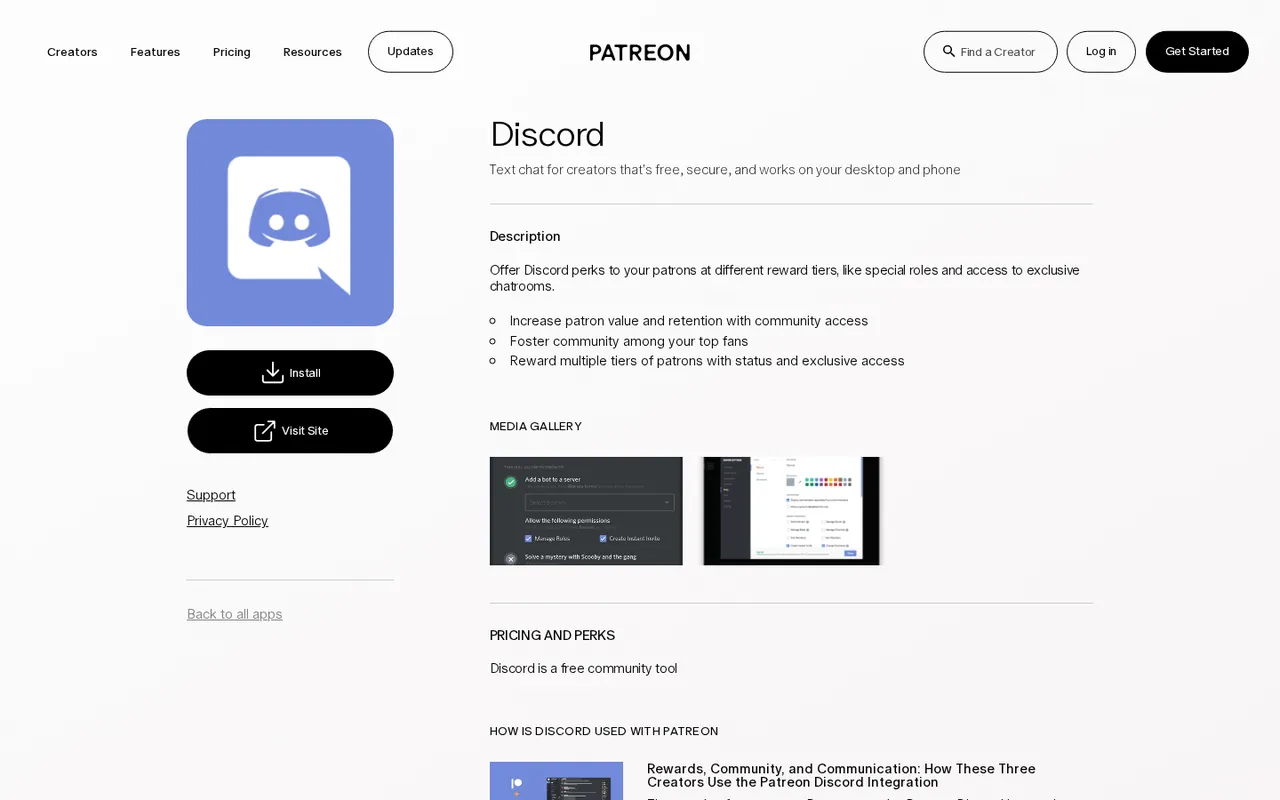
Patreon's Discord integration connects membership tiers with roles and exclusive community access.
Patreon's Discord integration lets creators offer patrons tier-based Discord perks, including special roles and access to exclusive chatrooms. It sends no go-live alerts; its job is supporter access.
Choose it when Patreon membership funds your work and you want Discord access to be part of the reward. Multiple patron tiers can receive different status and exclusive access, rather than sharing one undifferentiated supporter role.
Patreon is free to start and charges once you earn. Account for its percentage fee and additional charges in the comparison below rather than treating the integration as a cost-free membership business.
The downside: its site does not state how quickly roles sync, whether roles are removed when a pledge lapses, how many roles or tiers can be mapped, or whether the integration supports multiple Discord servers. It also does not state support for non-Patreon supporters such as Twitch subscribers. Don't promise immediate access changes to patrons without checking your setup.
How we chose these picks
Discorder.tools visited each official site and pricing page on October 15, 2026, and recorded what each site states; we did not run hands-on tests or benchmarks. Counts, where mentioned, are the products' own figures.
Picks 1–8 offer stream or social alerts; picks 9–10 are specialist add-ons. These are hosted Discord bots and integrations, separate from stream-automation tools that run on your PC and post through webhooks.
Discorder.tools was not paid to include or rank any product and is not affiliated with Discord Inc. or any listed product.
Free limits and prices — checked October 15, 2026
| Pick | Free allowance or limitation | Paid pricing and key limits |
|---|---|---|
| Streamcord | 5 Twitch streamers per server; 1 Live Role configuration; free YouTube/Kick limits not plainly stated | Pro: $2.99/month; 250 Twitch streamers, up to 10 YouTube and 10 Kick channels; subscription scope isn't stated |
| NotifyMe | 40 free accounts: YouTube 10, TikTok 5, Twitter 5, Twitch 10, Kick 10 | Basic $3.99/month, billed $47.88 annually; Plus $7.99/month, billed $95.88 annually; Advanced $15.99/month, billed $191.88 annually |
| Sapphire | Described as completely free; specific limits not listed | Patreon support starts at $4/month; bot benefits aren't stated |
| Streamlinx | 5 Twitch, 5 YouTube and 5 Kick streamers | Premium $2.99 per server/month; 300 Twitch, 10 YouTube and 50 Kick streamers; USD, taxes may apply |
| Carl-bot | 2 Twitch and 5 YouTube alerts; 250 reaction-role pairs | Premium price not listed; 5 Twitch and 20 YouTube alerts; 1,000 reaction roles |
| MEE6 | Free plan exists; free alert limits not listed | Limited-time 50% fall deal: Monthly $6.99 for the first month, shown against $13.99; Yearly $29.99 for the first year, displayed as $2.50/month, then $59.99/year; Lifetime $54.99 once |
| Dyno | Free moderation utilities; stream integrations require Premium | Premium $59.99/year per server, displayed as $5.00/month; Standard $49.99/year does not include those integrations |
| Astero | Shared bot on 3 servers; Twitch/YouTube/Kick notifications; Rumble not listed | Stream Hub from €5.99/month for per-server branding; Creator Edition €11.99/month for a dedicated branded bot and Twitch sub auto-role |
| Wick | Free inclusions not listed | Premium/VIP price and billing period not listed |
| Patreon Bot | Patreon is free to start | 10% of Patreon income, plus payment processing, currency conversion and payout fees, and applicable taxes |
NotifyMe publishes average speeds, and Streamlinx and Astero make their own latency claims; Streamcord does not list a notification-delay figure. Compare platform coverage, limits and controls before treating speed language as a buying reason.
Also checked
Apollo (event scheduling), Sesh (paid recurring events), StreamElements (on-stream tools), Nightbot (stream-chat bot), Statbot (server analytics), and GiveawayBot (giveaways only) serve adjacent jobs rather than replacing the alert-focused picks above.
Set up alerts without overwhelming your server
A focused setup is easier to maintain than a collection of bots doing the same job.
- Separate your streams from recommendations. Use #announcements for your broadcasts and #streams for creators you follow. Streamcord can automatically crosspost notifications to an announcement channel. Write a personalized go-live message that tells members what you're doing, rather than sending only a generic link.
- Use an opt-in alert role. Let members choose notifications instead of mentioning @everyone every time. This gives them an alternative to muting or leaving. Streamcord's Live Role and Streamlinx's Live Roles mark members streaming on Twitch; they aren't the audience's notification preference.
- Check channel access before launch. Confirm that the bot can post in the intended alert channel. Use the Discord Permissions Calculator to plan permissions, then check the bot's actual role and channel settings. Disable bot commands you don't use.
- Separate supporter roles from alerts. Streamcord Linked Roles recognize affiliates and partners; Astero Creator Edition lists Twitch subscriber auto-roles; Patreon Bot handles Patreon tiers.
- Keep moderation ownership clear. Check Discord's native AutoMod, onboarding and roles first. Keep one core moderation bot, adding a specialist such as Wick when needed. Use AI moderation to flag issues, with humans deciding bans and kicks.
- Publish a durable invitation. Set your server invite to never expire before putting it in Twitch panels or your bio. Never give a bot your streaming-platform password; use the service's authorization flow instead.
Add Scheduled Events and local start times
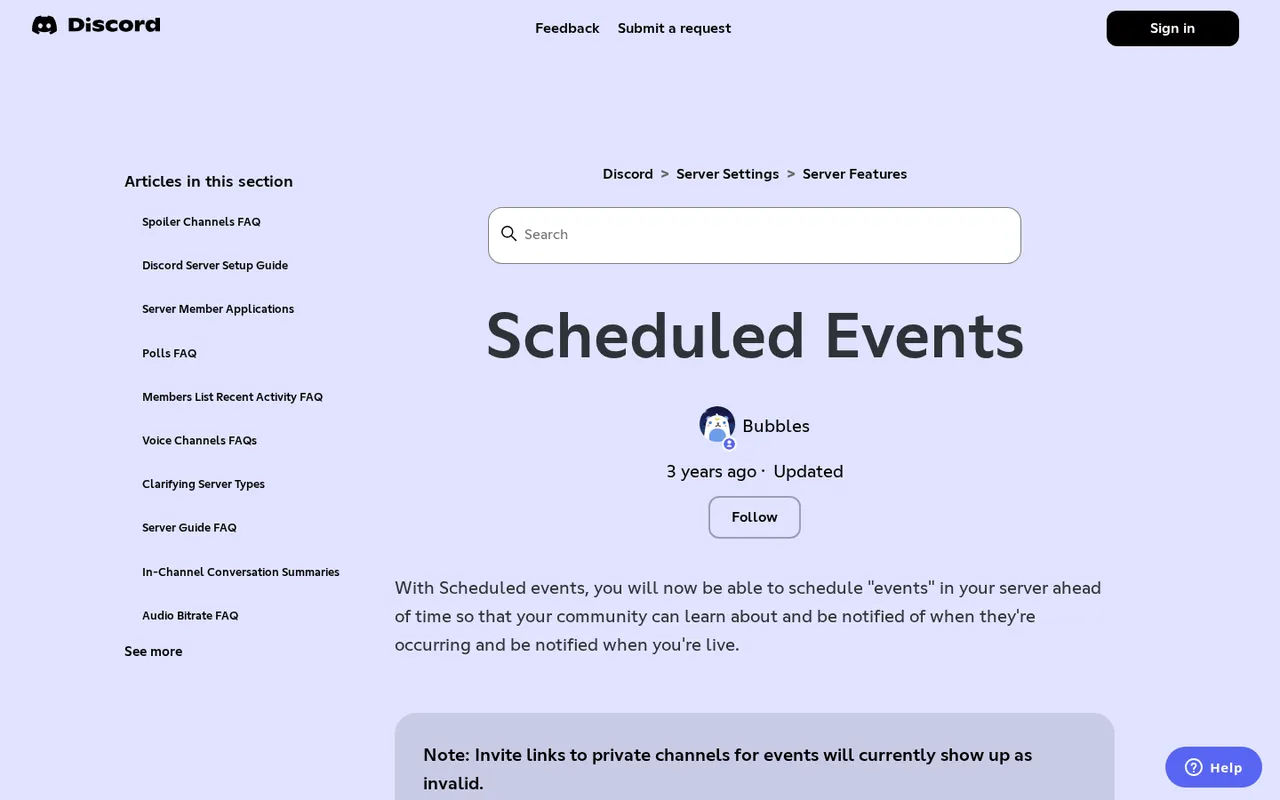
Discord Scheduled Events lets members mark themselves Interested in a planned session.
Discord Scheduled Events supports Voice Channel, Stage Channel and Somewhere Else events, including an external stream link. Use events for planned sessions and an alert bot for the actual go-live moment.
- Open the down arrow beside your server name and choose Create Event. Select the location type. Somewhere Else works for an external stream URL and requires server-wide Create Events permission.
- Give the relevant role Create Events to create events and edit or cancel its own. Manage Events covers other people's events too. Stage events also require the creator to be a moderator of that Stage.
- Share an Event Server Invite Link for an RSVP embed that can also bring non-members into the server. Creating those links requires invite permissions; direct event links work only for members who can see the event.
- Start it through Events → event ellipsis → Start Event to notify members marked Interested. A server can hold 100 scheduled events at once. Events not started on time can be automatically removed; Discord's help page gives inconsistent removal windows.
Pair announcements with Discord timestamps so each viewer sees the start time locally. Streamcord Pro's Schedules feature can sync your Twitch schedule into Discord events instead of making you recreate it manually.
Choose a small stack for your server
- Twitch-only beginner: start with Streamcord's free alerts and an opt-in alert role. Use Discord's native moderation controls before adding more bots.
- Multi-platform creator: choose NotifyMe for TikTok and its explicit free account allowances, or Streamlinx when routing streamers to separate channels is central to your setup.
- Large public creator server: pair one alert bot with one core moderation bot. Consider Wick for protection against raids and nukes, and add Patreon integration only if patron access is part of your membership offering.
The right setup covers the jobs your server actually has. You don't need a second leveling system or another moderation dashboard just to announce tonight's stream.

With a background in AI and a passion for clear technical communication, I enjoy breaking down complex tools and processes. Exploring new software and sharing insights is a key focus.
Run a gaming, tech, or AI site? Write for us or swap links →
Further Reading
Best Discord Bots in 2026: 10 Picks for Every Job
Best Discord bots for 2026: 10 independent picks led by Carl-bot, with free-tier details, trade-offs, and a clear job for every type of Discord server.