Carl-bot is the top pick among the best Discord bots if you need moderation plus flexible server tools in one app. Start smaller than this list: turn on Discord AutoMod, choose one all-round bot, then add a specialist only when you have a clear job it cannot cover.
| Job | Pick | Free? | Full comparison link |
|---|---|---|---|
| Moderation and all-round tools | Carl-bot | Yes | Moderation bots |
| Completely free all-round tools | Sapphire | Yes | Moderation bots |
| Music | Jockie Music | Four free bots | Music bots |
| Support tickets | Ticket Tool | Standard plan | Ticket bots |
| Levels and XP | Arcane | Yes, with limits | Leveling bots |
| Verification and alt checks | Double Counter | Yes | Verification bots |
| Raid and nuke protection | Wick | Free to add; Premium and VIP tiers | Moderation bots |
| Welcome messages | Welcomer | Yes | Welcome bots |
| Giveaways | GiveawayBot | Yes | Giveaway bots |
| AI chat, images, and video | Geneplore AI | Free to add; premium models from $3.99/month | AI bots |
Start with Discord AutoMod before adding a bot
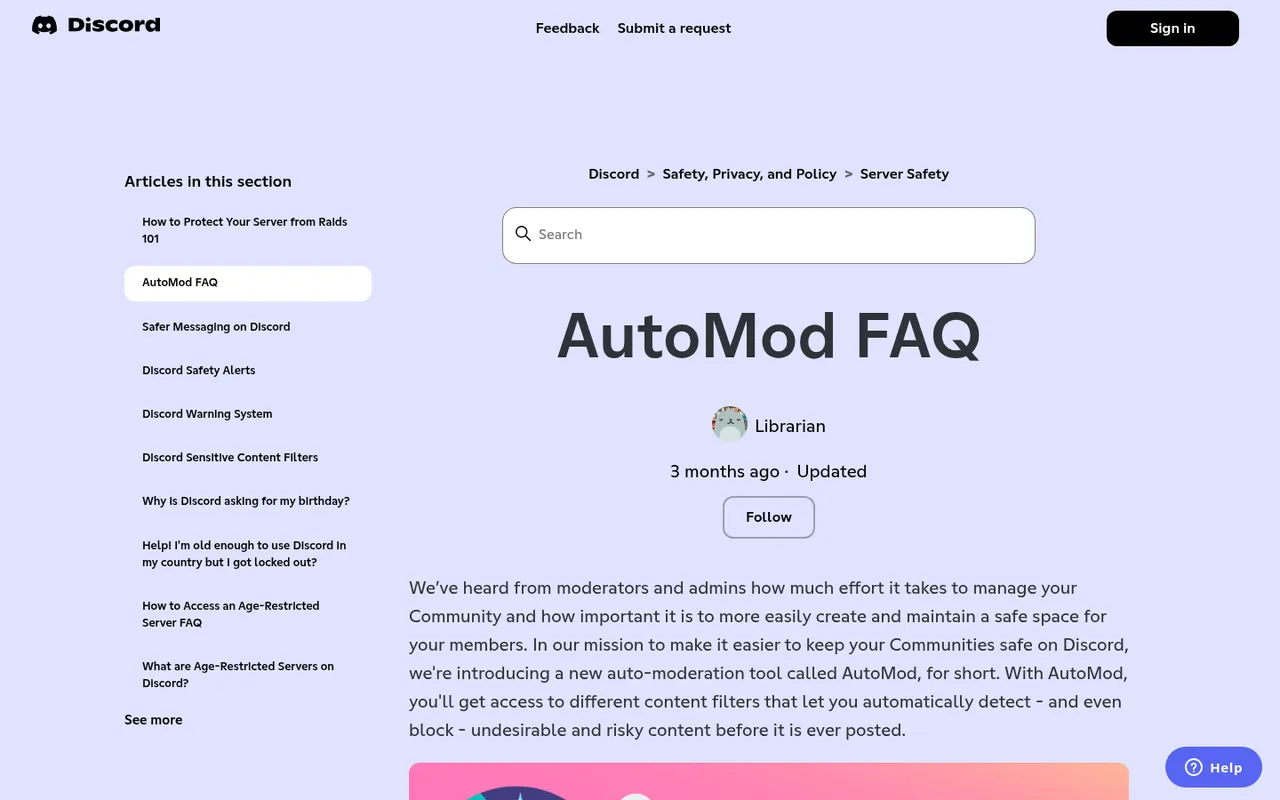
Discord's AutoMod FAQ
Discord AutoMod is free and already built into your server under Server Settings > AutoMod. It includes ready-made word lists for Insults and Slurs, Sexual Content, and Severe Profanity, plus custom keyword rules, spam filters, alerts, and timeouts on custom rules.
Set up AutoMod first because it reduces the work you ask a third-party app to do. Plan around its important limit: members with Administrator or Manage Server are always exempt. Then add a bot only for tools AutoMod does not provide, such as tickets, role menus, music, or verification.
1. Carl-bot: best moderation and all-round bot
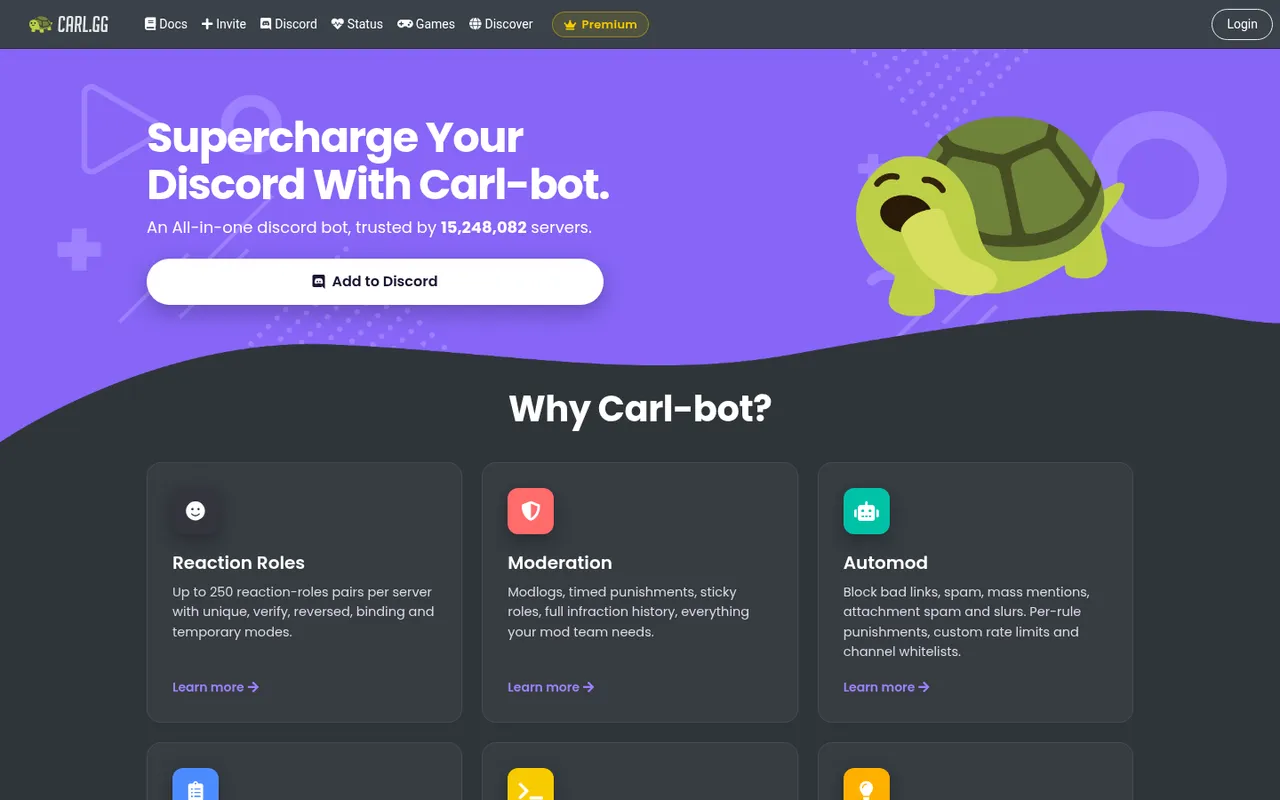
Carl-bot's homepage
Carl-bot is the all-round choice for a server that needs both day-to-day moderation and configurable community tools. Its homepage said it was trusted by 15,248,082 servers on October 3, 2026. It covers automod for bad links, spam, mass mentions, attachment spam, and slurs, alongside modlogs, timed punishments, and infraction history.
Its standout extras are detailed logging, up to 250 reaction-role pairs, custom commands, and greetings. Pick Carl-bot when you want that broad combination in one app; choose a specialist instead when your main requirement is tickets, music, or anti-nuke protection. See the full Carl-bot moderation comparison.
2. Sapphire: best completely free all-rounder
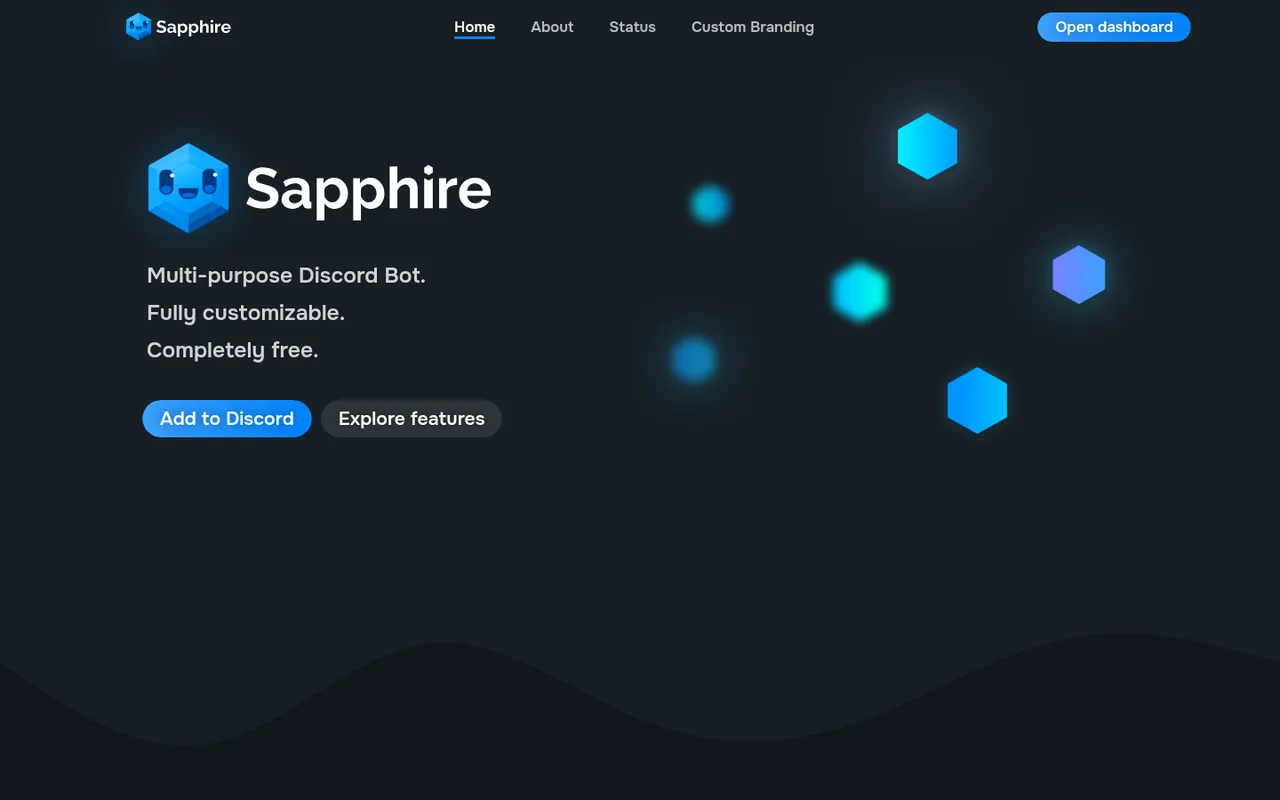
Sapphire's completely free all-round bot
Sapphire describes itself as “fully customizable” and “completely free.” Its site said it was in more than 1,839,200 servers on October 3, 2026, and it combines automod, logging, reaction roles, and custom slash commands.
You also get social notifications and scheduled messages without moving to a paid tier. Pick Sapphire if a completely free general-purpose bot is the priority; it is not the focused pick for the jobs covered by dedicated ticket, music, verification, or giveaway bots. Compare all-round moderation options in the full guide.
3. Jockie Music: best music bot
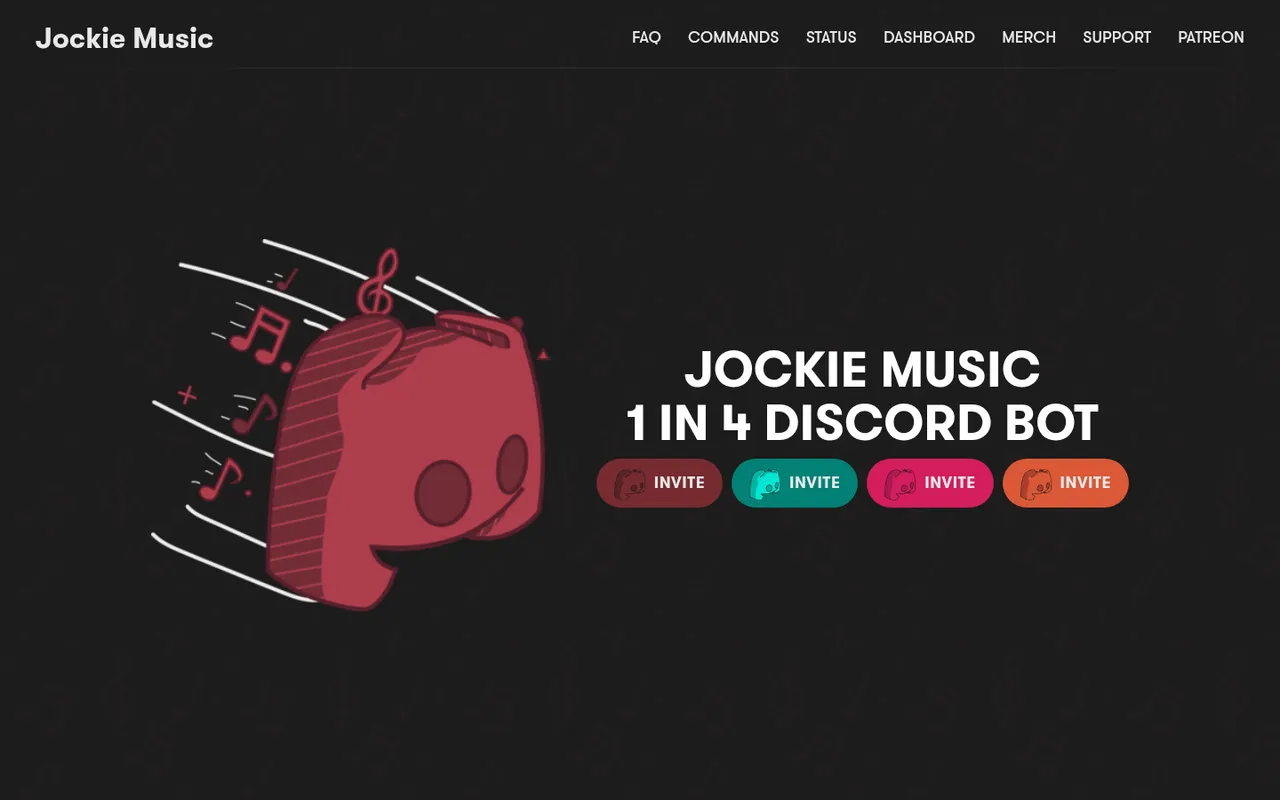
Jockie Music's four free bot options
Jockie Music is for servers where more than one voice channel needs its own player. You can add four free Jockie bots to a single server, allowing several voice channels to run a player at the same time.
It supports Spotify, Deezer, Tidal, Apple Music, and more; premium bots require a paid boost. Pick it for parallel music rooms, not as an all-purpose community-management app. The music bot comparison covers the category in more detail.
4. Ticket Tool: best ticket bot
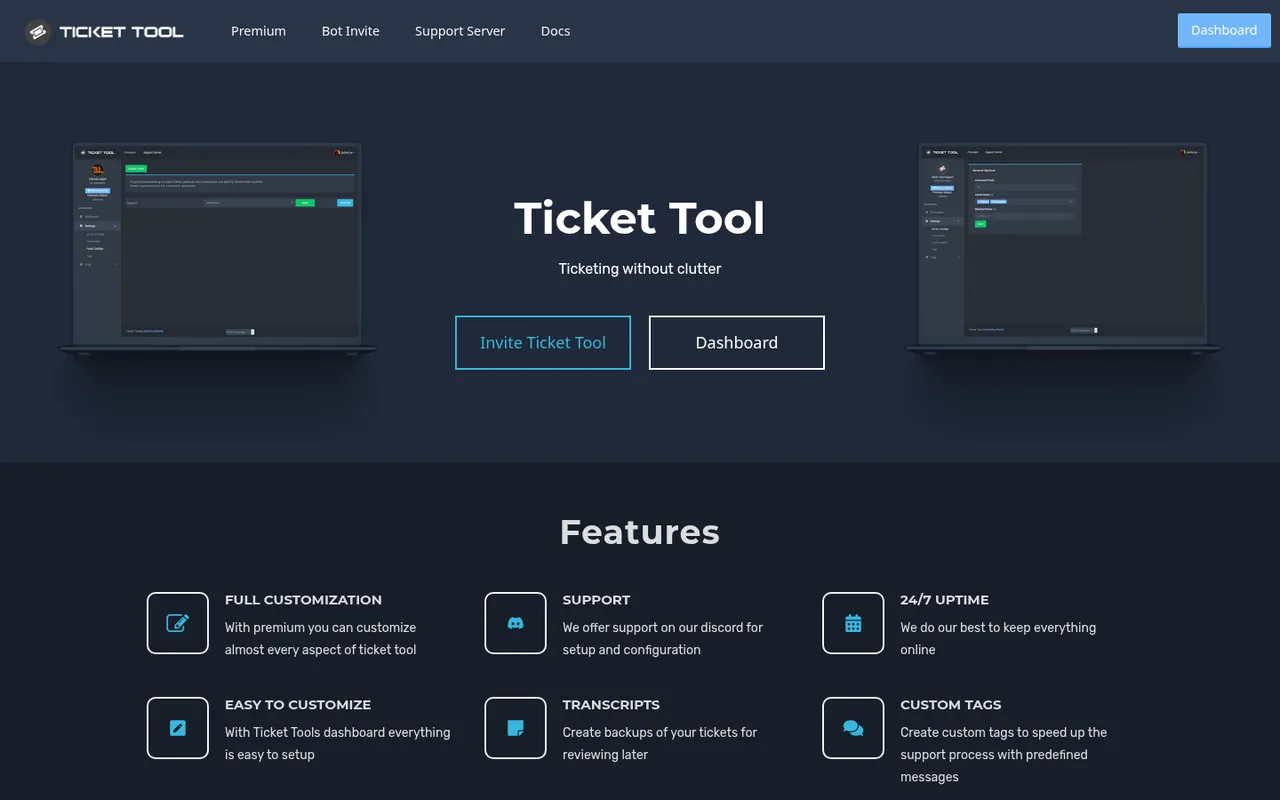
Ticket Tool's homepage
Ticket Tool is built for private support conversations. Its homepage counter showed 5,786,409 servers on October 3, 2026. The free Standard plan includes unlimited panels, transcripts, support roles, and 10 tickets a minute.
Premium costs $7.99 per month and adds claiming, automation, DMs, and full customization. Choose it if support requests need a structured channel workflow; it is not a replacement for your server-wide moderation setup. For alternatives, including Tickets with free claiming and forms, read the ticket bot comparison.
5. Arcane: best leveling bot
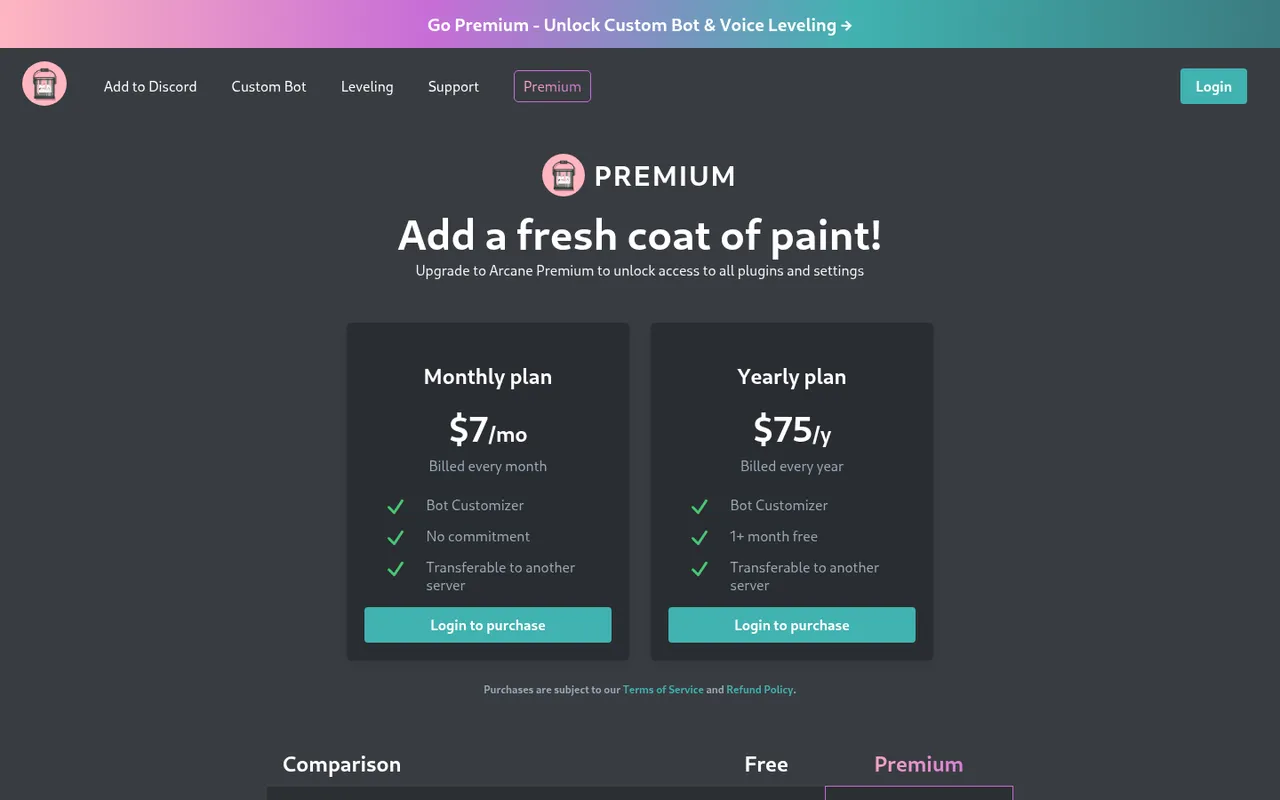
Arcane's Premium plans
Arcane is the leveling pick for role rewards and public leaderboards. Its site placed it in about 3,100,000 servers on October 3, 2026. The free plan includes 15 role rewards and leaderboards.
Voice XP is a Premium feature, priced at $7 per month or $75 per year. Pick Arcane when those free role rewards cover your plan and you may later need voice XP; use Lurkr instead if a fully free leveling alternative is the better fit. See the leveling bot comparison.
6. Double Counter: best verification bot
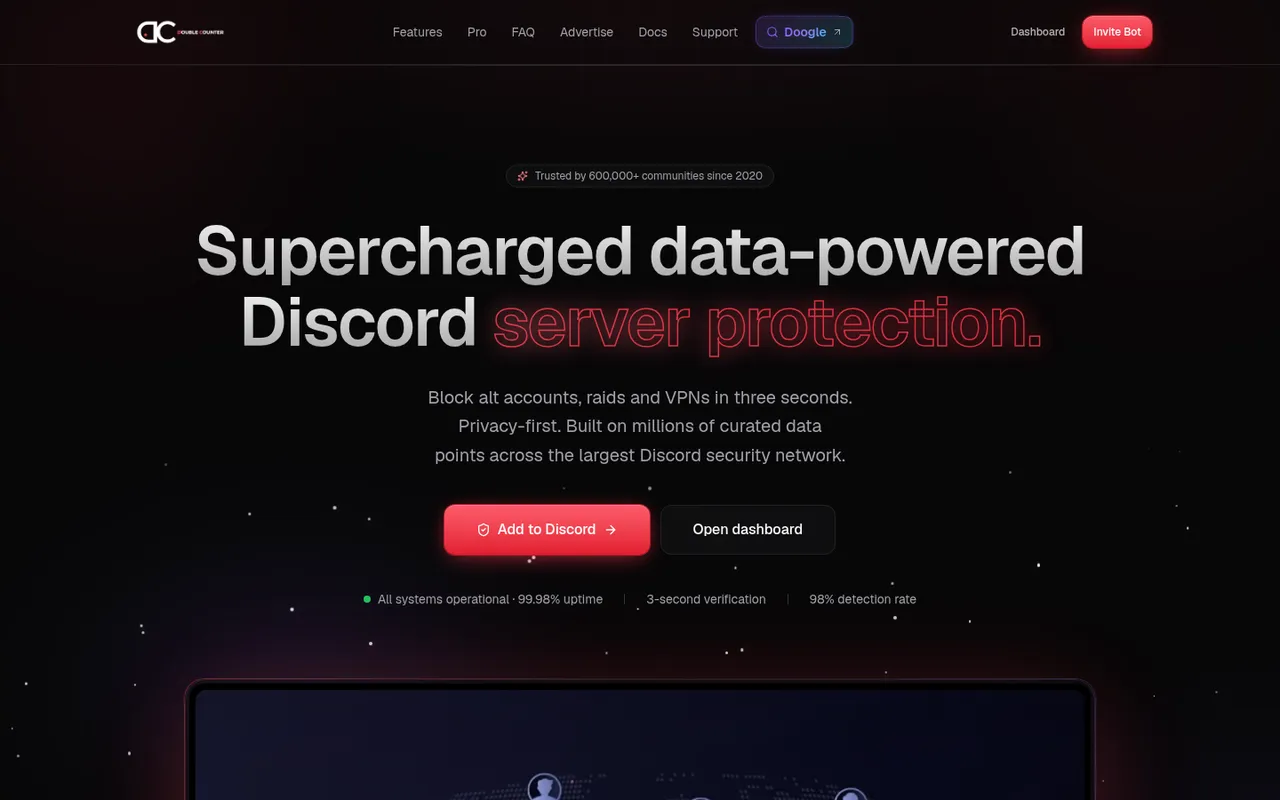
Double Counter's verification homepage
Double Counter focuses on screening alt accounts, raids, and VPNs. Its site says it is trusted by 600,000+ communities. The free plan includes alt detection, raid protection, VPN protection, and three verification modes.
Pro adds ad-free verification and deeper checks. Choose it if alt and VPN screening are the reason you need a verification layer; it does not replace welcome messages or a ticket workflow. The verification bot comparison also covers captcha, Roblox, and token-gated approaches.
7. Wick: best anti-nuke security bot
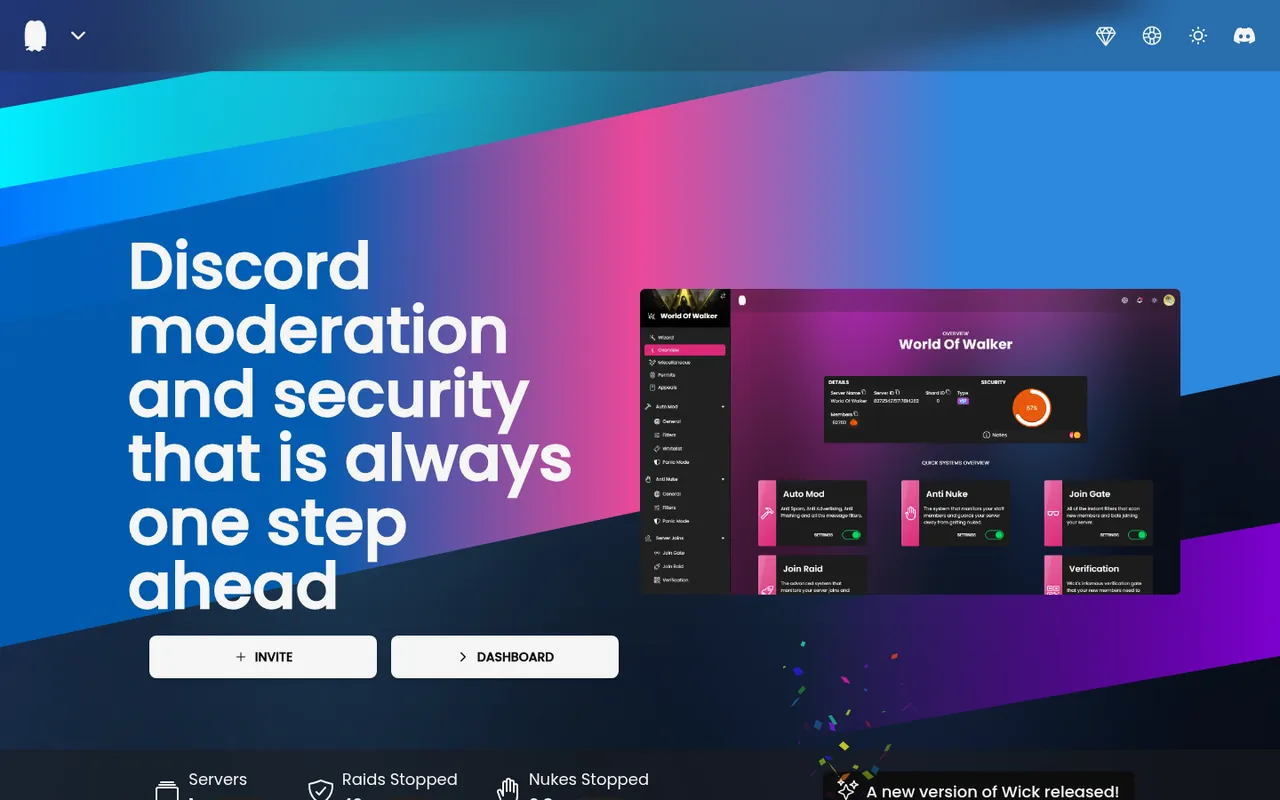
Wick's moderation and security homepage
Wick is a moderation and security bot best known for stopping raids and nukes. A nuke is the damage a compromised administrator or bot can cause through mass channel deletion or mass bans.
Choose Wick when preventing that kind of destructive event is your specific security concern. Do not run two security bots that both auto-ban: use one security bot and give it only the role position and permissions it needs. For broader moderation choices, see the moderation bot comparison.
8. Welcomer: best welcome bot
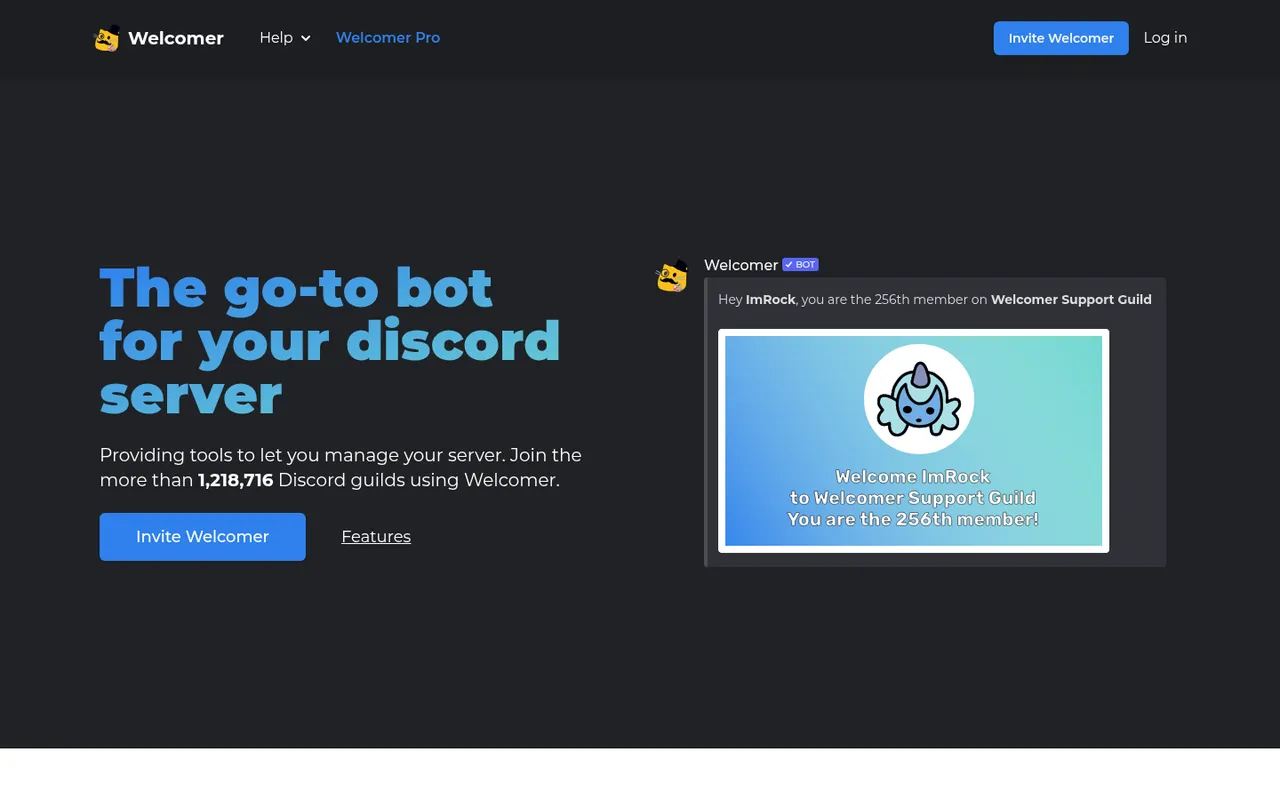
Welcomer's sample welcome card
Welcomer handles the first messages and actions a new member sees. Its site said it served more than 1,218,716 guilds on October 3, 2026. It can send welcome images, text, or DMs, assign auto roles, show rules on join, and post leave messages.
It also offers the Borderwall join challenge. Welcomer is free to invite and has an optional Pro tier. Pick it when onboarding presentation and join flow matter; it is not the tool to use for ticket handling or XP. See the welcome bot comparison.
9. GiveawayBot: best giveaway bot
GiveawayBot's homepage
GiveawayBot is an open-source option for running giveaways. It uses /gcreate or /gstart 30s 2 Steam Code to start one, supports button entries, and provides /greroll when you need another winner.
An optional Premium tier is available. Pick it if giveaways are a regular community activity and you want commands dedicated to that job; it does not take the place of moderation or welcome automation. Read the giveaway bot comparison for more options.
10. Geneplore AI: best AI bot
Geneplore AI's homepage
Geneplore AI brings AI chat, images, and video into Discord. Its site said it was used in 150,000+ servers on October 3, 2026.
Paid plans for premium models start at $3.99 per month. Choose it when AI creation and chat are a deliberate server feature, rather than adding it simply because it is available. For category alternatives, use the AI bot comparison.
Bot stacks for common server types
You do not need every pick above. Keep the stack tied to your actual workload.
- Small friend server: Start with AutoMod. Add Jockie Music if voice channels are central, or Arcane if your group wants levels. Add nothing else until a real need appears.
- Gaming community: Start with AutoMod and Carl-bot or Sapphire. Add Jockie Music for voice channels, Arcane for progression, and Double Counter if alt accounts, raids, or VPNs are a concern. Use Wick for anti-nuke protection, but do not pair it with another auto-banning security bot.
- Creator or brand server: Start with AutoMod and Carl-bot or Sapphire. Add Ticket Tool for support, Welcomer for onboarding, Double Counter for verification, and GiveawayBot when you run promotions. Add Geneplore AI only if AI chat, images, or video have a defined place in the community.
How we chose these bots
Discorder.tools visited every listed bot’s official site on October 3, 2026. This is an independent list: Discorder.tools makes none of these bots and was not paid to include or rank them.
The goal is one recommendation per common job, not a claim that one bot suits every server. The picks were selected around clearly stated features, free-plan limits where listed, and the ability to avoid overlapping apps. Server counts are the bots’ own stated figures from that date, not a measure of quality or safety.
Bot safety checklist
Every added app receives some level of access to your server. Treat that access as part of your moderation and security plan.
- Invite a bot only from its official site or Discord’s App Directory.
- Read the permissions on the invite screen.
- Remove permissions that the features you use do not need; most bots do not need Administrator.
- Keep the bot’s role only as high as it must be.
- Remove bots you no longer use.
Before accepting an invite, decode the permission number with Discorder.tools’ free Discord permissions calculator. It helps you understand the permission number in a bot invite link before you approve it.
Frequently asked questions
How many bots should a Discord server have?
Use as few as your server needs. A sensible starting stack is Discord AutoMod plus one all-round bot, then specialists for clear gaps such as tickets, music, verification, or giveaways. Each extra bot is another app with permissions in your server.
What is the most popular Discord bot?
Among the picks listed here, Carl-bot had the largest stated server figure: 15,248,082 servers on its homepage as of October 3, 2026. That does not establish a universal popularity ranking across all Discord bots.
What is the best free Discord bot?
For an all-round bot with no stated paid requirement, Sapphire says it is completely free and includes automod, logging, reaction roles, custom slash commands, social notifications, and scheduled messages. Discord AutoMod should still be your first free moderation layer because it is built in.
Are Discord bots safe?
A bot’s safety depends on where you invite it from, the permissions you grant, its role position, and whether you continue to need it. Use official invite sources, avoid Administrator unless it is truly necessary, and remove unused bots. Discorder.tools is not affiliated with Discord Inc. or with any bot listed.
How do you add a bot to Discord?
Open the bot’s official site or find it in Discord’s App Directory, choose its invite option, select your server, and inspect the requested permissions before authorizing it. After it joins, keep its role as low as possible and configure only the features you intend to use.
If you plan to run a bot you build yourself, see the Discord bot hosting guide for hosts with plans from $1 per month and free cloud tiers.

With a background in AI and a passion for clear technical communication, I enjoy breaking down complex tools and processes. Exploring new software and sharing insights is a key focus.
Run a gaming, tech, or AI site? Write for us or swap links →
Further Reading
8 Best Discord Moderation Bots in 2026 (Free and Paid)
Compare the best Discord moderation bots in 2026. Discord AutoMod leads this independent list of 8 picks, with free limits, paid plans, and trade-offs.
7 Best Discord Music Bots in 2026 (Free and Paid)
Compare the best Discord music bots in 2026: Jockie Music, Wave, Green-Bot, and more. An independent list with free tiers and trade-offs.