Welcomer is our top pick among the best Discord welcome bots if you want one bot focused on join messages, image cards, DMs, rules, and role automation. Choose ProBot instead if a custom welcome image is the priority; choose Carl-bot if rich text embeds are enough.
| Pick | Best for | Welcome images | Free tier | Watch out for |
|---|---|---|---|---|
| Welcomer | Dedicated welcome automation | Yes | Available | Pro price is not listed on its homepage |
| ProBot | Custom image cards | Yes | Free to add | Premium Tier 2 is $80/year |
| Carl-bot | Text and embed greetings | No; embeds instead | Free to add | Not the pick for image-card welcomes |
| MEE6 | Existing MEE6 servers | Not advertised | Free to add | Many features need Premium |
| Krypton | Welcomes alongside security | Custom embeds | 1 welcome channel; 3 auto-role slots | Premium is needed for unlimited limits |
| Vetox | A newer free all-in-one option | Not advertised | All listed tools are on its free plan | It is much smaller than the other picks |
1. Welcomer: best dedicated welcome bot
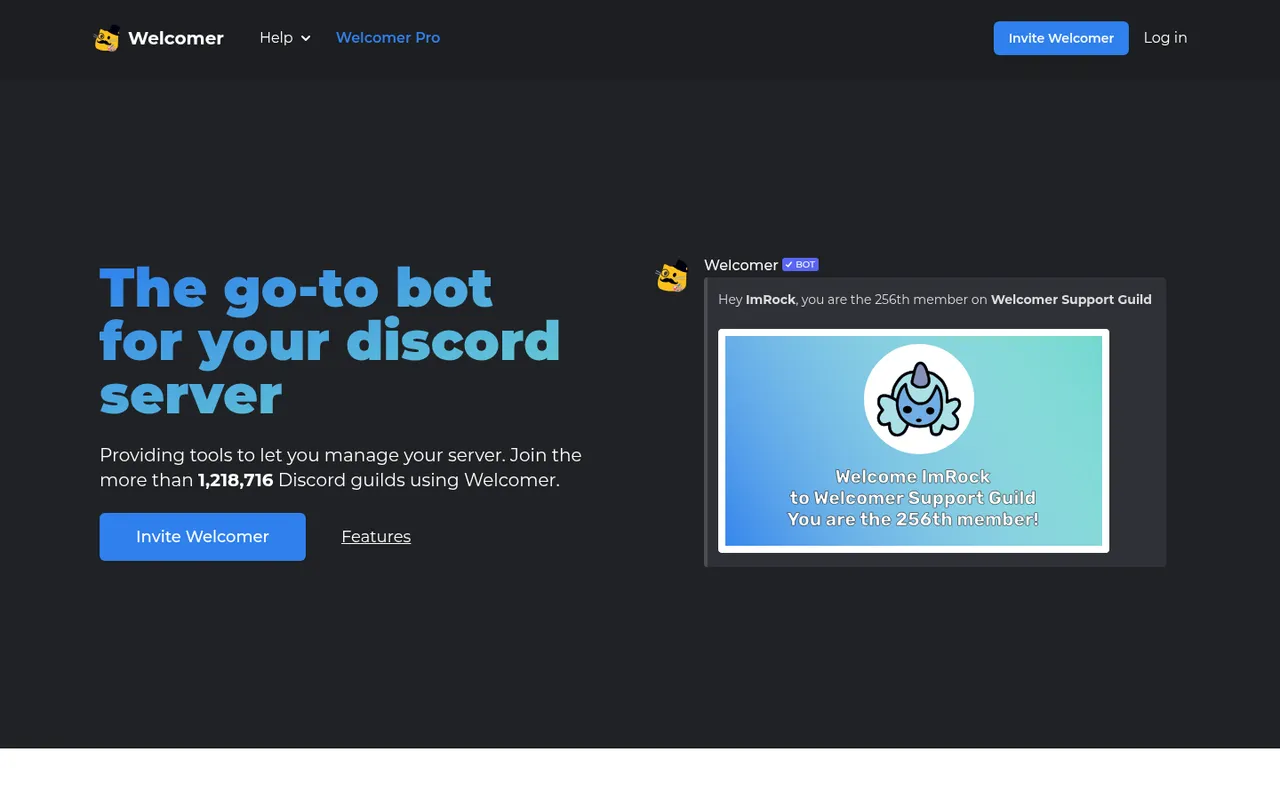
Welcomer homepage showing a sample welcome image
Welcomer is the most direct choice when welcome automation is a central part of how you run your server. Its site says it can greet new members with images and text or by direct message, with customizable text, DMs, and images. It also says more than 1,218,716 Discord guilds use the bot, as of October 3, 2026.
The welcome toolkit extends beyond the first message. You can send rules on join, set leave messages, add auto roles, and offer self-assign roles through commands, reactions, or buttons. Its Borderwall feature adds a join challenge so only real users can send messages, which can be useful on servers that get raids. Timed roles, temporary voice channels, giveaways, and polls are also part of the broader bot.
Welcomer says the bot is free to invite and offers Welcomer Pro, but its homepage does not list a Pro price. That makes the free starting point clear, while leaving you to inspect the dashboard before planning around paid features.
The downside is scope: if you only need a plain embedded greeting, Welcomer’s extensive join and role tools may be more than your staff needs to configure. Do not use Borderwall as a substitute for sensible verification and moderation rules.
Pick Welcomer when you want image welcomes, DMs, rules delivery, and role handling in one welcome-oriented bot—especially if you expect your setup to grow beyond a single greeting.
2. ProBot: best welcome images
ProBot homepage
ProBot is the image-first option. Its site describes welcome images that include the member’s username and avatar with a customizable background image. That gives you a recognizable visual welcome without having to build an image card yourself for every join. It also supports welcome and goodbye messages.
Outside greetings, ProBot includes embeds, self-assignable roles, a leveling system, logs, and moderation. Its website says it is used in over 10,200,000 servers as of October 3, 2026.
For paid pricing, ProBot lists Premium Tier 2 at $80 per year. Its site does not spell out free welcome limits, so confirm the current dashboard options before making an image greeting part of your server’s join flow.
The trade-off is that this is an all-in-one bot rather than a welcome-only tool. If you want only a basic text greeting and do not care about a background image, Carl-bot is the more focused alternative below.
Choose ProBot if you want a welcome card featuring each member’s username and avatar, plus one bot that can cover logs, moderation, and leveling.
3. Carl-bot: best text and embed welcomes
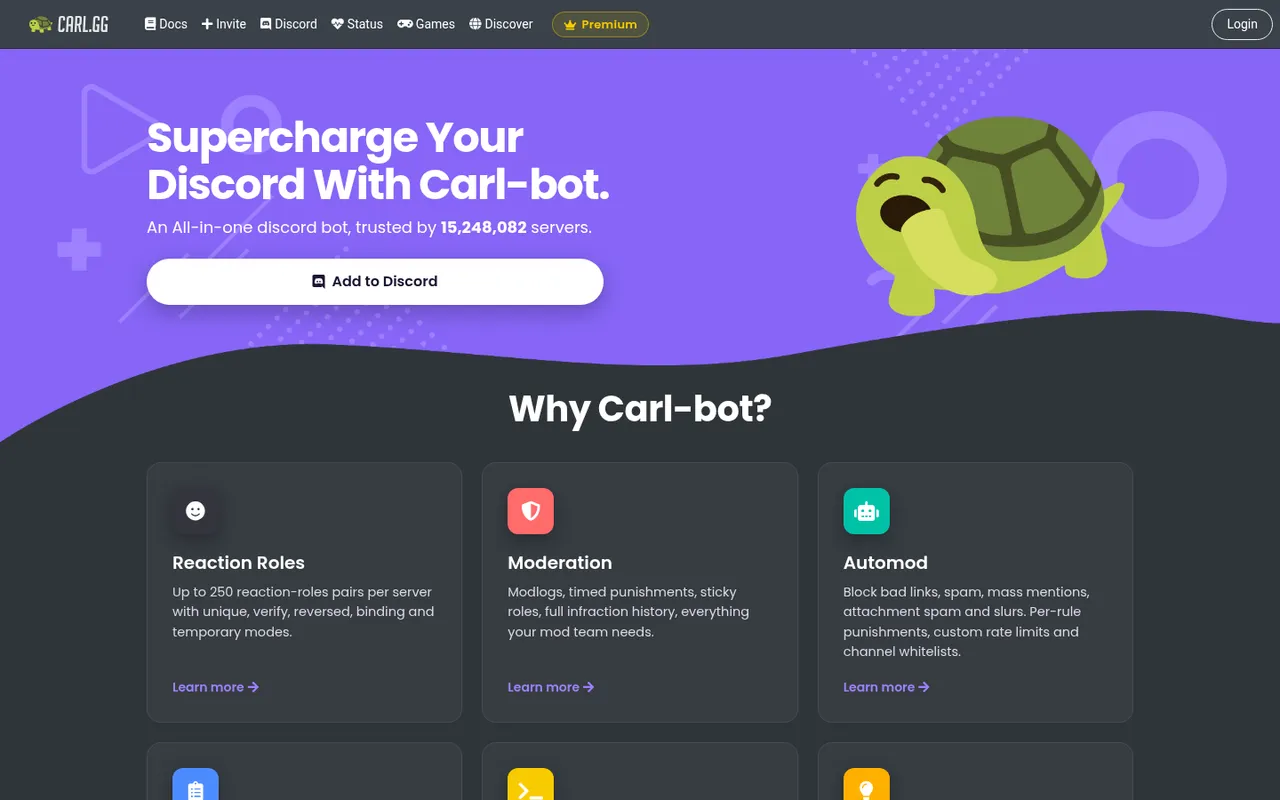
Carl-bot homepage with feature cards
Carl-bot is the right fit for servers that want well-formatted, text-based greetings rather than generated image cards. Its Greetings module can greet new members with rich embeds and variables, send a separate DM, set a farewell, and announce bans.
That makes it flexible for an onboarding post such as a member name, a short server introduction, links to rules and roles, and a staff contact route. Carl-bot also provides reaction roles—up to 250 pairs—along with automod and logging. Its site says 15,248,082 servers trust Carl-bot, as of October 3, 2026.
The key limitation is visual: Carl-bot’s stated welcome tools are text and rich embeds, not generated image cards. Its homepage does not list a Premium price.
Pick Carl-bot if you value variables, separate DMs, farewell messages, and a carefully formatted embed more than a graphical welcome card. It also makes sense if you already use it for reaction roles or logging.
4. MEE6: best if you already use MEE6
MEE6 homepage
MEE6 is mainly a convenience choice for a server that already relies on its broader bot. Its Welcome plugin is designed to greet new members and introduce your rules, topics, and events. MEE6 also has moderation, custom commands, reaction roles, and levels.
This can reduce the number of bots members and moderators see. A concise welcome that points people to your rules and role channels fits the plugin’s stated purpose particularly well.
The cost deserves attention. MEE6 says many features need Premium. On October 3, 2026, its Premium page showed $5.99 for the first month and then $11.99 per month; $24.99 for the first year and then $49.99 per year; or $44.99 lifetime during a 50% off promotion.
MEE6 is not the best value solely for a welcome message when you do not use its other modules. Its homepage also does not advertise generated welcome images. Choose it when consolidating a MEE6-based server matters more than selecting a specialized welcome bot.
5. Krypton: best with built-in security
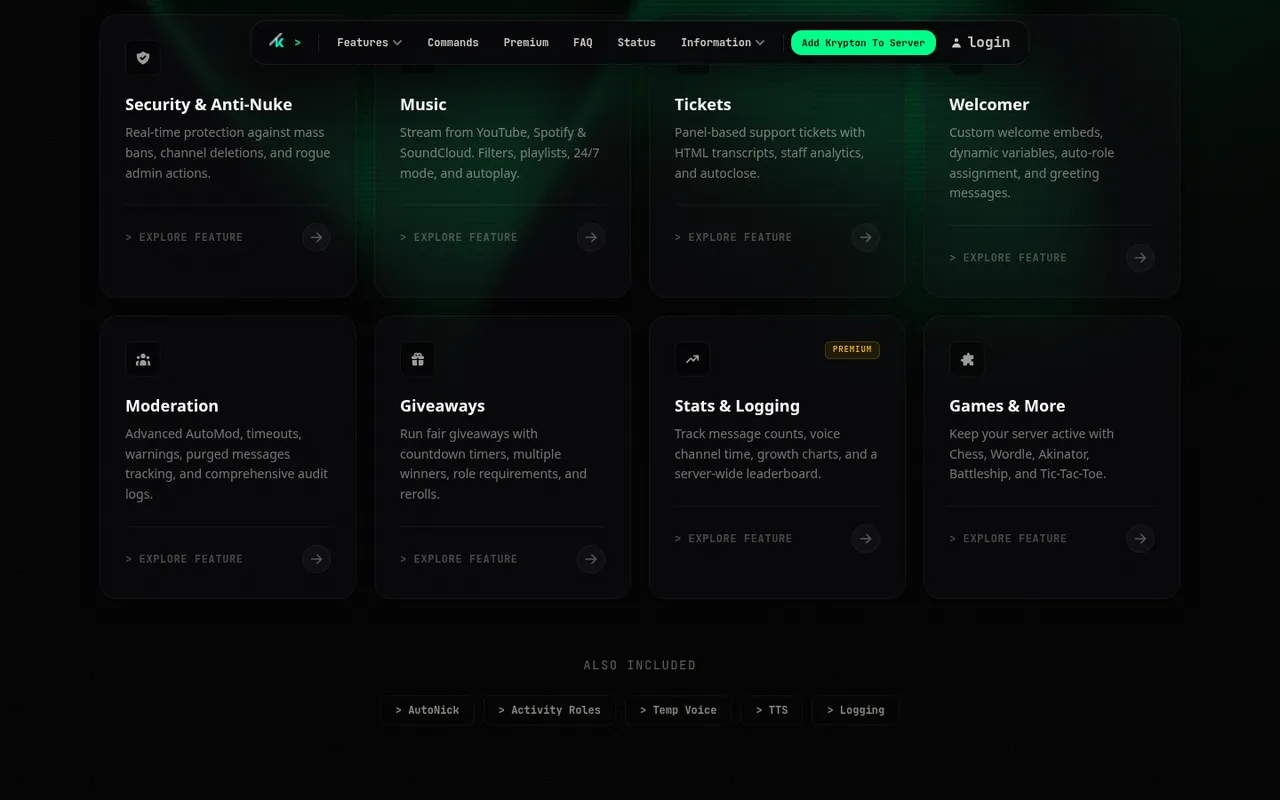
Krypton feature grid including its Welcomer module
Krypton combines welcome tools with an all-in-one security focus. Its Welcomer module supports custom welcome embeds, dynamic variables, auto-role assignment, and greeting messages. For a server that wants its onboarding and security tools under the same bot, that combination is its main appeal.
Krypton states clear free limits: the free plan includes one welcome channel and three auto-role slots. Premium makes both unlimited. Its Gold plan costs ₹499 or US$4.99 per month for five servers.
Those limits are useful for a small server with one public arrival channel and a basic member role. They can be restrictive when you need separate welcome channels for different communities or several automatic roles. The stated welcome feature is custom embeds rather than generated image cards, and DMs or farewell messages are not listed among its Welcomer features.
Choose Krypton if you need custom embeds and auto roles alongside a security-oriented bot, and the free one-channel, three-role limit fits your design.
6. Vetox: best newer all-in-one
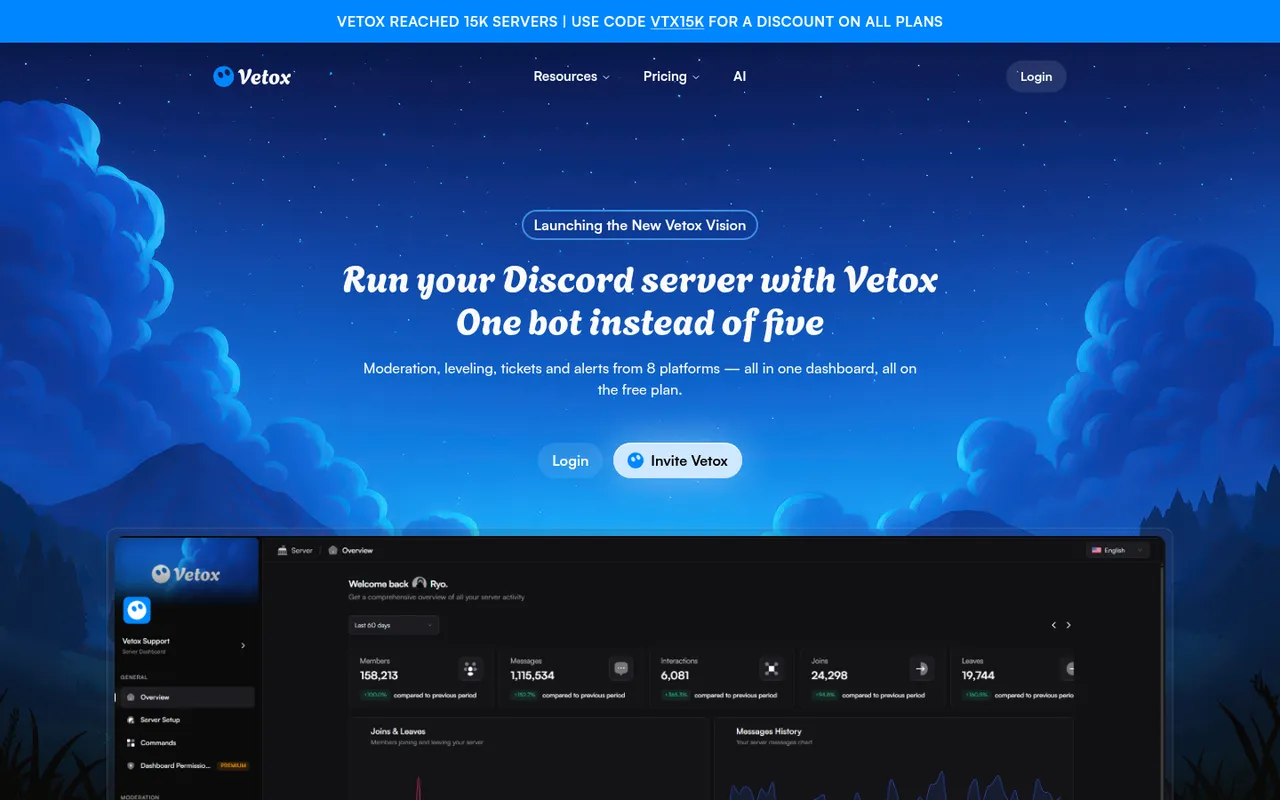
Vetox homepage promoting one bot instead of five
Vetox is a newer all-in-one alternative with automatic welcome messages, leveling, moderation, tickets, protection, and stream alerts from eight platforms in one dashboard. Its site says those tools are all on the free plan and that the bot supports 21 languages.
That breadth makes Vetox worth considering when you want to start with a single free bot for several server jobs. Its homepage banner said it had reached 15K servers on October 3, 2026.
The downside is scale and welcome depth. Vetox is much smaller than the other picks, and its stated welcome feature is automatic messages; custom welcome images, DMs, auto roles, and farewell messages are not listed. Do not select it expecting those options without checking its current dashboard first.
Pick Vetox for a newer, free all-in-one setup where a basic automatic welcome message is sufficient and its other tools—such as tickets or stream alerts—are useful to you.
Welcome bots compared
| Bot | Images or embeds | DM stated | Auto roles stated | Farewell stated | Free-plan detail stated |
|---|---|---|---|---|---|
| Welcomer | Images and text | Yes | Yes | Leave messages | Free to invite; Pro price not listed |
| ProBot | Custom background image cards | Not advertised | Self-assignable roles | Yes | No welcome limit stated |
| Carl-bot | Rich embeds and variables | Yes | Not advertised | Yes | No welcome limit stated |
| MEE6 | Welcome plugin; image cards not listed | Not advertised | Not advertised | Not advertised | Many features need Premium |
| Krypton | Custom embeds and variables | Not advertised | Yes | Not advertised | 1 channel; 3 auto-role slots |
| Vetox | Automatic messages | Not advertised | Not advertised | Not advertised | Listed tools are free |
Does Discord have a built-in welcome message?
Yes. Discord can post its own system welcome message in the channel you choose as the System Messages Channel under Server Settings > Overview. Members get a button to wave hello.
It is free and useful for a minimal setup, but you cannot customize the text or add images. That is why servers that want branded cards, a rules reminder, a separate DM, auto roles, or a farewell message usually add a bot.
How we chose these welcome bots
On October 3, 2026, Discorder.tools visited each bot’s official website and recorded the welcome features, limits, prices, and server counts each site states. We ranked the tools around practical welcome needs: customizable messages, images or embeds, DMs, auto roles, farewells, and clearly stated free-plan boundaries.
Discorder.tools makes none of these bots and was not paid to include or rank them. We did not test the bots, measure reliability, or benchmark their moderation or welcome delivery.
Avoid adding a bot just because it has the longest feature list. Do not grant Administrator for a welcome message. Avoid @everyone pings on every join, and do not give a new member a trusted role before verification if your server has raid problems. For verification-specific options, see best Discord verification bots.
How to write a welcome message people read
Keep the public post short: greet the member by name, give one line explaining the server, and point to the two places they should visit next. A wall of channel links, rules, and emoji is easy to ignore.
Example:
Welcome, {user}! This is a server for sharing builds and getting feedback. Start in #rules, then choose your interests in #roles.
Use a DM only for important information. Many people turn off DMs from server members, so never put the only copy of essential rules or verification instructions in a DM. Send the rules in a visible channel too, and adapt this Discord rules template before opening your server to new members.
For servers with raid concerns, verify first and assign the regular member auto role afterwards. That prevents a fresh account from immediately receiving access intended for established members.
How to set up a welcome bot safely
- Create or choose a welcome channel that new members can view. Keep its purpose clear; a dedicated channel stops join messages from interrupting conversation.
- Invite your chosen bot and configure its welcome message, image or embed, and target channel in its own dashboard or commands.
- Give the bot View Channel, Send Messages, and Embed Links in the welcome channel. Add Attach Files when it sends image cards.
- Give Manage Roles only when the bot assigns auto roles. Place the bot’s role above every role it needs to assign, while keeping it below roles it should never manage.
- Check the permissions shown in the invite before authorizing it with the Discord Permissions Calculator. A welcome bot does not need Administrator.
- Join with a normal test account or ask a trusted member to confirm that the channel permissions, message, role order, and DM settings behave as intended.
Discorder.tools is not affiliated with Discord Inc. or with any bot listed here.
Frequently asked questions
What is the best free welcome bot for Discord?
Welcomer is the best free starting point if you want welcome images or text, DMs, auto roles, rules on join, and leave messages from a bot centered on welcomes. Krypton is a good alternative when its free limit of one welcome channel and three auto-role slots is enough. Vetox says its listed all-in-one tools are on the free plan, but it lists fewer welcome-specific options.
How do I make a Discord welcome image?
Choose a bot that states image-card support, such as Welcomer or ProBot. In the bot’s configuration, set the welcome channel and message, then configure the available image option. ProBot specifically states that its cards can include the member’s username and avatar with a customizable background image. Make sure the bot has Attach Files as well as Embed Links in that channel.
Should Discord welcomes be DMs?
Use DMs for important but non-essential extra context, not as your only onboarding route. Some members disable DMs from server members. Put the core welcome, rules link, and starting direction in a public welcome channel, then use a DM only when the bot supports it and the information is worth sending separately.
How do I add auto roles to new Discord members?
Enable your bot’s auto-role feature and select the role it should assign. The bot needs Manage Roles, and its own role must sit above the role it is assigning in the server role list. On servers with raid problems, assign the regular member role only after verification.
Why is my Discord welcome message not sending?
First, confirm the bot can View Channel and Send Messages in the selected welcome channel. Add Embed Links for embeds and Attach Files for image cards. Then check that you selected the correct channel in the bot’s settings, that the bot is online, and that no channel override blocks it. If auto roles are failing too, check that the bot has Manage Roles and is placed above the target role.

With a background in AI and a passion for clear technical communication, I enjoy breaking down complex tools and processes. Exploring new software and sharing insights is a key focus.
Run a gaming, tech, or AI site? Write for us or swap links →
Further Reading
6 Best Discord Verification Bots in 2026 (Captcha, Alts, Roblox)
Compare the best Discord verification bots for 2026. Start with Discord’s built-in tools; this independent list compares six picks for alts, captcha, Roblox.