The best Discord verification bots start with Discord’s own free controls: set a Verification Level and enable Rules Screening before adding a third-party bot. For most general-purpose servers, that is the best first pick; add Double Counter when alts and VPNs are the problem, or choose a specialist for Roblox or token-gated access.
| Pick | Best for | Free tier | Watch out for |
|---|---|---|---|
| Discord built-in verification | Every server’s first layer | Free | Does not provide captcha, alt, VPN, Roblox, or token checks |
| Double Counter | Alt, raid, and VPN protection | Yes | Members use an external verification page |
| Captcha.bot | Accessible captcha gates | Free to add; Premium extras | Premium prices are not published on its site |
| RoVer | Free Roblox role verification | Completely free | Focused on Roblox identity and roles |
| Bloxlink | Roblox groups and asset-based access | Free to add; premium features available | Check its Pricing page before relying on a feature |
| Collab.Land | Token-gated crypto communities | Free to add; Premier plan for extras | Built for token ownership, not general anti-alt screening |
1. Discord's built-in verification: best free first step
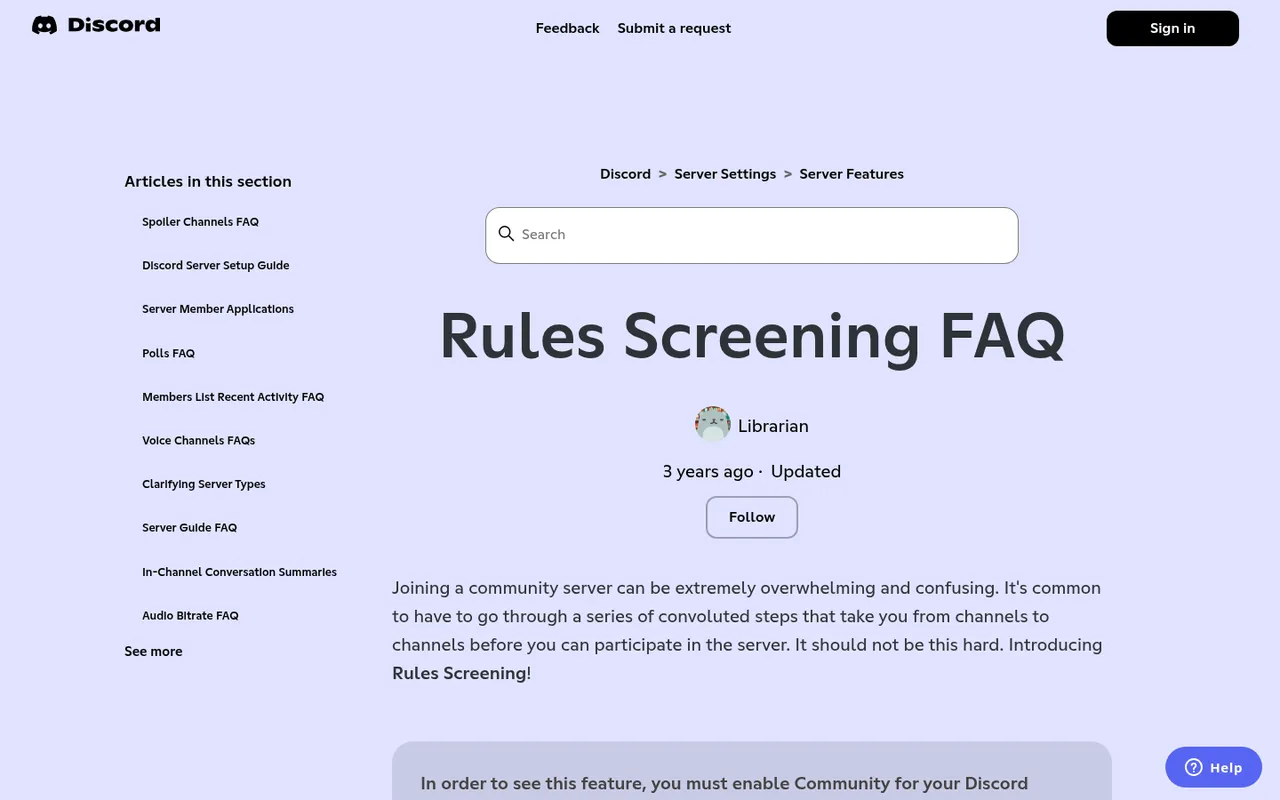
Discord Support Rules Screening FAQ
Discord’s built-in controls are the sensible starting point because they are free and require no bot permissions. In Server Settings > Safety Setup, owners and admins can configure Rules Screening, a server Verification Level, and AutoMod. Discord’s Rules Screening FAQ explains that Rules Screening is available to Community servers and requires new members to explicitly agree to your rules before they can talk, react, or DM other members.
How members verify: They read and accept your server rules. You can add up to 16 rules. An admin can manually verify a member in Server Settings > Members, which bypasses Rules Screening.
Free versus paid: These Discord controls are free. Verification Levels range from None through Low, Medium, High, and Highest. The higher levels add requirements such as a verified email, account age, time spent in the server, and, at Highest, a verified phone number.
What it does badly: Rules acceptance is not a captcha and does not assess whether a person is using an alt or VPN. It cannot confirm Roblox ownership or token holdings. A determined raider can still accept rules, so do not treat this as your only protection on a high-risk server.
Pick it if: You run any type of Discord server and want a no-cost baseline before granting access. Use it even if you later add one of the bots below.
2. Double Counter: best for blocking alts and VPNs
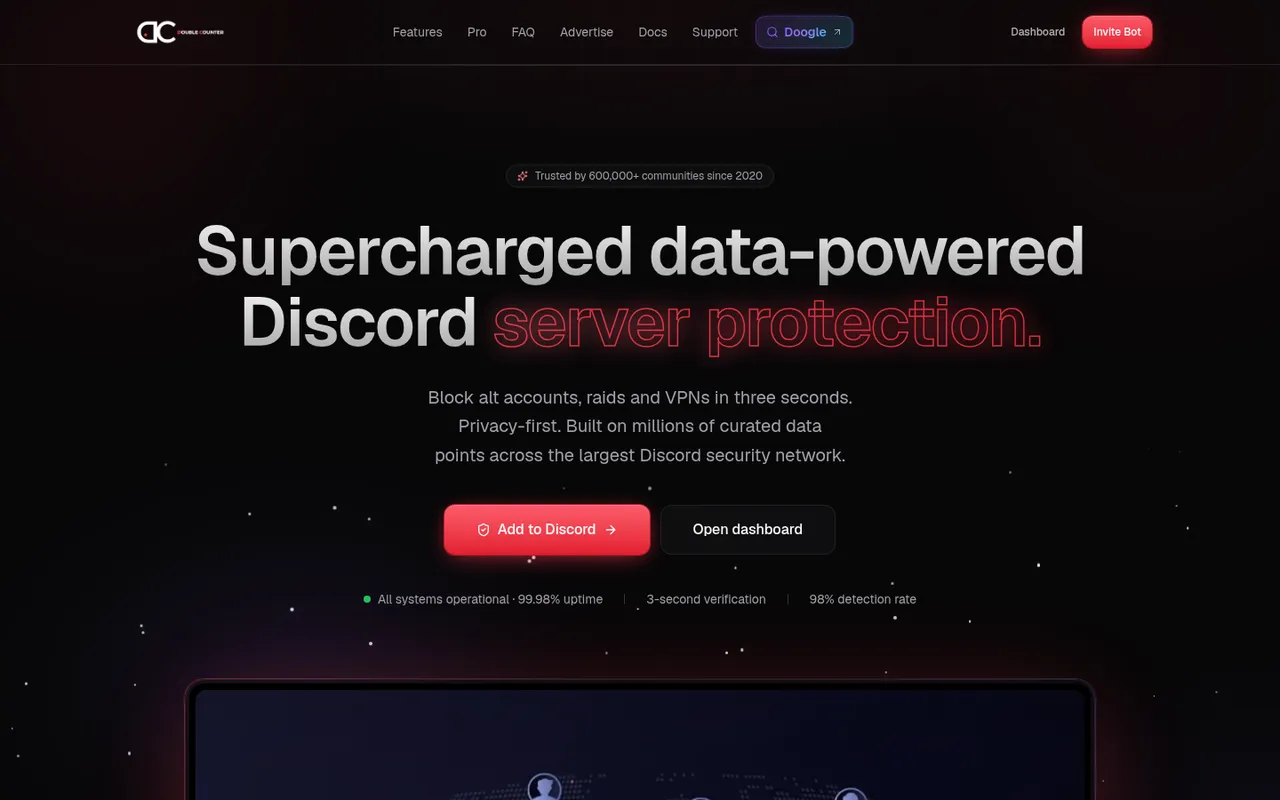
Double Counter homepage: block alts, VPNs and raids
Double Counter is a security and verification bot aimed at blocking alt accounts, raids, and VPNs. Its website says it has been trusted by more than 600,000 communities since 2020; its homepage showed 618.0K servers protected and 118.2M accounts verified on October 3, 2026.
How members verify: Members complete verification on an external web page. Double Counter says this takes three seconds. It offers three verification modes and says it checks for alt accounts, raids, and VPN use.
Free versus paid: The free plan includes alt-account detection, raid and VPN protection, three verification modes, auto-ban configuration, more than 20 settings, and an ad-supported verification page. Its Pro page says the free plan covers 99% of communities. Pro is billed through Discord subscriptions, with the price shown in Discord, and adds ad-free verification, a custom verification embed and timeout, DC Fingerprinting analytics, cross-database checks, and right-click actions.
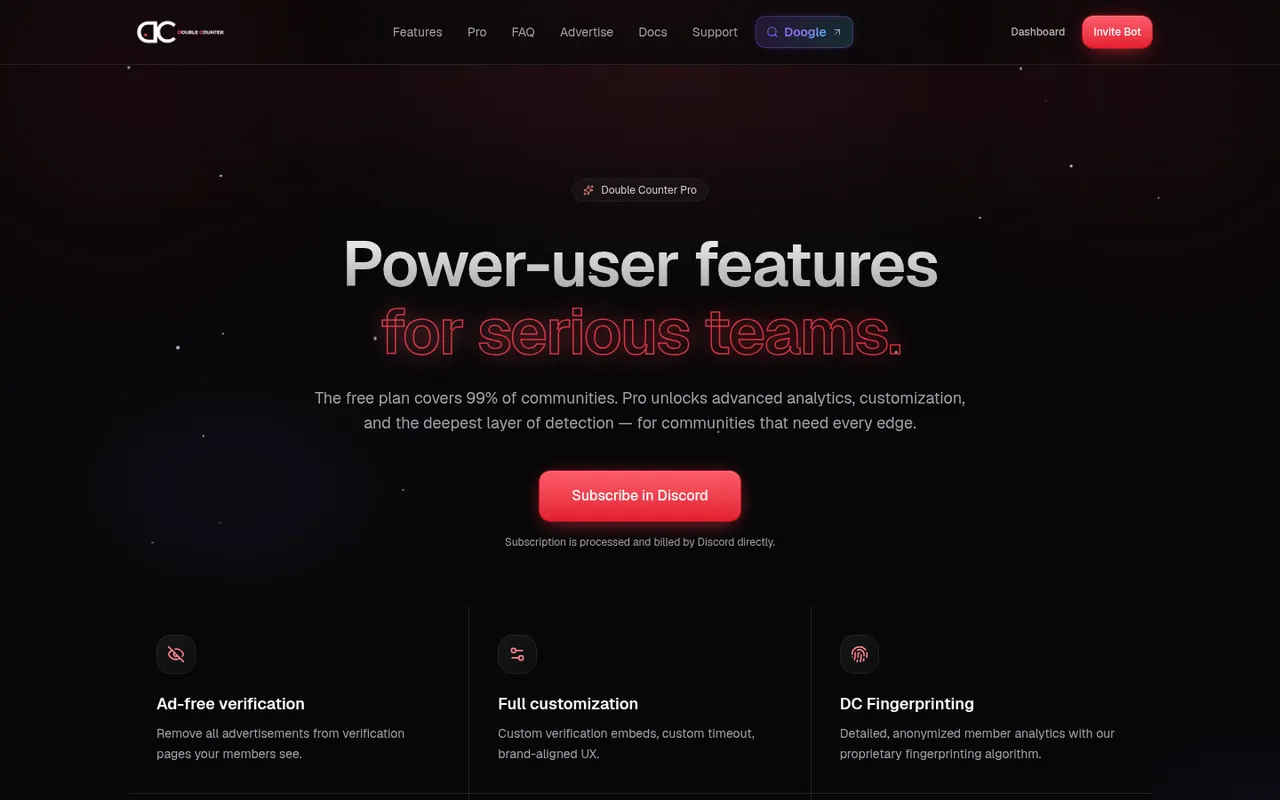
Double Counter Pro vs Free feature table
What it does badly: The external verification page can be a poor fit for members who prefer not to leave Discord, particularly privacy-minded communities. Its website claims a 98% detection rate, but that is its own claim; Discorder.tools did not test detection rates.
Pick it if: Alt accounts, VPN use, or raid response are your main concerns and you want a broad security layer beyond Discord’s native settings.
3. Captcha.bot: best captcha verification
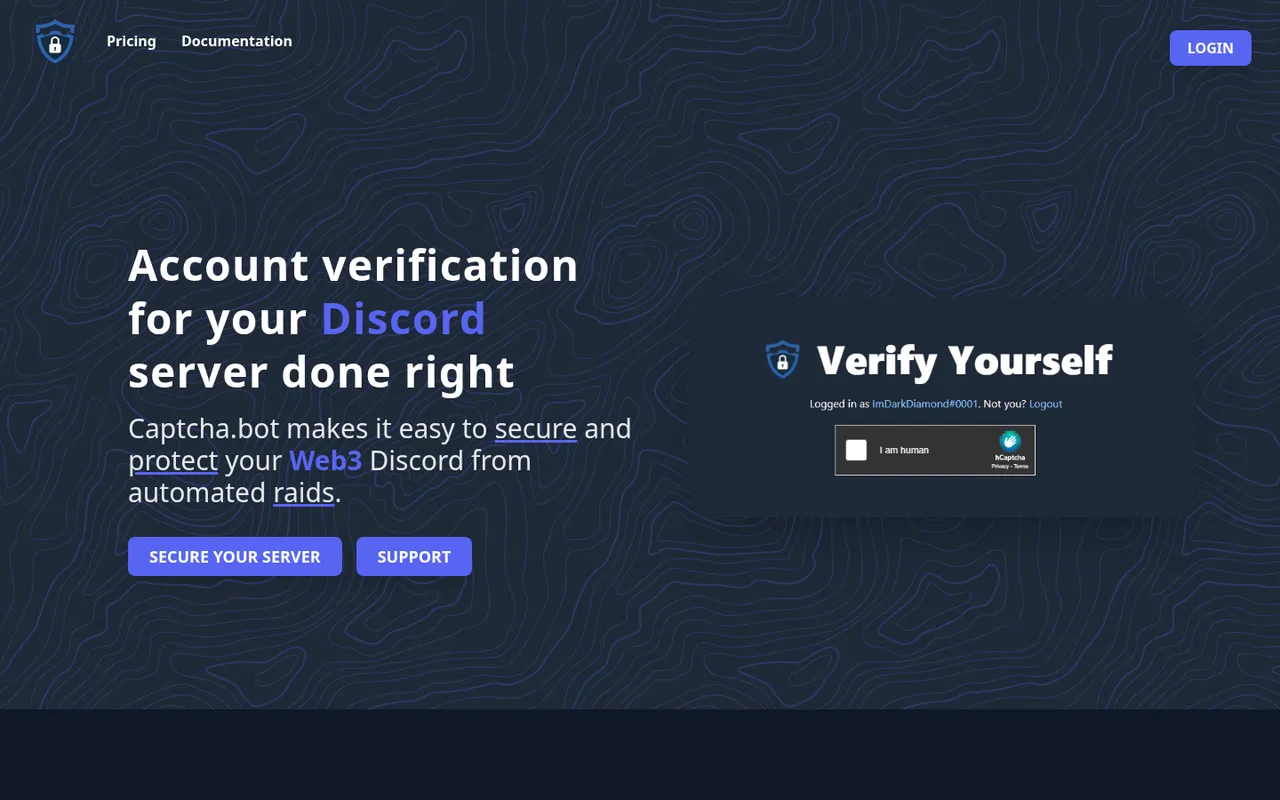
Captcha.bot homepage: verification done right
Captcha.bot is a captcha-focused verification bot. Its site says it is used by more than 579,426 Discord servers and offers image, audio, and online verification options, giving members more than one way to complete the gate.
How members verify: New arrivals solve a captcha through an image, audio, or online verification flow. Captcha.bot says it flags suspicious accounts during verification. You can set a time limit and have members who do not complete the captcha kicked or banned.
Free versus paid: Captcha.bot offers Premium, but its pricing page returned “Not Found” on October 3, 2026, so no current price is published.
What it does badly: A captcha confirms that someone completes the challenge; it is not presented as Roblox verification or token gating. Members who need accessibility support should be directed to the audio or online option rather than being left at an image-only challenge. The product is marketed heavily toward NFT, crypto, and Web3 servers, so a small casual server may not need its scam-focused emphasis.
Captcha.bot also says it removes scam links as soon as they are posted, which can matter in communities scammers target.
Pick it if: You need a conventional captcha gate, want audio as an accessibility option, and want an optional deadline for completing verification.
4. RoVer: best free Roblox verification
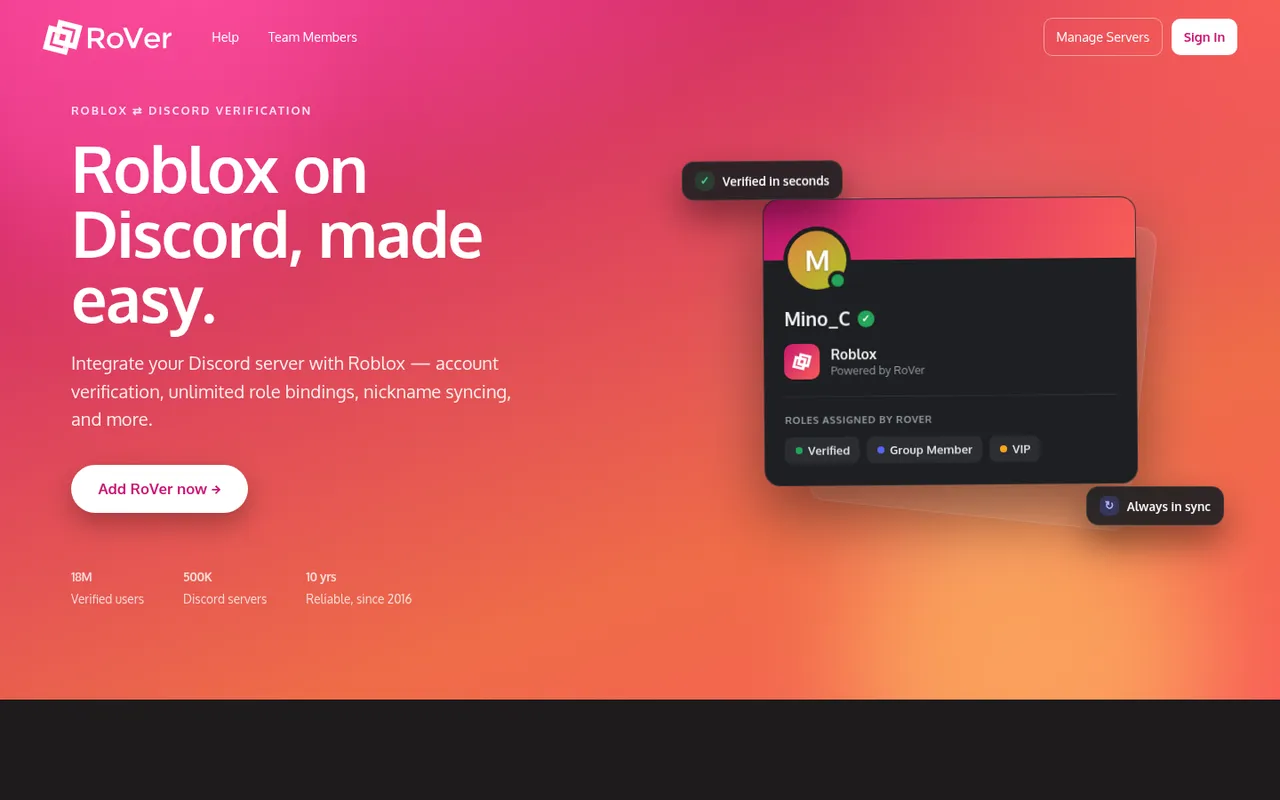
RoVer homepage: Roblox on Discord, made easy
RoVer connects Roblox accounts to Discord accounts. Its website says it has operated since 2016 and reports 18M verified users across 500K Discord servers.
How members verify: A member links their Roblox identity, then your server can use that connection to assign roles and access. RoVer supports unlimited role bindings based on Roblox group ranks, GamePass ownership, badges, or whether someone has played your game. It can also sync Discord nicknames to Roblox usernames.
Free versus paid: RoVer describes itself as “Completely free. No catch.”
What it does badly: RoVer is purpose-built for Roblox identity. It is not the choice for a non-Roblox server that only needs a captcha or general anti-alt checks. Its restrictions are useful when you need verified Roblox users or members of a Roblox group, but they do not replace Discord’s own rules and channel permissions.
Pick it if: Your server needs to connect Roblox group ranks, game participation, badges, or GamePass ownership to Discord roles without a paid plan.
5. Bloxlink: best Roblox verification with group tools
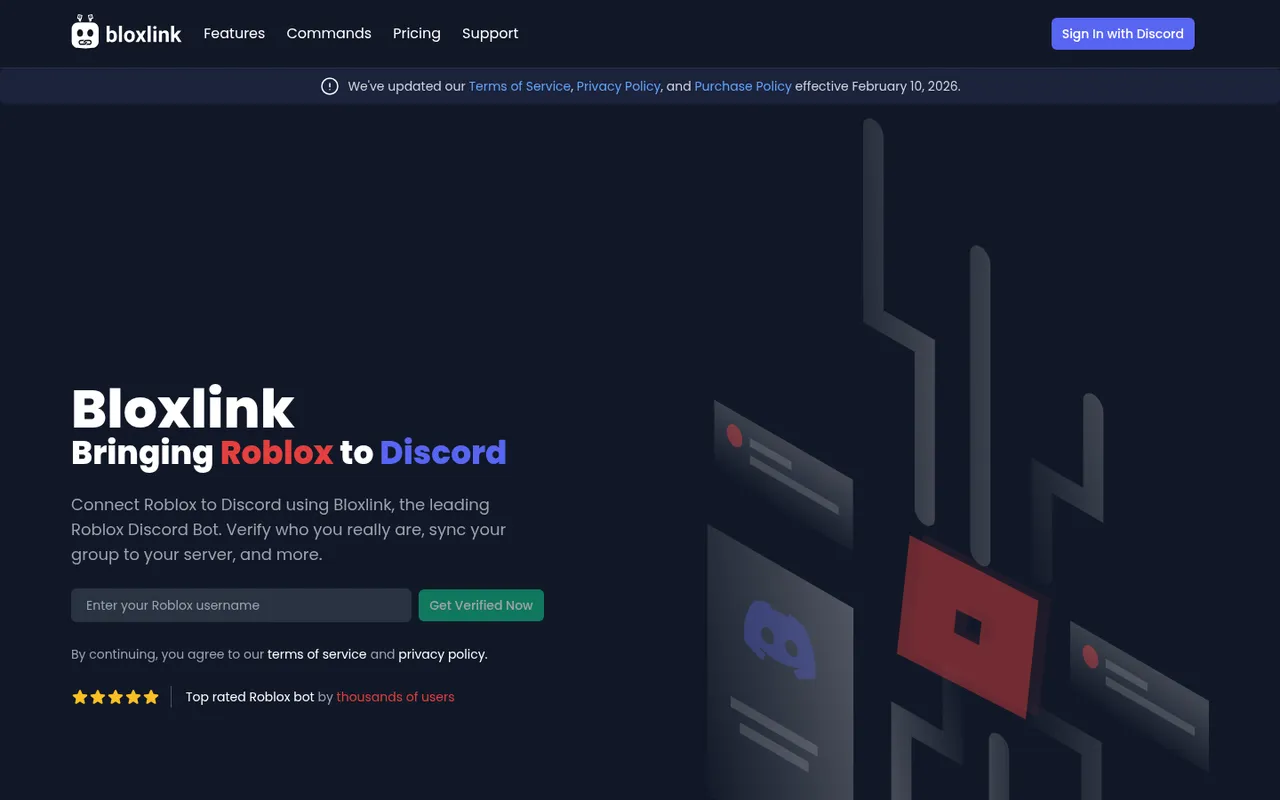
Bloxlink homepage: bringing Roblox to Discord
Bloxlink is another Roblox-to-Discord option. It calls itself the most popular Roblox bot for Discord and focuses on Roblox-based verification, bindings, restrictions, and group utility commands.
How members verify: Members can verify through a Roblox game or with a code placed on their Roblox profile. Once linked, you can create bindings for GamePasses, badges, group ranks, and other Roblox assets.
Free versus paid: Bloxlink has a Pricing page for premium features. Check it before assuming a particular feature is included in the free version.
What it does badly: Bloxlink is a Roblox specialist, not a general-purpose captcha, VPN, or token-verification tool. Its Roblox-based restrictions, including group-only and age-limit options, are useful only when Roblox is central to how your community manages access.
Pick it if: You want Roblox verification with a choice between a game-based flow and a profile-code flow, plus group-focused utility commands and asset-based role bindings.
6. Collab.Land: best for token-gated crypto communities
Collab.Land homepage for token-gated communities
Collab.Land provides token-gated verification for crypto communities on Discord and Telegram. It checks whether each new member holds the token or tokens your community requires, then re-verifies members regularly.
How members verify: A member proves they hold the required token, and Collab.Land grants access according to that holding. Regular re-verification matters when token ownership changes after a member joins.
Free versus paid: Collab.Land offers a Premier Subscription that unlocks Pro Mini Apps. Its homepage does not list prices or free-tier limits.
What it does badly: Token holding is a membership criterion, not a general anti-raid or captcha system. A token gate will not by itself make a public server safe from spam, compromised accounts, or social-engineering scams. You still need restricted channels, sensible permissions, and a clear rules process.
Pick it if: Access should depend on crypto token ownership and you need that ownership checked again over time.
Verification methods compared
| Pick | Method | Free status |
|---|---|---|
| Discord built-in verification | Rules agreement and account-level requirements | Free |
| Double Counter | Alt-account, raid, and VPN checks via external web verification | Free plan; Pro available through Discord subscriptions |
| Captcha.bot | Image, audio, and online captcha verification | Free to add; Premium price not published |
| RoVer | Roblox account verification and role bindings | Completely free, per its site |
| Bloxlink | Roblox game or profile-code verification and asset bindings | Free to add; premium features on its Pricing page |
| Collab.Land | Token ownership checks with regular re-verification | Free to add; Premier Subscription for extras |
Use the method that matches the access decision you actually need to make. A Roblox clan should use Roblox verification; a token-holder community should use token gating. For a normal public community, start with Discord’s native controls, then use a captcha or anti-alt layer only if your risk level calls for it.
How we chose these verification bots
On October 3, 2026, Discorder.tools visited each bot’s official website and pricing page, where one exists, to record the features, counts, and plan descriptions each product states. Discorder.tools makes none of these bots and was not paid to include or rank them.
We did not test detection rates, raid resistance, or account identification accuracy. Any detection rate or usage count above is attributed to the product that reports it, including Double Counter’s 98% detection-rate claim. Rankings prioritize a clear use case, stated verification method, available free access, and practical limitations rather than a claimed accuracy figure.
Verification scams to watch for
A real verification flow should never ask a member for their Discord password, Discord token, or a QR-code scan. Those requests are common account-stealing tactics, not normal server verification.
Watch for these warning signs:
- A “verify” message asks you to scan a QR code to gain server access.
- A site asks for your Discord password or token.
- A link uses a lookalike domain or an unfamiliar page instead of the bot’s official destination.
- A new account pressures you to verify quickly in a direct message.
- A verification page asks for permissions or information unrelated to joining the server.
Treat fake verify sites as phishing attempts. Use the server’s public verify channel, confirm which bot the server actually uses, and leave if the flow asks for account credentials or a QR code.
How to set up verification safely
Create the access barrier before inviting members. A verification bot can assign a role, but it cannot protect channels you have already left open to @everyone.
- Create a Verified role for members who complete your chosen rules, captcha, Roblox, or token check.
- Lock all normal channels for
@everyone. Leave only the verify channel and rules channel available before verification. - Allow the Verified role to view and participate in the channels you want members to use.
- Put the bot’s role above the Verified role in the server role list, or it cannot assign that role.
- Give the bot only the permissions its flow needs: Manage Roles to grant Verified, Kick Members or Ban Members only when using timeouts or alt enforcement, and View Channel plus Send Messages in the verify channel.
- Calculate the exact permissions before adding the bot with the Discord Permissions Calculator.
Write rules that members can understand before they click accept, and make clear what verification grants access to. If you need a starting point, use the Discord rules template.
Frequently asked questions
Do I need a verification bot for my Discord server?
Not always. Start with Discord’s free Verification Level and Rules Screening. Add a bot when you need something native controls do not provide, such as captcha challenges, stated alt and VPN checks, Roblox-linked roles, or token-gated access.
What is the best free Discord verification bot?
For most servers, Discord’s built-in Verification Level and Rules Screening are the best free first step. If you specifically need anti-alt and VPN protection, Double Counter has a free plan. For Roblox communities, RoVer says it is completely free.
How do I verify Roblox accounts in Discord?
Use a Roblox-focused bot such as RoVer or Bloxlink. RoVer can bind roles to group ranks, GamePass ownership, badges, and game participation. Bloxlink lets members verify through a Roblox game or a code on their Roblox profile, then supports bindings for Roblox assets and ranks.
Can verification stop all raids?
No. Rules acceptance, captchas, and account checks each reduce different risks, but none can stop every raid or bad actor. Combine verification with locked channels, carefully scoped roles, moderation practices, and Discord’s built-in safety controls.
Why can new members not see channels after joining?
That is usually intentional role permission setup. When @everyone is denied access and only the Verified role is allowed in normal channels, new members will see only the rules and verify channels until they complete verification and receive the role. Check the bot’s role order and its Manage Roles permission if completed members are not receiving access.
Discorder.tools is not affiliated with Discord Inc. or with any bot listed here.

With a background in AI and a passion for clear technical communication, I enjoy breaking down complex tools and processes. Exploring new software and sharing insights is a key focus.
Run a gaming, tech, or AI site? Write for us or swap links →
Further Reading
8 Best Discord Moderation Bots in 2026 (Free and Paid)
Compare the best Discord moderation bots in 2026. Discord AutoMod leads this independent list of 8 picks, with free limits, paid plans, and trade-offs.