Ticket Tool is our top pick among the best Discord ticket bots if you want a capable free setup without immediately running into panel limits. It gives you unlimited panels, transcripts, support roles, and up to 10 tickets a minute on its free Standard plan; choose another option if a live staff inbox, cross-platform customer support, or self-hosting matters more.
| Pick | Best for | Free tier | Watch out for |
|---|---|---|---|
| Ticket Tool | Most community servers | Unlimited panels; 10 tickets/minute | Several workflow extras require $7.99/month |
| Tickets | Free claiming and forms; cheap upgrade | Unlimited tickets, forms, claiming; 3 panels | More than 3 panels requires Premium |
| Ticket King | Many free panels | Up to 10 panels | Premium price is not listed on its site |
| TicketerBot | A web inbox on a small budget | 25 new tickets/month | Tight free ticket allowance |
| Helper.gg | Staff working from a web panel | Site describes core ticket tools as free | Free limits are not spelled out on its site |
| Mava | Company customer-support teams | 30 support requests/month | Requests over the limit are hidden |
| Open Ticket | Self-hosting and deep control | Free software you run yourself | You handle hosting and setup |
1. Ticket Tool: best overall free ticket bot
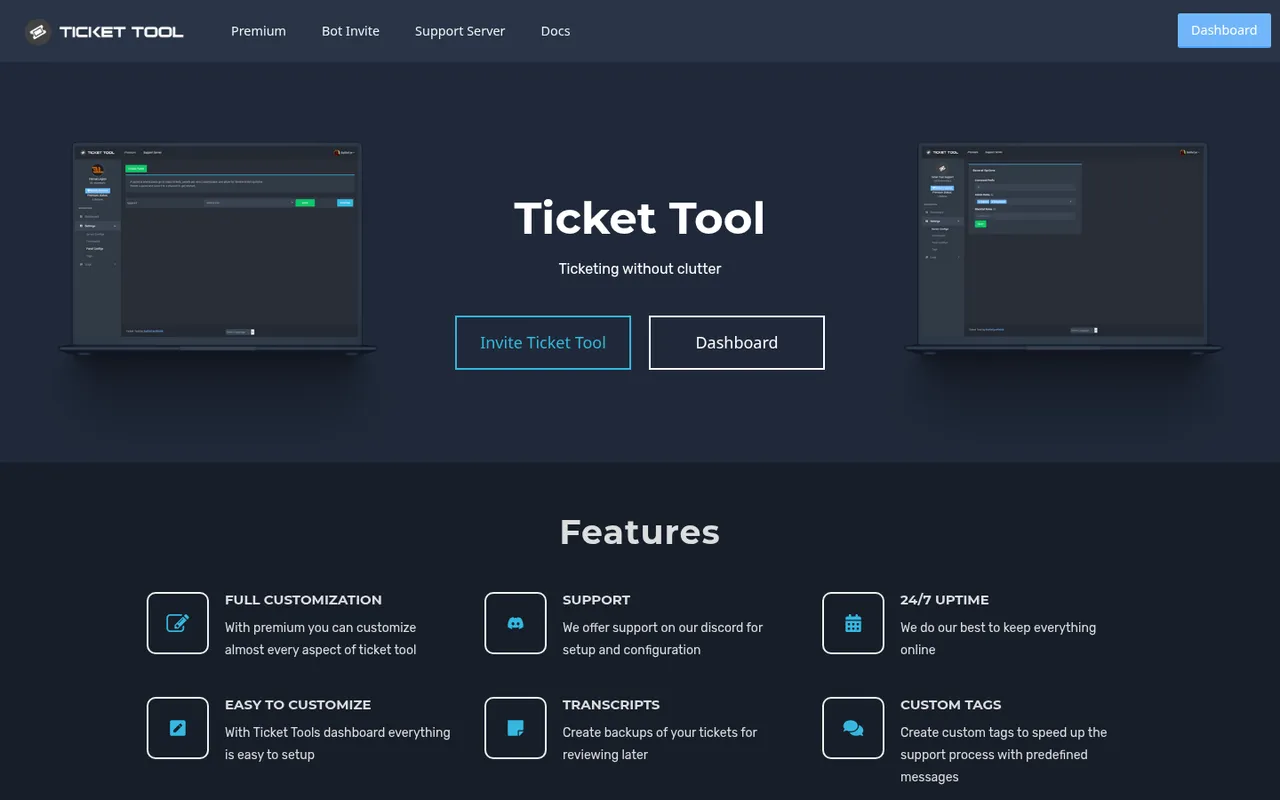
Ticket Tool homepage, captured October 3, 2026
Ticket Tool is a panel-based Discord ticket bot built around keeping the ticket process uncluttered. A member presses a button on a panel, can answer form questions before the ticket is created, and staff can close or reopen the resulting ticket. It also supports transcripts and custom tags for saved replies.
Its free Standard plan is unusually practical for a community server: unlimited panels, transcript generation, support roles, and a cap of 10 tickets per minute. For $7.99 per month, Premium Monthly adds a faster premium-only bot, automatic transcripts, unrestricted embed customization, custom reactions, open/close DMs, automatic close or delete actions, ticket claiming, and premium support, according to Ticket Tool’s site.
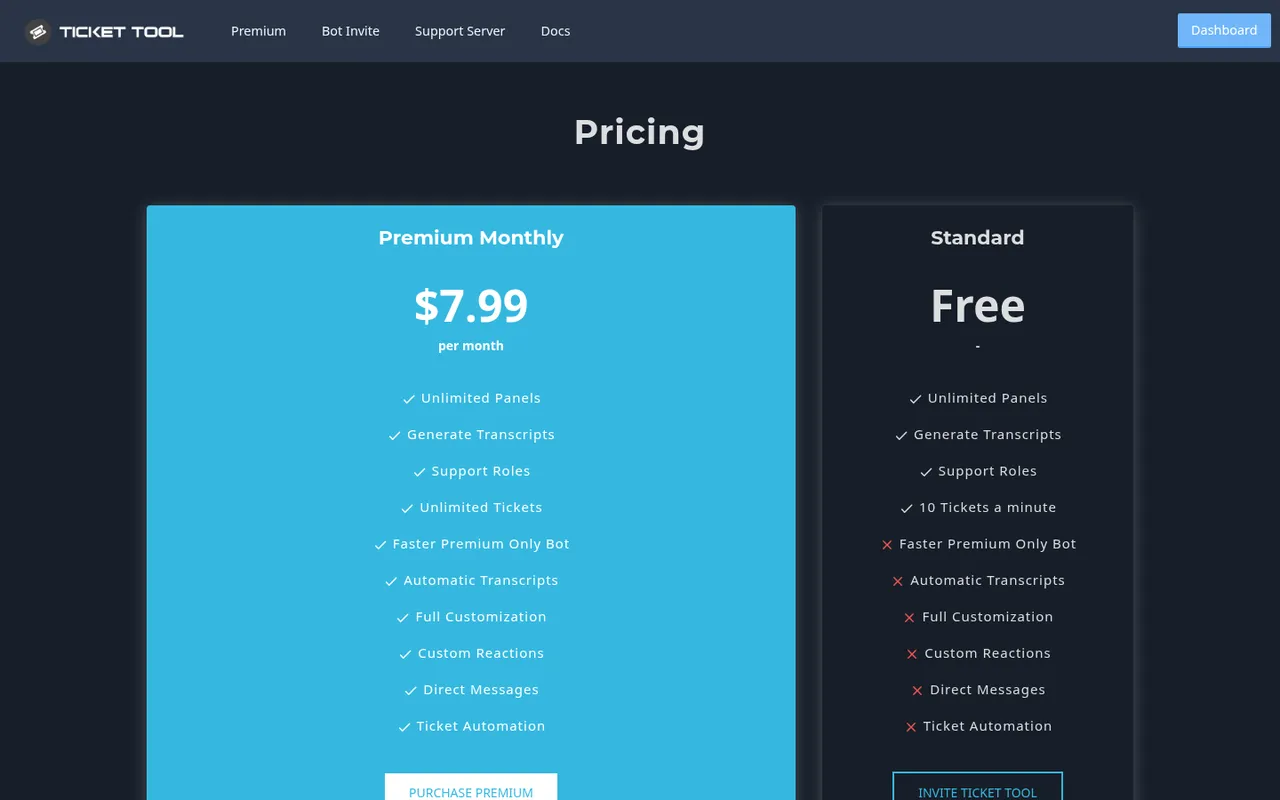
Ticket Tool pricing, captured October 3, 2026
The trade-off is that several useful staff-workflow features, including claiming and automation, sit behind Premium. The free plan’s stated throughput limit also matters if your server can receive large bursts of requests.
Pick Ticket Tool if you run a gaming, creator, marketplace, or support community and want a broad free feature set with room for multiple ticket topics.
2. Tickets: best cheap premium upgrade
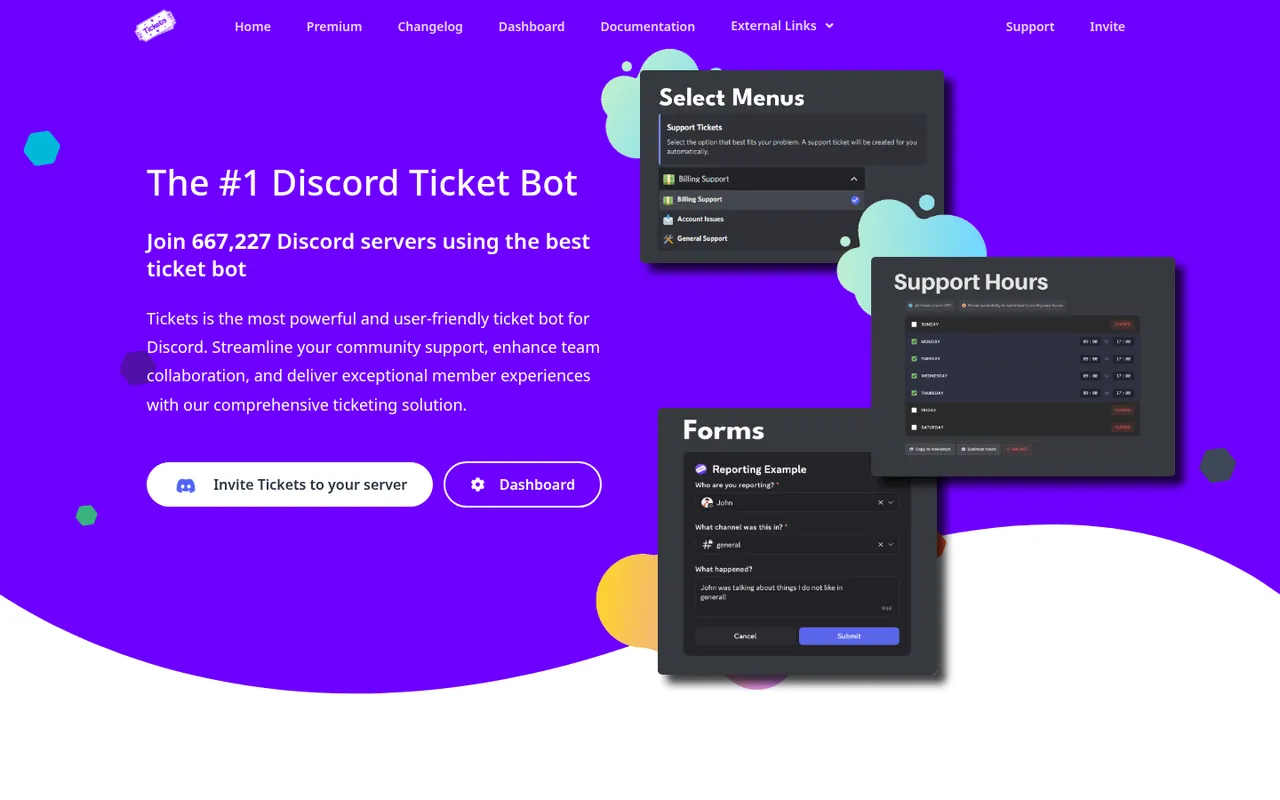
Tickets homepage, captured October 3, 2026
Tickets offers a web dashboard and a straightforward way to separate requests by topic: you can give each topic its own button. It supports pre-ticket forms, transcripts, support teams, and support hours. Its homepage said that 667,227 Discord servers used it when checked on October 3, 2026.
The free plan is generous: its comparison table ticks unlimited tickets, automatic ticket archives, forms, and ticket claiming for free servers (Ticket Tool charges for claiming), with up to three ticket panels. Premium costs $2.99 per server per month, with multi-server discounts noted on the site, and adds statistics, autoclose, exit surveys, and unlimited panels. A $6.99-per-month Whitelabel plan lets you use your own bot name, avatar, and status. The site also says some features unlock through voting, as described on Tickets’ official site.
Three panels are enough for a basic “support,” “report,” and “appeal” layout, but it can be restrictive if you need distinct panels for purchases, partnerships, verification, technical help, and moderation. Pricing is per server, so account for that before deploying it across a network.
Pick Tickets if you want claiming and forms without paying, or expect to upgrade and want one of the lowest paid prices in this list.
3. Ticket King: best for many free panels
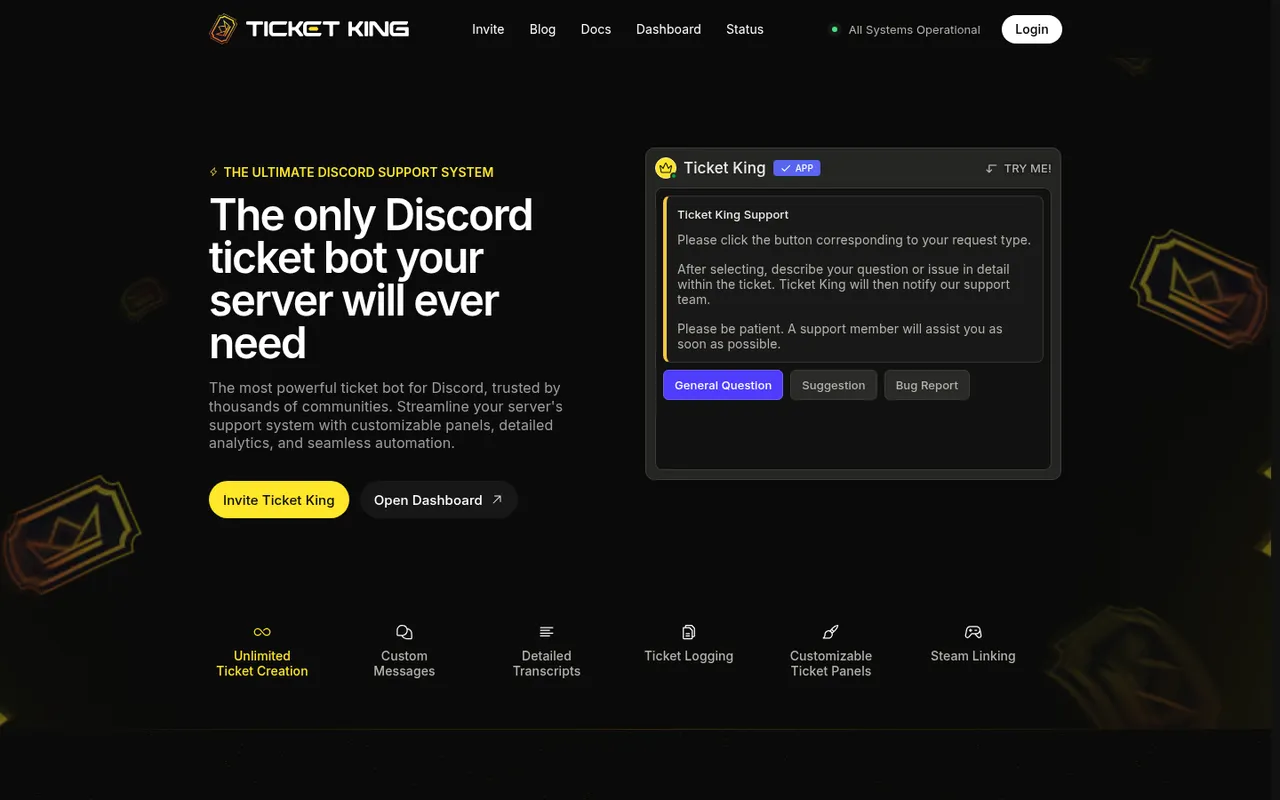
Ticket King homepage, captured October 3, 2026
Ticket King is a free ticket bot that is particularly useful when you need more panel categories before paying. Its site says you can create up to 10 ticket panels for free, while Premium unlocks unlimited panels. It also states that ticket creation is unlimited.
Other listed capabilities include custom messages, detailed transcripts, ticket logging, customizable panels, and reusable panel templates across servers. Gaming communities can use its Steam account linking. Premium adds multi-step forms and premium dashboard branding.
The main missing buying detail is cost: Ticket King’s site describes what Premium unlocks but does not list a Premium price. Multi-step forms are also not part of the stated free offering.
Pick Ticket King if your priority is organizing a lot of request types with up to 10 free panels, especially if reusable templates or Steam account linking fit your community.
4. TicketerBot: best web inbox on a budget
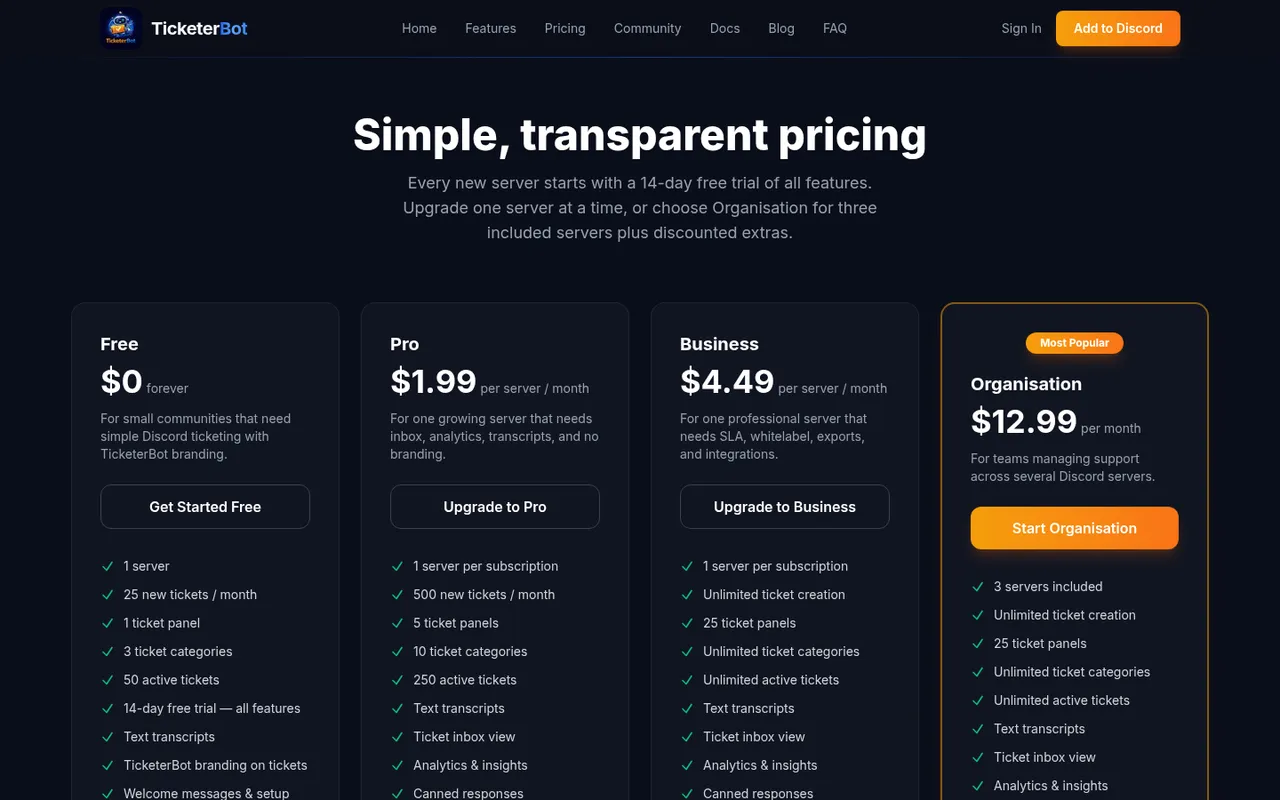
TicketerBot pricing, captured October 3, 2026
TicketerBot combines Discord panels with a live web inbox: replies sent in the dashboard sync back into Discord. It also advertises onboarding and moderation workflows, server logs, analytics, and ticket panels. Its own site describes it as used by 500+ servers, which makes it a newer, smaller option than the larger established bots listed above.
The free plan covers one server, 25 new tickets per month, one panel, three categories, 50 active tickets, text transcripts, and TicketerBot branding. Every new server receives a 14-day trial of all features. Pro is $1.99 per server per month and raises the allowance to 500 tickets per month while adding five panels, the inbox, analytics, canned responses, HTML transcripts, and no branding. Business is $4.49 per server per month; Organisation is $12.99 per month and includes three servers, per TicketerBot’s pricing information.
The free tier is a poor fit for a busy public support server because 25 new tickets per month is a firm constraint. Even Pro retains a stated monthly ticket allowance, so estimate your volume rather than choosing it solely on price.
Pick TicketerBot if your staff want to answer Discord tickets from a shared browser inbox and your ticket volume fits its stated limits.
5. Helper.gg: best free web panel for staff
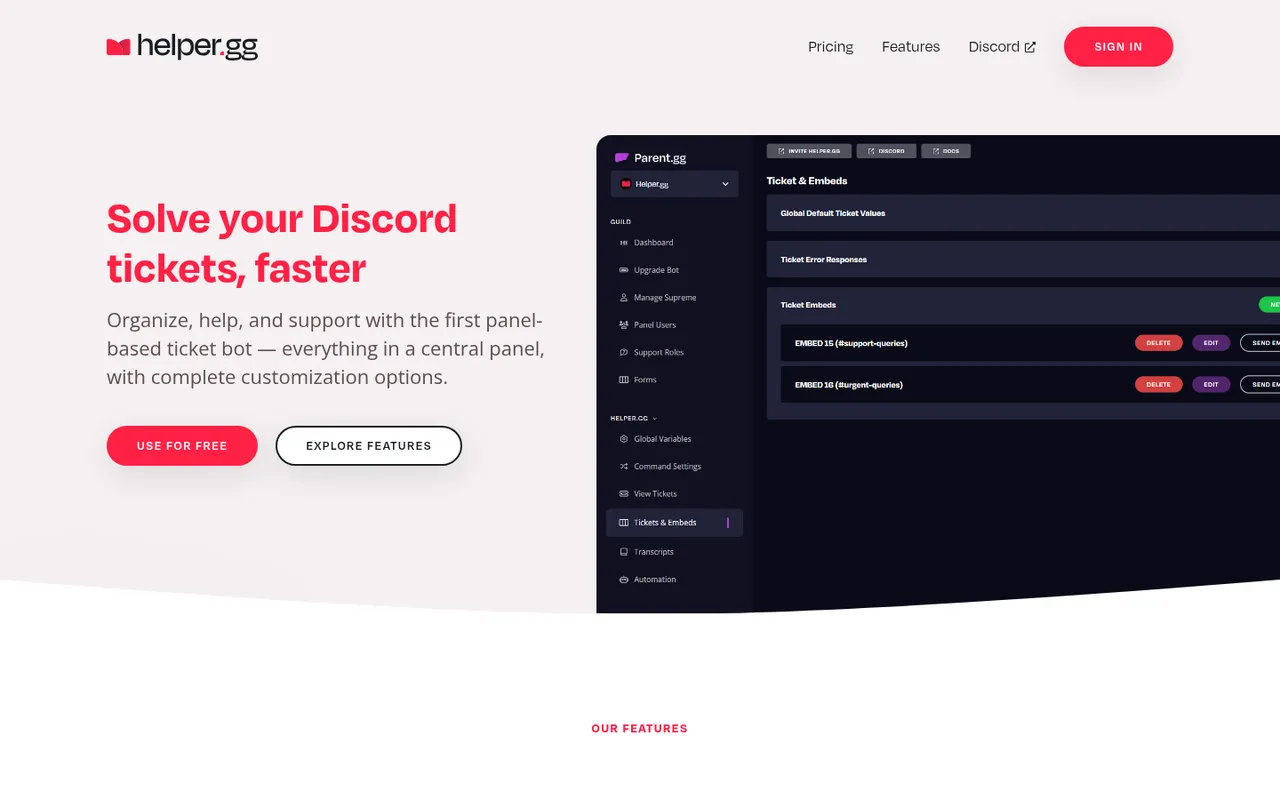
Helper.gg homepage, captured October 3, 2026
Helper.gg calls itself the first panel-based Discord ticket bot. It provides a web panel for replying to tickets, creating staff accounts with permissions, and configuring the bot. Its listed capabilities include AI features, custom bot applications, transcripts, and automatic translation.
The homepage says you can customize, log, and view tickets in one place for free, and it showed 48,224 servers online when checked on October 3, 2026. Helper.gg also has a pricing page for extras. Its homepage does not spell out a free limit for panels or tickets, or the price of its first paid tier.
That lack of clearly stated limits and entry-level pricing makes budgeting harder than with Ticket Tool, Tickets, or TicketerBot. You should confirm the current extras and their cost directly before building a workflow around them.
Pick Helper.gg if a browser-based staff panel, granular staff accounts, or automatic translation is more important than a published free-tier quota.
6. Mava: best for companies doing customer support
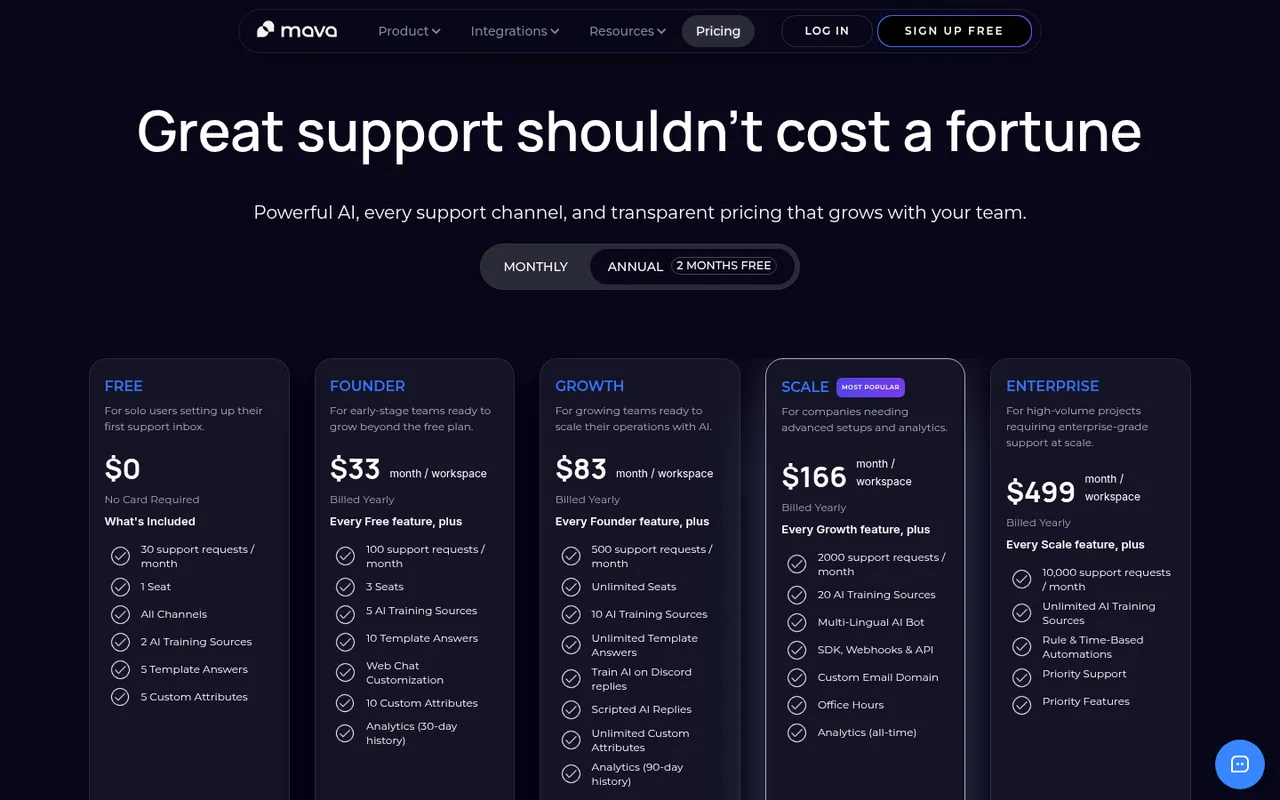
Mava pricing, captured October 3, 2026
Mava is not mainly a hobby-server ticket bot. It is a customer-support platform with a shared inbox and AI that brings Discord, Telegram, Slack, email, and web chat into one workspace. That makes it suited to a company supporting customers across several channels rather than a volunteer mod team handling a few Discord requests.
Its Free plan costs $0 and includes 30 support requests per month and one seat. Founder costs $33 per workspace per month when billed yearly, for 100 requests and three seats. Growth is $83 per month for 500 requests and unlimited seats; higher tiers are listed at $166 and $499. AI is included on all plans. If you go beyond your request limit, new tickets are hidden until you upgrade, according to Mava’s site.
Mava is expensive and overbuilt for a typical Discord community, and its request ceiling is consequential because excess tickets do not remain visible.
Pick Mava if Discord is one part of a real customer-support operation that also needs email, web chat, Slack, or Telegram in the same inbox.
7. Open Ticket: best self-hosted option
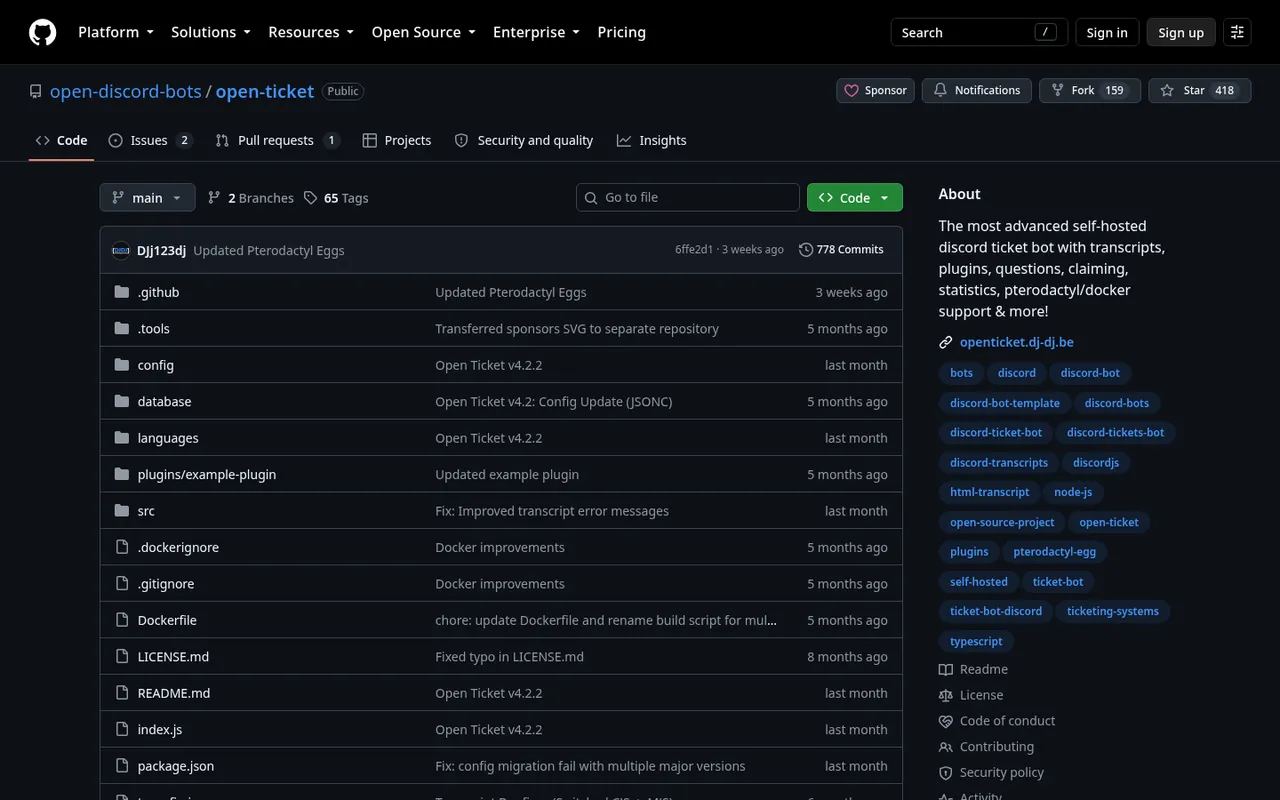
Open Ticket GitHub repository, captured October 3, 2026
Open Ticket is free, open-source ticket software that you host yourself. It lists more than 350 configurable settings, HTML transcripts, plugins, ticket claiming and pinning, modal questions, per-user and global limits, 50+ statistics, button or dropdown panels, and translations in 38+ languages. It supports Docker and Pterodactyl. The repository had about 418 GitHub stars when checked on October 3, 2026.
There is no vendor subscription price for the software, but self-hosting is not cost-free in practice: you are responsible for running it and maintaining the environment it needs. The project does not state a hosted free-tier panel or ticket quota because you run the bot yourself.
This is the least convenient choice for a server owner who wants a click-to-configure dashboard and no infrastructure work. It is the most flexible option here if you have the technical ability to operate it and need deep configuration or control over your deployment.
Pick Open Ticket if self-hosting is acceptable and you want open-source software with extensive configuration rather than a managed bot service.
Free tier limits compared
| Bot | Free panels | Free ticket limit | Free transcripts | First paid tier |
|---|---|---|---|---|
| Ticket Tool | Unlimited | 10 tickets/minute | Yes | $7.99/month |
| Tickets | 3 | Unlimited tickets | Automatic archives | $2.99/server/month |
| Ticket King | Up to 10 | Unlimited ticket creation | Detailed transcripts | Premium price not listed |
| TicketerBot | 1 | 25 new tickets/month | Text transcripts | Pro: $1.99/server/month |
| Helper.gg | Not listed | Not listed | Yes | Price not listed |
| Mava | Not listed | 30 support requests/month | Not listed | Founder: $33/workspace/month, billed yearly |
| Open Ticket | Configurable; no hosted limit stated | Configurable; no hosted limit stated | HTML transcripts | No vendor subscription stated |
How we chose these ticket bots
Discorder.tools visited each bot’s official website and pricing page on October 3, 2026 and recorded what those sites stated about features, limits, prices, and scale. We did not run load tests, measure uptime, or test response speed. Rank order is our editorial judgment, not a benchmark result.
Discorder.tools makes none of these bots and was not paid to include or rank them. We prioritized the information that affects a server owner’s decision: usable free limits, clear upgrade pricing where published, staff workflow tools, transcripts, and whether the product is designed for a community, a support team, or self-hosting.
Mistakes to avoid
- Giving Administrator by default. A ticket bot does not need it. Broad permissions raise the impact of a bad configuration or compromised bot.
- Losing transcripts. Decide where transcripts should be generated or logged before staff close the first ticket. A closed channel without a retained record can make follow-up and moderation harder.
- Creating tickets in public channels. Tickets should be private to the opener and approved staff. A public ticket channel can expose support details, reports, order information, or appeals.
- Putting the bot role too low. Keep the bot’s role above roles it needs to manage, or it may be unable to apply the required access settings.
How to set up a ticket bot safely
- Create a staff role for the people who should answer tickets. Do not use a broad member role as ticket staff.
- Create a ticket category where private ticket channels will be created, then set its permissions so ordinary members cannot browse tickets.
- Create a panel channel where members can see the bot’s button or dropdown panel and start a request.
- Create a private log channel for transcripts and staff audit records.
- Give the bot only the permissions it needs: Manage Channels to create private ticket channels; Manage Roles or channel permission overwrites to give the opener and staff access; View Channel, Send Messages, Read Message History, and Attach Files for transcripts. It does not need Administrator.
- Before approving an invite, use the Discord Permissions Calculator to check the requested permissions and apply least privilege.
A clear rules channel also helps staff handle reports and appeals consistently; you can start with this Discord rules template.
Frequently asked questions
What is the best free Discord ticket bot?
Ticket Tool is the best general free pick here because its Standard plan includes unlimited panels, transcript generation, support roles, and a stated limit of 10 tickets per minute. Tickets is the better free choice if you need ticket claiming or forms, Ticket King suits servers that need up to 10 free panels, and Open Ticket fits administrators who can self-host.
How do Discord ticket bots work?
You post a panel in a channel. A member selects a topic or presses a button, may answer form questions, and the bot creates a private channel or ticket space for that member and your staff. Staff respond, then close the ticket and retain a transcript or log if the bot and your configuration support it.
Does a ticket bot need Administrator?
No. It generally needs Manage Channels, a way to manage roles or channel permission overwrites, View Channel, Send Messages, Read Message History, and Attach Files for transcripts. Grant only what the bot needs for its workflow.
Can members see each other’s tickets?
They should not be able to. Configure the ticket category and each ticket so access is limited to the person opening the ticket, your designated staff role, and the bot. Do not use public channels for support tickets.
What are ticket transcripts?
A transcript is a saved record of a ticket conversation. It can help staff review what happened after closure, document a report or purchase question, and keep a record when the ticket channel is deleted. Transcript formats and automation differ by bot: for example, Ticket Tool includes transcript generation on Standard, TicketerBot’s free plan lists text transcripts, and Open Ticket lists HTML transcripts.
Discorder.tools is not affiliated with Discord Inc. or with any bot listed here.

With a background in AI and a passion for clear technical communication, I enjoy breaking down complex tools and processes. Exploring new software and sharing insights is a key focus.
Run a gaming, tech, or AI site? Write for us or swap links →
Further Reading
8 Best Discord Moderation Bots in 2026 (Free and Paid)
Compare the best Discord moderation bots in 2026. Discord AutoMod leads this independent list of 8 picks, with free limits, paid plans, and trade-offs.