Build a Discord server for writers around the activities members actually join for: sharing drafts, giving critique, reading together, and writing at the same time. Start with a small set of clearly named spaces, then use Community features for forums, onboarding, and hosted events when your group needs them. Keep readers and writers from getting lost by letting them choose roles and only showing them channels that matter to them.
- Decide whether the server is for readers, writers, or both, and choose private or Community setup.
- Create a small welcome area, discussion channels, and separate spaces for critique, book clubs, and sprints.
- Add roles, onboarding questions, and writing-specific rules before broadly sharing an invite.
- Use forums, events, spoiler controls, and light moderation to keep conversations organized as members arrive.
Decide who the server is for
Write one sentence that defines the server before you create channels. For example: “A weekly critique circle for fantasy writers,” “a book club for readers of historical fiction,” or “a place for my readers and writing group.” That sentence decides what belongs in the sidebar.
Choose the audience you will support:
- Readers: book discussion, reading recommendations, author updates, polls, and scheduled meetups.
- Writers: prompts, accountability, critique exchanges, works in progress, and beta-reader matching.
- Both: separate reader and writer spaces, plus shared general chat and events.
Discord servers are free to create. Discord distinguishes between private friend servers and Community servers: friend servers suit small invite-only groups, while Community servers are built for larger communities and include features such as Server Insights, raid protection, rules, and onboarding. Read Discord’s Server Setup Guide before choosing the structure.
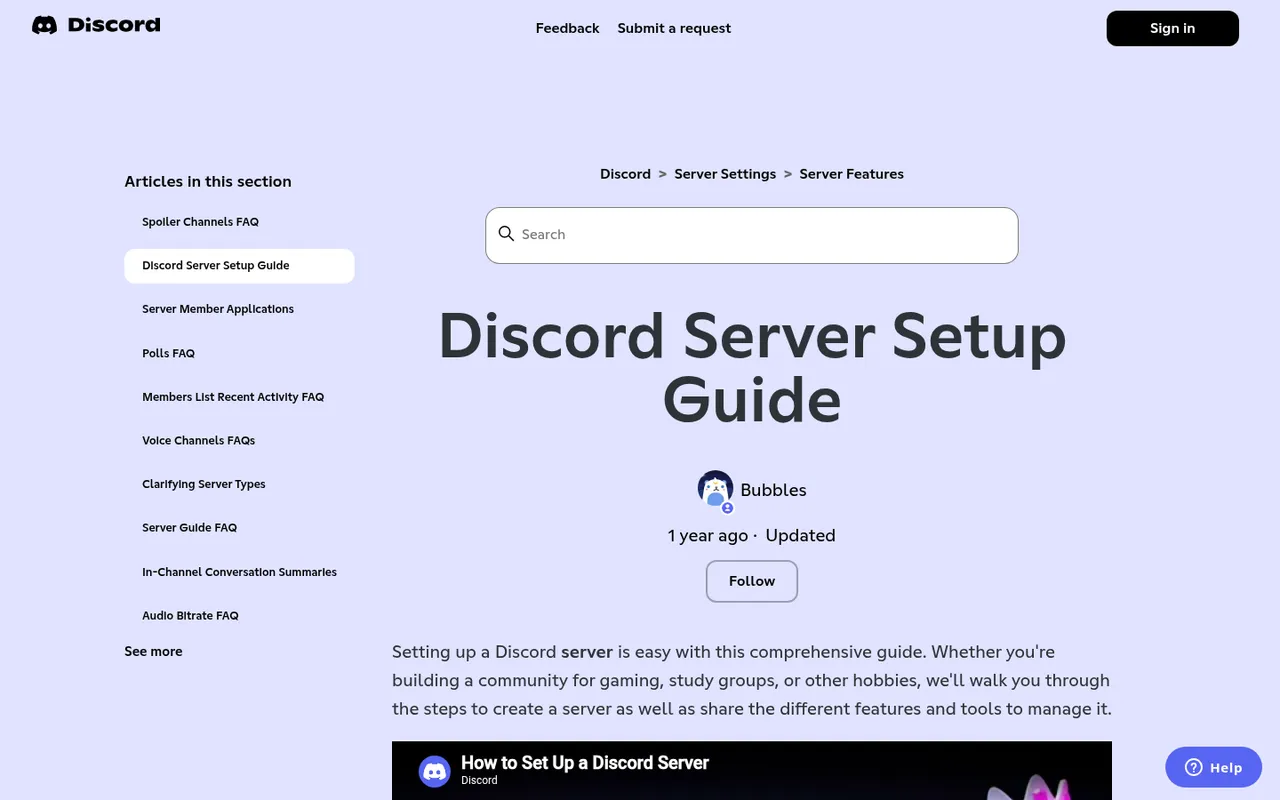
Discord's Server Setup Guide
A private friend server is enough for a handful of people who already know one another. Choose Community if you want members to find their own channels through onboarding, organize submissions in forums, or host Stage talks. Those tools are especially useful when readers and writers have different needs.
Turn on Community features
If you decide the server needs forums, Stage channels, or onboarding, enable Community and complete Discord’s setup prompts. Do this before building a large channel list, because forum channels and Stage channels require a Community server.
Use Community features with a purpose:
- Use forums when each draft, critique request, or work-in-progress update needs its own replies.
- Use onboarding when new people should choose Reader, Writer, genre, or interest roles themselves.
- Use a Stage channel for a hosted reading or Q&A where a few people speak and everyone else listens.
Community Onboarding is available to all Community servers. In Server Settings > Onboarding, choose the Default Channels every new member sees, then create questions that assign roles or channels; members can later change their answers in the Channels & Roles tab, as Discord explains in its Community Onboarding FAQ.
Set up your channels
Create fewer channels than you think you need. An empty channel list makes a new server feel inactive and gives members no obvious first action. Begin with the layout below and add channels only when a recurring conversation outgrows its current home.
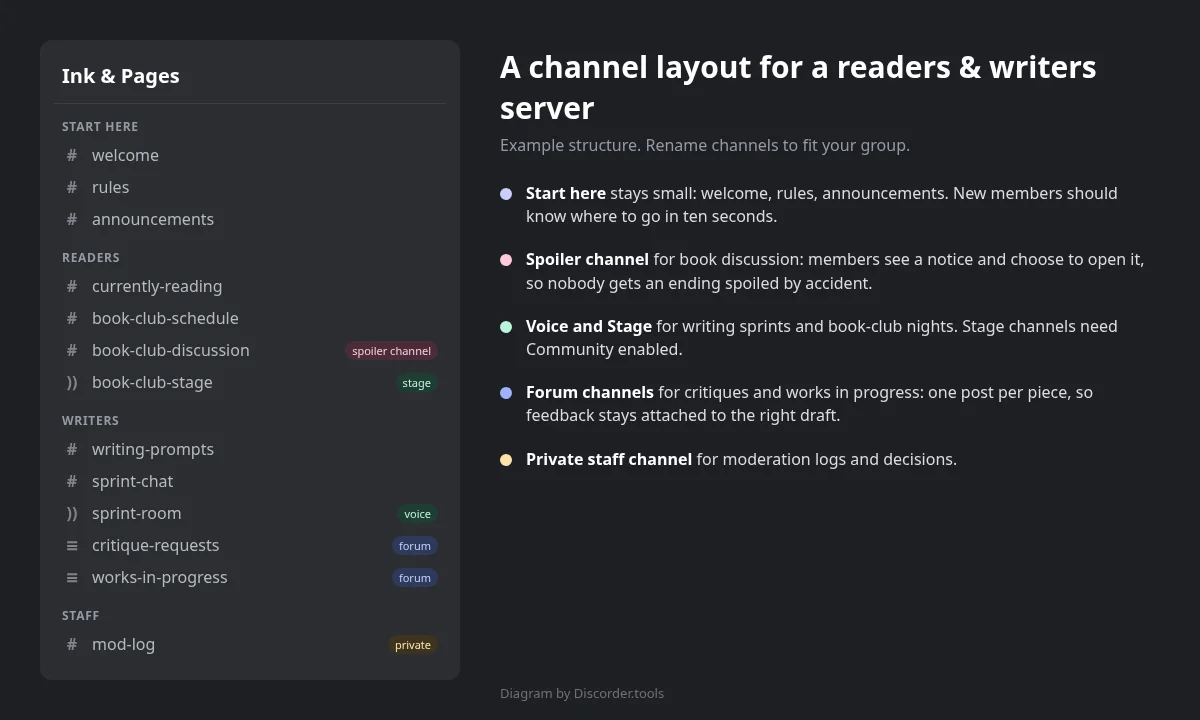
Example readers and writers server layout
| Category | Suggested channels | What happens there |
|---|---|---|
| Start here | #welcome, #rules, #announcements, #introductions | Explain the group, publish rules, and help members introduce themselves. |
| Community | #general, #what-are-you-reading, #recommendations | Keep everyday reader and writer conversation together. |
| Writing | #writing-prompts, #wins-and-goals, #resources | Run prompts, accountability, and practical discussion. |
| Critique | #critique-requests forum, #works-in-progress forum | Give each piece a separate post and reply trail. |
| Book club | #book-club, #spoilers | Discuss the selected title without exposing twists. |
| Live rooms | Writing Sprint voice, Book Club Meetup voice or Stage | Hold timed writing and hosted discussions. |
| Staff | #staff-chat, #mod-notes | Keep moderation decisions out of public channels. |
Make #welcome, #rules, and #announcements easy to find. Keep #general broad enough for conversation, but do not make it the place where drafts, feedback, announcements, and spoilers all compete.
Use forum channels for critiques and drafts
A forum is the best default format for a critique exchange. Each submission becomes its own post, so feedback on one chapter does not bury feedback on another. Discord’s Forum Channels FAQ confirms that forums require Community enabled and support post guidelines, tags, inactivity hiding, and list or gallery layouts.
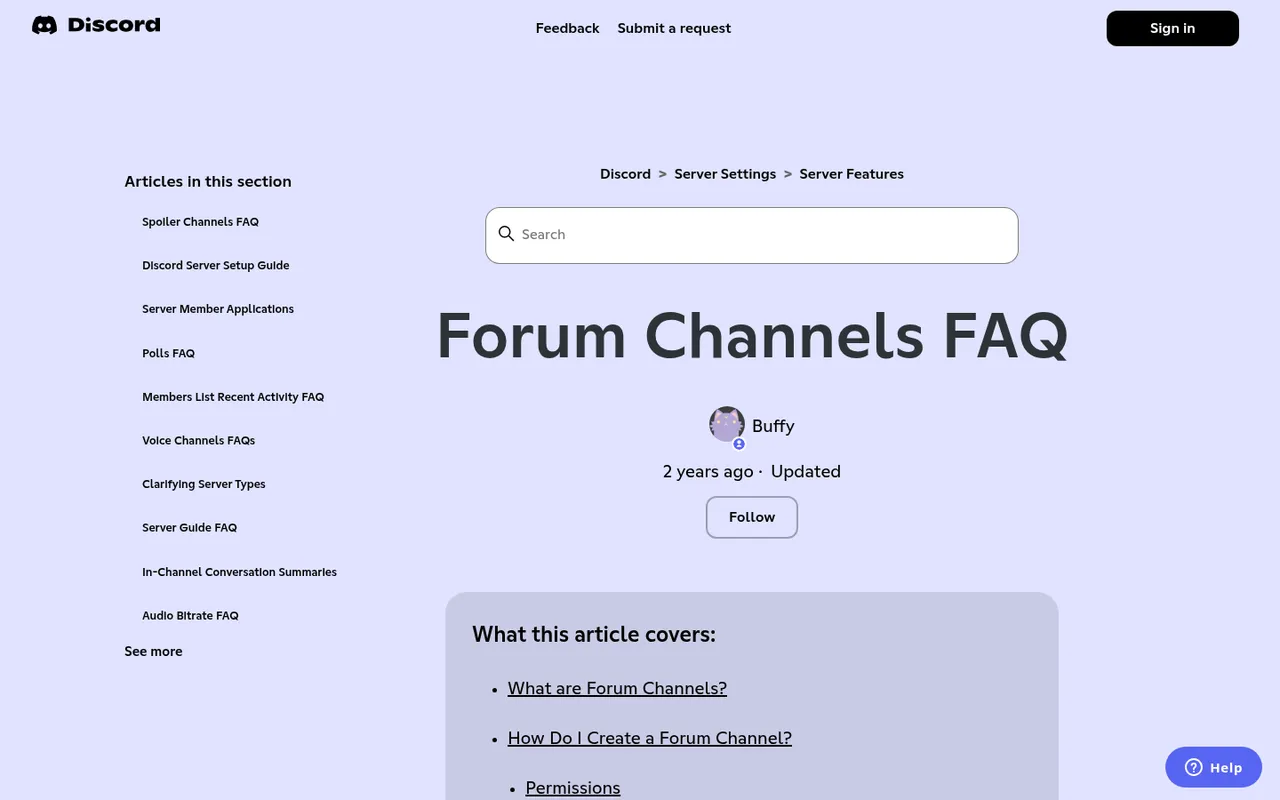
Discord forum channel options
Create one forum for #critique-requests and, if the community is active enough, another for #works-in-progress. Add post guidelines that tell members what every request must include: title, genre, word count, the kind of feedback wanted, and any content warnings.
Use tags members can apply and others can filter, such as:
short story,chapter,poetry, andnovel excerptfantasy,romance,mystery, and other genres your group actually usesneeds line edits,big-picture feedback, andbeta readers wantedopenandfeedback complete
Set the forum’s inactive-post behavior to suit the group. A busy critique forum benefits from older requests hiding after inactivity; a small long-form group may want posts visible longer. Make the policy clear: members should know whether they may revive an old post, edit a draft after feedback, or close a request once they have enough responses.
Run a writing-prompts channel
Post one prompt on a schedule members can remember: daily for an active server or weekly for a smaller group. Put stories and responses in threads, or make each prompt a forum post, so entries for one prompt stay together rather than taking over the main channel.
Pin the prompt rules where everyone can see them:
- State a word limit or expected response length.
- Require content warnings where relevant.
- Say whether feedback belongs under each response or in a separate critique area.
- Rotate prompt duty among volunteers so the channel does not depend on one person.
- Use polls to choose a monthly theme from member suggestions.
Keep a #prompt-suggestions channel or collect suggestions in a recurring thread. When your queue runs dry, moderators can use an AI story generator to brainstorm premises or twist ideas, then rewrite the prompt in their own words. AIWriteBook’s tool is free to start with no credit card, turns an idea into a planned story across genres including horror, romance, fantasy, mystery, and literary fiction, and can use a sample of your writing to write in your style.
Discord polls allow up to 10 answers, optional multiple answers, and durations from one hour to one week; AutoMod filters also apply to poll text, according to Discord’s Polls FAQ. Use that structure to ask which prompt theme members want next instead of guessing.
Host writing sprints and events
A writing sprint needs only a predictable start time, a voice room, and a clear end time. Create a Writing Sprint voice channel, then schedule recurring or one-off sessions so members can mark themselves Interested.
- Create a Scheduled Event for the sprint and select the voice channel where it happens.
- Put the sprint length and simple format in the event description, such as “10-minute check-in, 45-minute quiet write, 10-minute wrap-up.”
- Post a local-time-friendly timestamp in
#wins-and-goalsor#announcements. - At the end, invite members to share a word count or one sentence about what they finished.
Scheduled Events can take place in a voice channel, Stage channel, or “somewhere else” with an external location or link. Interested members receive a notification when the event starts; the Create Events permission allows a role to create and edit its own events, while Manage Events can edit and cancel all events. See Discord’s Scheduled Events guide.
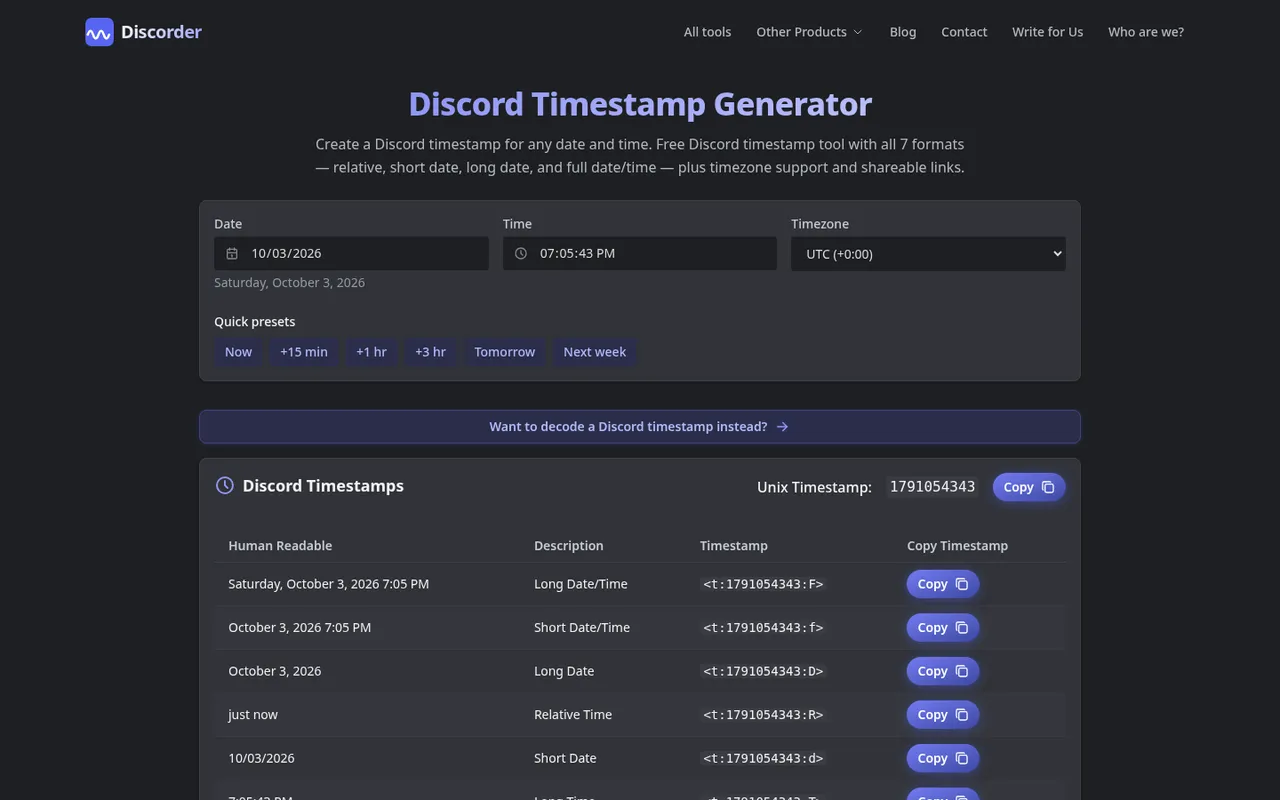
Discord timestamp generator
Use the Discord timestamp generator for sprint starts, submission deadlines, and book-club meetings. A Discord timestamp displays in each member’s own time zone, which avoids asking people to convert a posted time.
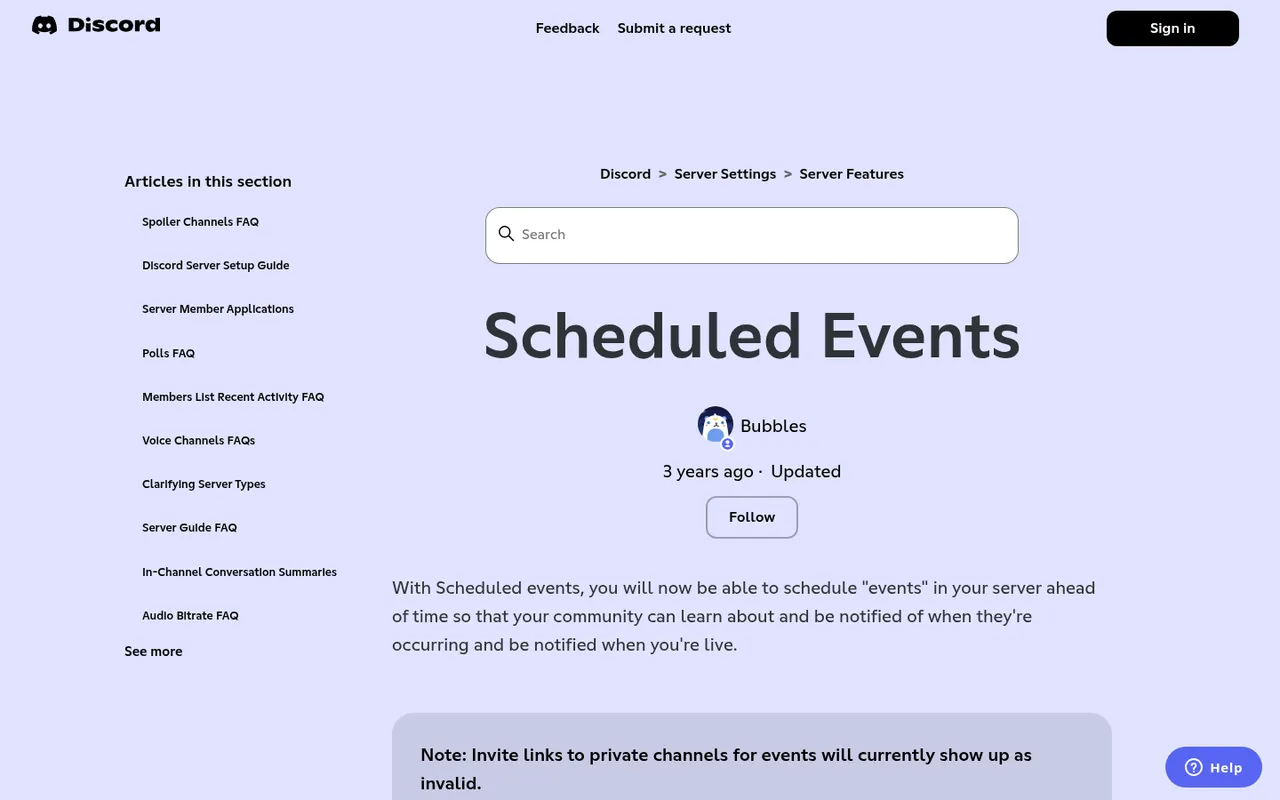
Discord Scheduled Events
Run a book club without spoilers
Keep the main #book-club channel safe for general discussion, then put endings, twists, and chapter-specific details in a spoiler channel. On desktop or web, open Edit Channel > Overview > Content Visibility, turn on Spoiler Channel, and select Save Changes. Members see a notice with the channel name and topic and choose whether to view its content, as described in Discord’s Spoiler Channels FAQ.
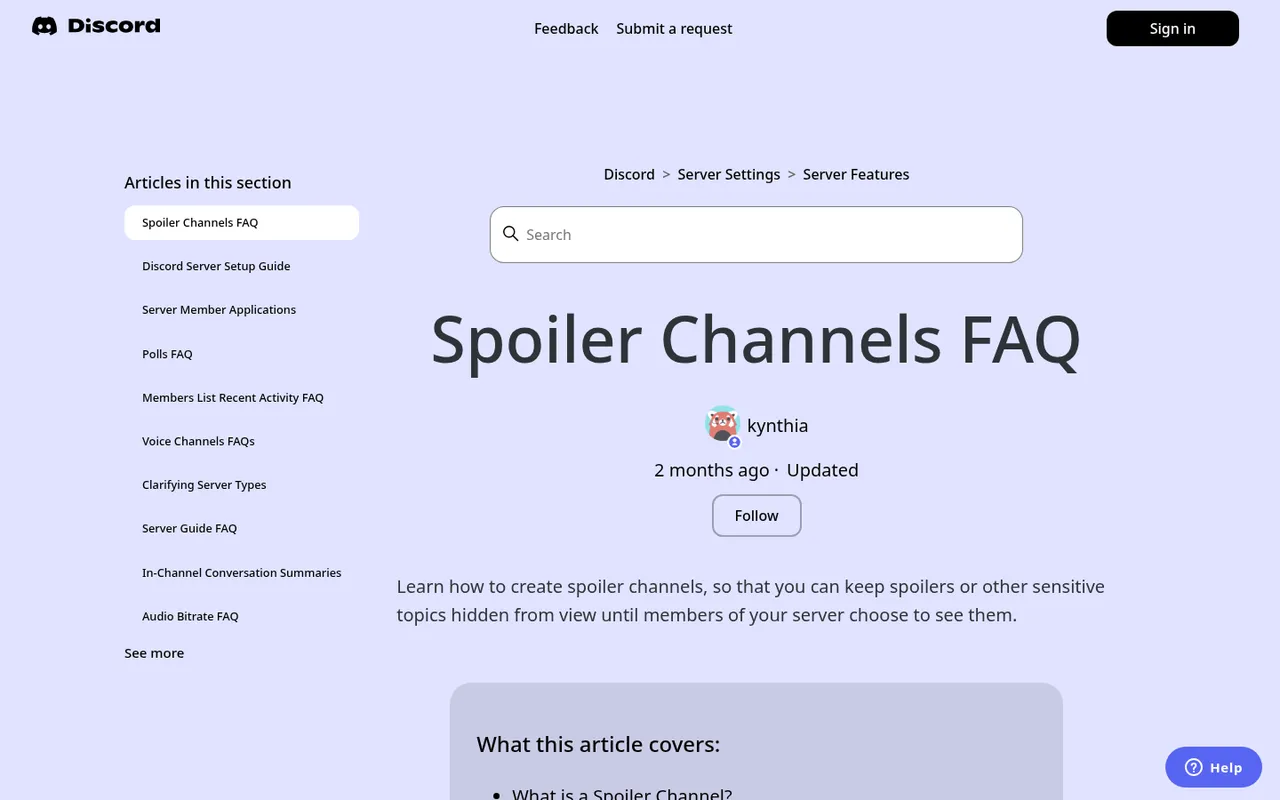
Discord spoiler channel settings
Spoiler channels work for text, voice, forum, and announcement channels. They do not trigger age verification, and all content must still follow Discord’s Community Guidelines. For a smaller spoiler inside an ordinary message, wrap text in double bars: ||like this||. Members can use the spoiler tag tool to format it, and the Discord markdown guide covers excerpts, bold text, italics, and block quotes.
Use a poll to choose the next title, then schedule the meeting as an event. A normal voice channel works for open discussion. For a hosted author reading, Q&A, or structured book-club night, use a Stage channel: speakers talk while the audience listens and can raise a hand to speak. Stage channels are only available in Community servers, as Discord explains in its Stage Channels FAQ.
Roles, onboarding, and who gets in
Give members a simple identity and a practical way to receive relevant pings. Start with these roles:
- Reader and Writer, chosen during onboarding.
- Genre roles, such as Fantasy or Romance, for optional event and recommendation pings.
- Critique Partner or Beta Reader for people who opt into exchanging feedback.
- A small Staff role for trusted moderators.
Ask onboarding questions such as “Are you here to read, write, or both?” and “Which genres do you want to discuss?” Connect each answer to only the channels and roles it needs. Do not force people to choose every genre or interest before they can read the rules.
For a closed critique group or beta-reader circle, consider applications instead of a broadly shared invite. In Server Settings > Access, Discord offers Invite Only, Apply to Join, and Discoverable; Apply to Join lets you ask custom questions and requires an admin to approve applicants. Pending applicants cannot view server content. This feature is gradually rolling out and is enabled from the desktop app, per Discord’s Server Member Applications guide.
Write rules for a writing community
Your rules should explain how the group treats both people and their unpublished work. Start with the Discord rules template and adapt it before inviting members.
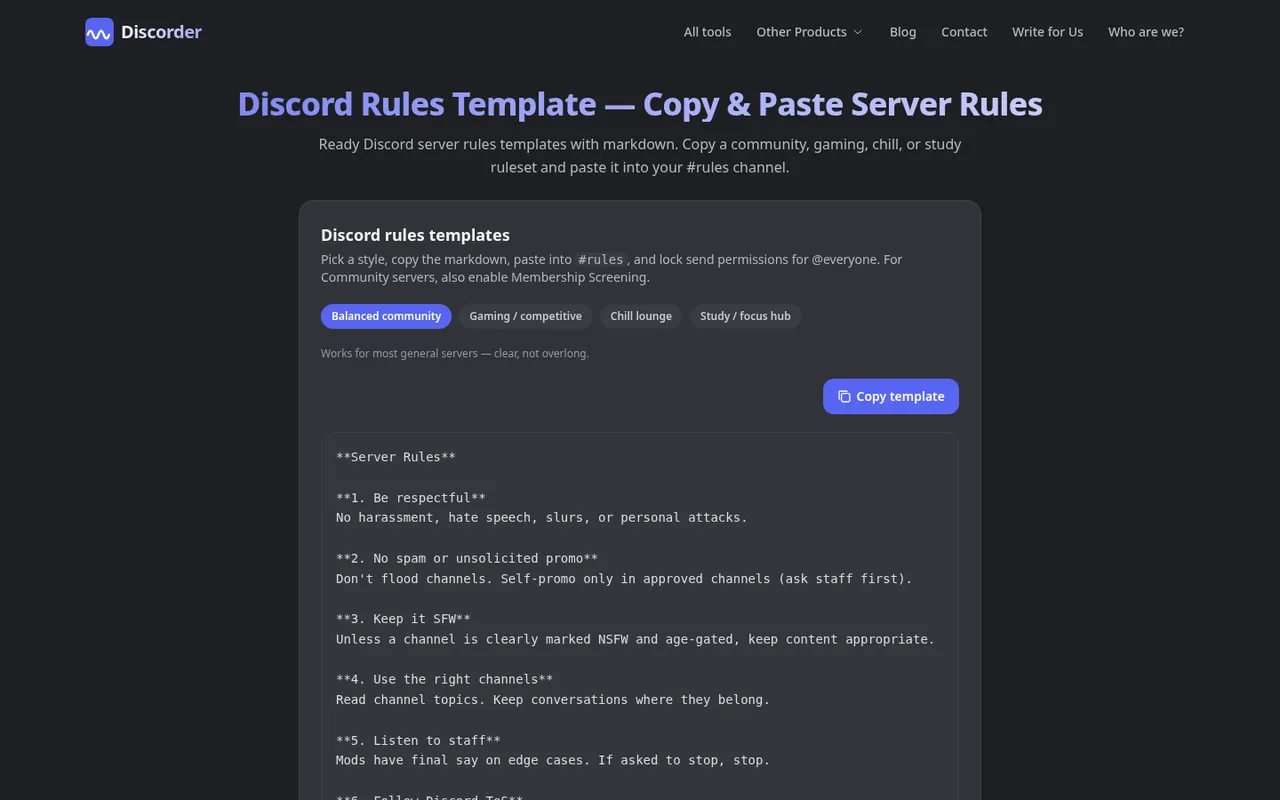
Discord rules template
Add writing-specific rules that cover:
- Critique the work, not the writer; be specific, constructive, and respectful.
- Use a give-to-get rule, such as giving feedback before requesting a new critique.
- Put content warnings in post titles or forum tags when appropriate.
- Do not post, copy, or share another person’s work without their permission.
- Limit self-promotion to a designated channel and define how often it is allowed.
- State your AI policy clearly. For example, allow AI for brainstorming prompts, but require critique submissions to be the member’s own writing, or require AI-assisted work to be labeled.
If your group writes adult fiction, put explicit content in age-restricted channels, which require members to confirm they are adults. Keep content warnings visible in titles or tags. Age restriction does not replace your rules, and all content must still follow Discord’s Community Guidelines.
Keep it calm: moderation basics
You do not need a large bot stack to run a writing server. Discord AutoMod plus a welcome bot cover many basic needs; review the best Discord moderation bots only if you need additional moderation help.
Give Staff the permissions needed to remove problems and manage channels, but do not give the role Administrator by default. Check exactly what a bot invite or role permission grants with the Discord permissions calculator.
Use slowmode selectively, not everywhere. A short setting on #self-promo, a prompt-response channel, or a fast-moving event channel prevents one person from flooding the conversation. Discord slowmode limits how often each member can post, with options from five seconds up to six hours, as set out in its Slowmode FAQ.
Set a staff process early: who handles reports, how you document a warning, and when a member loses access to critique areas. Consistent enforcement matters more than adding more channels or bots.
Frequently asked questions
Should a writing server be public?
Make it private or invite-only when members share unpublished drafts, personal critique, or beta-reader material. A public-facing reader community can use Community features and a wider invite, while keeping critique forums restricted to trusted roles. Applications can help when each new critique member needs approval.
How do I stop critique freeloaders?
Make the exchange rule visible: members give feedback before posting another request, or earn access to critique requests after contributing. Use forum tags to show open requests and completed feedback, and have staff enforce the same rule for everyone.
How do I handle spoilers in a book club?
Use a dedicated spoiler channel for full discussion of the book, label discussion threads by chapter where useful, and ask members to use ||inline spoilers|| in general chat. Schedule the final discussion after giving members enough reading time.
Can I sell or promote my book in my server?
Yes, if you set clear boundaries for promotion. Use one designated channel, say who may post there, and set a frequency limit. Do not let promotional posts replace participation, and follow Discord’s Community Guidelines and your own rules.
Do I need bots for a writers and readers server?
No. Start with Discord’s built-in channels, forums, events, polls, onboarding, AutoMod, and slowmode. Add a welcome bot or another moderation tool only when you have a specific recurring task it solves.

With a background in AI and a passion for clear technical communication, I enjoy breaking down complex tools and processes. Exploring new software and sharing insights is a key focus.
Run a gaming, tech, or AI site? Write for us or swap links →
Further Reading
Best Discord Bots in 2026: 10 Picks for Every Job
Best Discord bots for 2026: 10 independent picks led by Carl-bot, with free-tier details, trade-offs, and a clear job for every type of Discord server.